Alexa “scenes” are usually routines
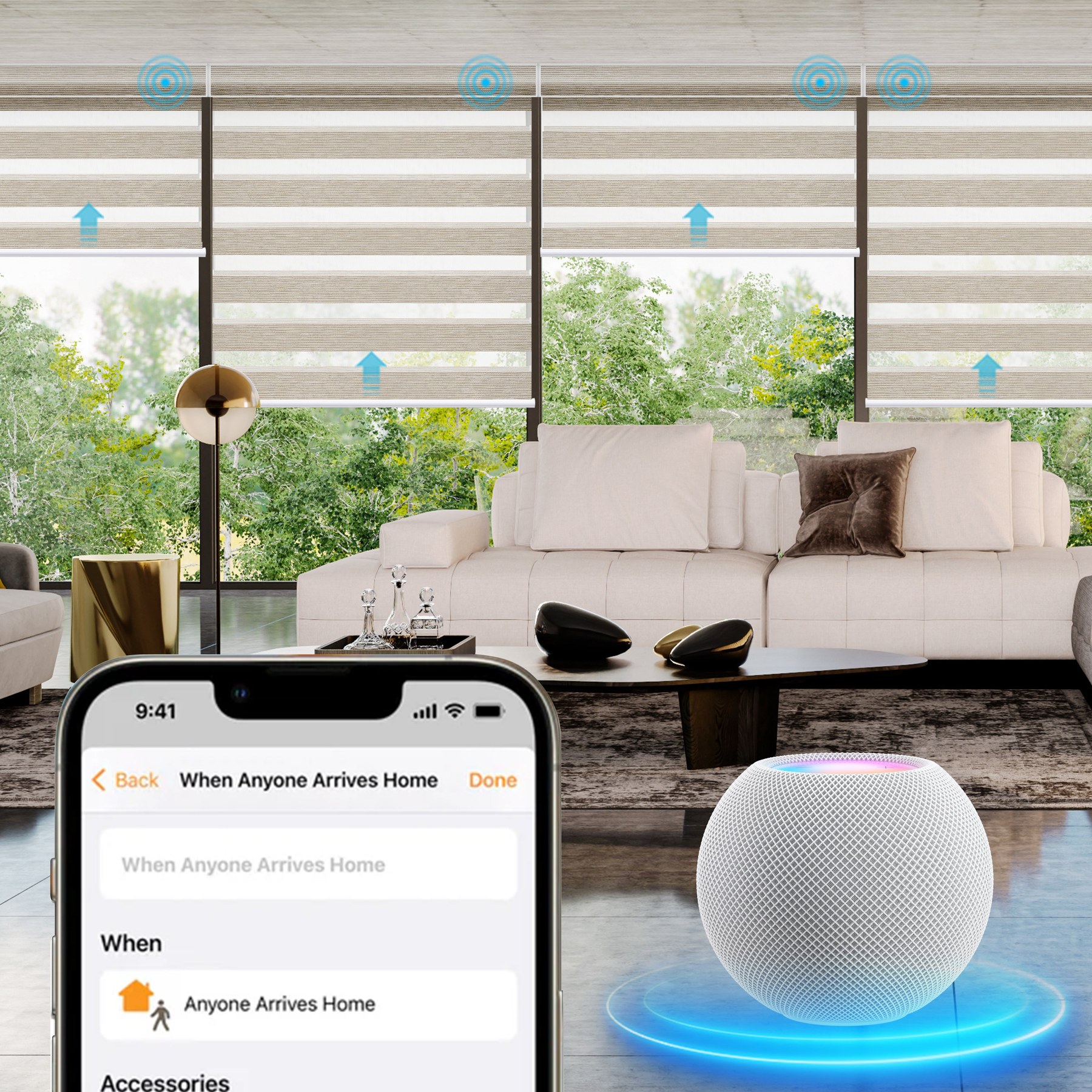
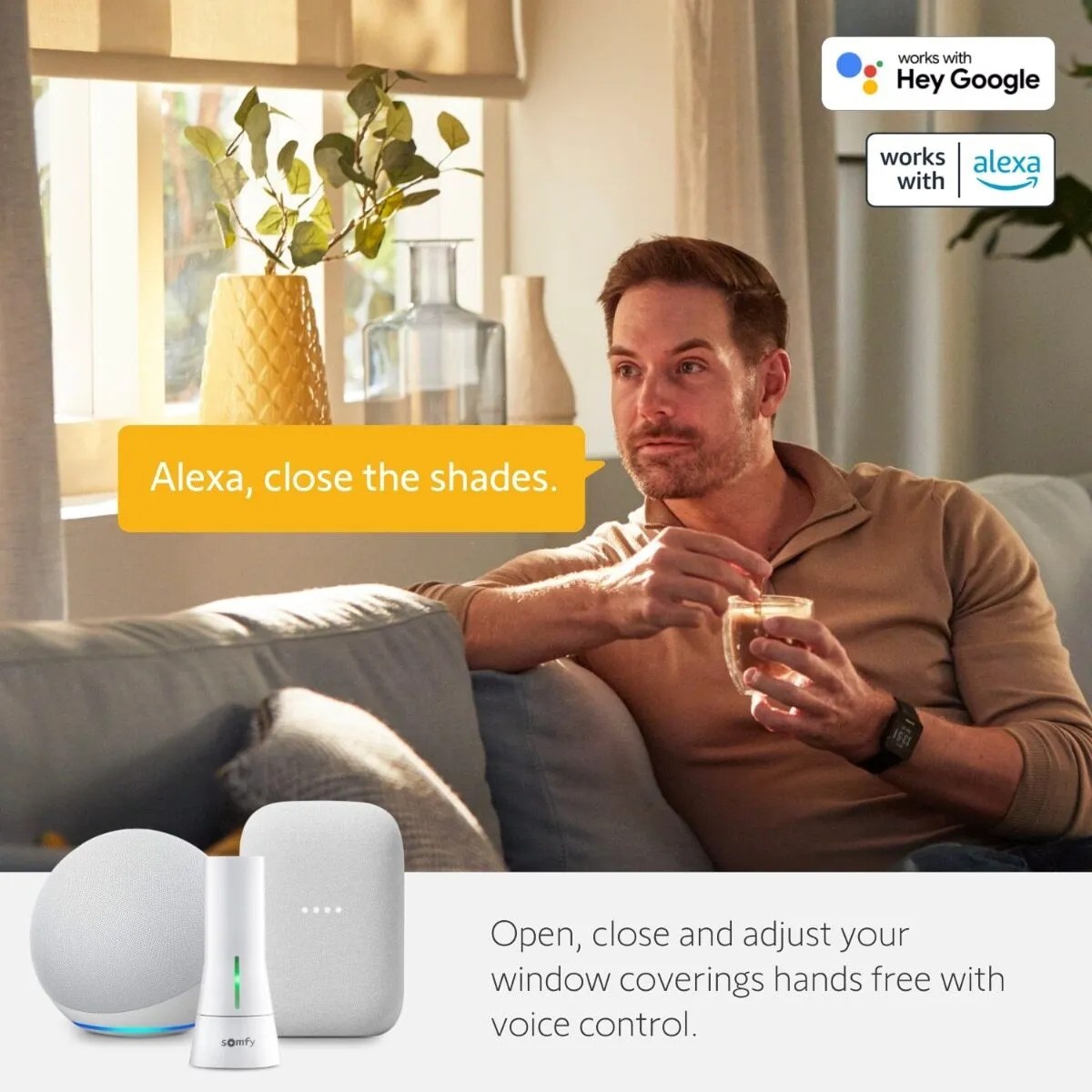
Homeowners often say “Alexa scene” when they mean a named action that moves one or more shades. In the Alexa app, the feature to look for is a Routine: a trigger starts one or more actions. The trigger might be a time, a spoken phrase, or a compatible smart-home event; the action can include a shade command if the shade’s integration exposes that control. Amazon describes routines as shortcuts that can be activated by voice, time of day, or connected devices (Amazon Alexa Routines).
That last condition matters. A motorized shade is not automatically able to join every Alexa routine just because it has a remote or a phone app. The motor, hub or bridge, app skill, account link, and Alexa device support need to work together. Some integrations expose open and close only; others add target positions or groups. World Wide Shades recommends verifying those details for the exact motor model before you plan percentage-based scenes.
Start with a few routines that solve an everyday problem instead of automating every window at once. World Wide Shades can help match motor and fabric choices to how you want to use Alexa. Explore the custom shade builder or ask us for help through contact.
Confirm compatibility before building a routine
Write down the shade brand and model, its connection method, the app used for setup, and whether it requires a hub or bridge. Check the manufacturer’s compatibility page for Alexa support and whether a subscription, account link, or specific hub is required. If you are buying a new shade, confirm that the product exposes the actions you need—not only that it carries an “Alexa compatible” label.
Check what Alexa can actually command:
- Open and close: useful for simple daylight and privacy routines.
- Preset or percentage position: needed when you want a shade at, for example, 30% or 70%, if that motor supports exact positioning.
- Groups or rooms: useful for commanding several shades at once, but test that the group contains only the intended windows.
- Status reporting: some integrations report whether the shade is open or closed; others do not provide reliable position feedback.
Do not assume that a motor’s app percentage will be available to Alexa. Integration can vary by model and software version. If your shade is already installed, test one command in the Alexa app before creating a routine around it. Our motorized-shades smart-home setup guide explains the usual bridge, account, and device-discovery stages.
World Wide Shades can help you compare powered configurations. Call (844) 674-2716 or request a consultation if you are unsure which control option is appropriate for your windows.
Create and name Alexa routines clearly
Amazon’s app instructions are straightforward: open the Alexa app, select More, then Routines, tap the plus sign, choose Add an event for the trigger, choose Add an action, and save. The exact screens can change as the app is updated; Amazon’s routine-creation help page lists the same general sequence.
Use short, distinct names. “Morning light” is easier to remember than “routine 2.” Avoid names that sound like a device command or another household member’s phrase. If you group shades by room, make sure the room name matches the Alexa device group so a spoken command does not close the entire home when you wanted one bedroom.
For a first test, create a routine with one shade action and a manual voice trigger. Confirm that the right shade moves, that the direction is correct, and that the result matches the name. Add a second shade or another smart-home action only after the first command behaves predictably.
Useful routine ideas for everyday life
Set a time-based routine for a few minutes after your household normally wakes. If the motor supports percentage positions, open the bedroom shade partway rather than immediately exposing the room. A partial position can bring in daylight while preserving some privacy from nearby homes. In winter, you may prefer a later opening; during bright summer mornings, a more modest opening can be comfortable.
Use a separate routine for a nursery or shift-worker bedroom instead of including it in the whole-home group. World Wide Shades can help select an opaque or light-filtering fabric that complements the schedule, but fabric behavior and privacy depend on both the room and exterior light. Browse fabric swatches to compare how candidate materials look at morning and evening light.
For a living room or home office, choose a preset position that reduces glare while leaving enough daylight for work. If your integration supports time triggers only, schedule a change for the hours when direct sun typically crosses the desk. If a compatible light sensor or another smart-home device is available to your setup, test whether its event can trigger the shade action; not every Alexa accessory exposes shade control to every routine.
A solar-screen fabric may retain a daytime view while reducing direct glare, but the openness factor changes visibility and light transmission. For an office, compare our guides to energy-efficient window shades and home-office recording-room shades before choosing a fabric.
Create a routine triggered by a phrase such as “Alexa, movie time.” Close the room’s shades, dim compatible lights, and leave other areas untouched. If a partial-open position is preferable for watching sports or using an adjoining workspace, make a different routine rather than asking one phrase to do two jobs.
Check the order of actions and verify each device. If you have more than one shade in the room, name the group after the room and test it from the Alexa device most often used there. The shades should not block a patio door or window that someone needs to use.
Use a routine that closes selected shades when you leave or at a regular evening time. Treat this as a convenience, not a security system: a routine that fails to run should not be the only thing protecting a home. If your Alexa setup supports location or other presence triggers for the chosen motor, test those triggers with each household member who shares the home.
Before automating, check whether the selected shades can be opened manually if Wi-Fi or the hub is unavailable. World Wide Shades can review motor options with you through the builder, including whether a rechargeable, plug-in, or hardwired power arrangement fits the room.
Create a predictable bedtime routine that closes bedroom shades and adjusts lights or a thermostat only if those actions are part of your system. Keep the trigger separate from “good night” if the whole-house command would also move shades in a room someone is still using. A clear name and narrow device group reduce mistakes.
For homes with children, choose a cordless shade operating style and keep furniture away from cords on existing treatments. The CPSC identifies cordless window coverings as the safest option where young children are present (CPSC window-covering safety). See our child-safe window-treatment guide for additional planning.
Avoid routines that create surprises
Do not create overlapping schedules that send conflicting commands, such as opening at 7:00 a.m. and closing at 7:01 a.m. Review the Alexa routine list after adding new devices. If you change a shade’s room name, group, or skill link, retest the routine; it may still refer to a previous device name.
Be cautious with voice recognition in shared spaces. Anyone nearby may be able to say a routine phrase unless your Alexa configuration applies a profile or other restriction. Do not use a voice trigger as the only safeguard for a room where shade movement could interfere with a person, pet, or object.
If internet service is interrupted, cloud-connected routines may not behave like a local wall switch. Keep the included remote or approved manual control accessible and understand the motor’s fallback method. Read our motorized-shade setup guide and motorized-versus-cordless comparison as part of a complete control plan.
World Wide Shades can help match fabric openness, room use, mounting details, and motorization before the order is placed. Use World Wide Shades’ online builder for a tailored configuration, browse fabric samples, or call (844) 674-2716 for help.
Frequently asked questions
Yes, if the exact shade motor or its hub/bridge supports Alexa and has been linked through the required app or skill. Available commands may include open and close, while percentage positioning depends on the model and integration.
In everyday conversation, “scene” often means a named set of shade positions. Alexa’s built-in automation feature is called a Routine, which combines a trigger with one or more actions. Device integrations can use their own names for saved positions.
Some Alexa routine setups offer time-based or sunrise/sunset triggers, but the option can vary by app, location settings, and connected device. Check the trigger choices in your current Alexa app and test it with the specific shade.
Only if the motor and Alexa integration expose position control. Test a position command directly before using it in an automated routine; an integration that supports only open and close cannot reliably set 50%.
It depends on how the motor and hub execute commands. A cloud-based integration may lose remote or automated control when connectivity is down, so keep the product’s approved remote or local control accessible.
Begin with two or three routines that are easy to test, such as morning, movie time, and bedtime. Add more only when you can identify a distinct trigger and a clear set of shade actions for each one.