Why Motorized Shades Belong in Your Smart Home
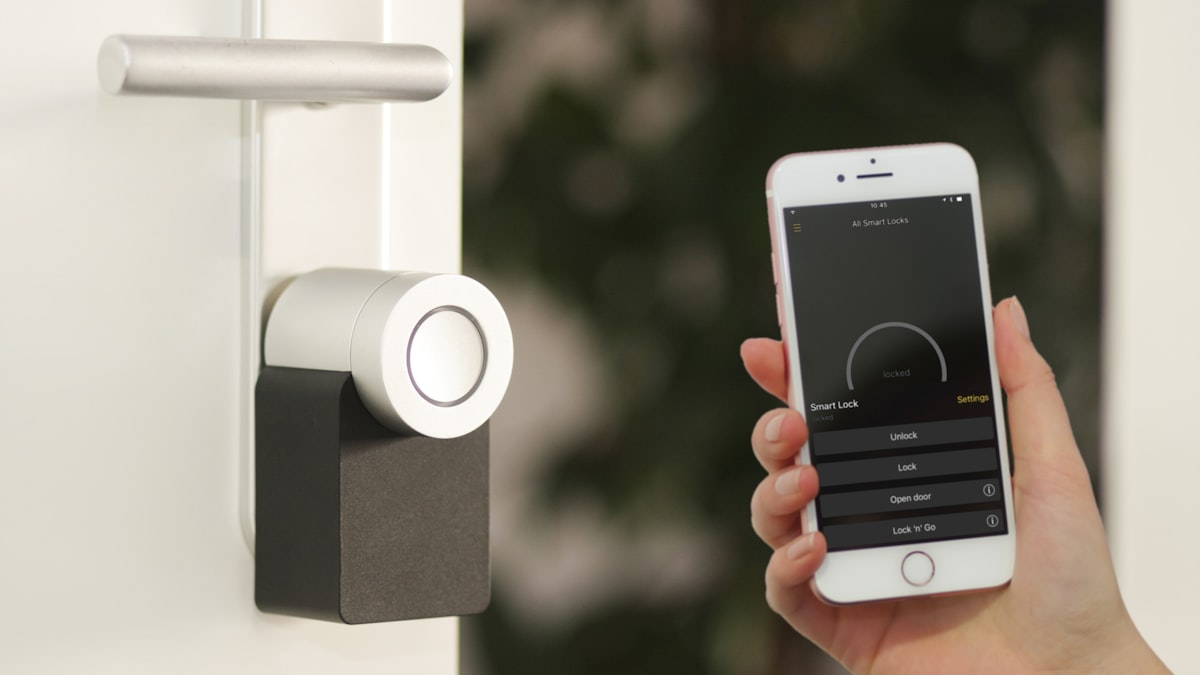
Smart home technology has moved far beyond novelty gadgets. Today, nearly 70 million U.S. households use at least one smart home device, and automated window treatments are one of the fastest-growing categories. Motorized shades that integrate with your existing smart home ecosystem let you control every window in your home by voice, app, or automated schedule — without lifting a finger.
The benefits go beyond convenience. Automated shades improve energy efficiency by adjusting to sun position throughout the day, enhance security by simulating occupancy while you are away, and protect furniture and floors from UV damage by closing during peak sun hours. Paired with the right integration, motorized shades become one of the hardest-working components in your smart home.
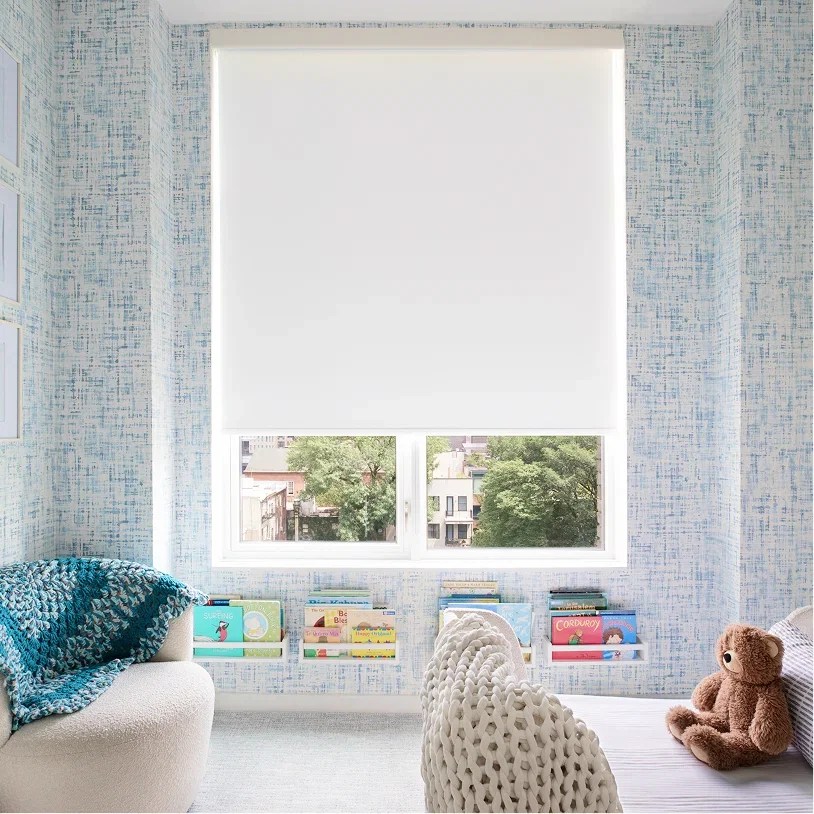
World Wide Shades offers motorized roller shades compatible with every major smart home platform — Alexa, Google Home, Apple HomeKit, SmartThings, and more. This guide walks you through the setup process for each platform and helps you design an automation strategy that fits your household.
Use our online shade builder to configure motorized roller shades to your exact window measurements and get a price before you order.
Choosing the Right Motor and Connectivity
Before diving into platform-specific setup, you need to understand the motor types available and which connectivity protocols they support.
Battery-powered motors. The easiest to install — no wiring required. Modern lithium-ion shade motors last 6 to 12 months on a single charge with typical daily use (2 to 4 full cycles per day). Rechargeable motors use a micro-USB or USB-C cable. These are ideal for retrofitting existing windows without running electrical.
Hardwired motors. Powered by low-voltage (12V or 24V DC) wiring that runs from the headrail to a power supply, which plugs into a standard outlet or connects to your home's electrical system. Hardwired motors never need recharging and can handle heavier, wider shades. They are the preferred option for new construction or renovations where you can run wiring during the build phase. If you're planning a new build or renovation, see our guide to custom shades for new construction for how to coordinate wiring and headrail placement with your contractor.
Plug-in motors. A middle ground — the motor is powered by a cord that runs from the headrail to a nearby outlet. No battery management, no electrician. The downside is a visible power cord, which can be concealed with paintable cord covers.
Wi-Fi (2.4 GHz). Direct connection to your home router. Simple setup, no hub required. But Wi-Fi motors can strain your network if you have 10 or more shades, and they depend entirely on your router's reliability.
Zigbee. Low-power mesh networking protocol. Requires a compatible hub (SmartThings, Hubitat, or a Zigbee coordinator). Excellent for large installations because each device strengthens the mesh. Very low power consumption extends battery life.
Z-Wave. Similar to Zigbee but uses a different frequency (908 MHz in the US). Requires a Z-Wave hub. Less common in shade motors but supported by some brands.
Bluetooth Low Energy (BLE). Used primarily for direct phone-to-shade control within a single room. Limited range (approximately 30 feet) and no native smart home automation. Fine for a single shade controlled by phone, but not suitable for whole-home automation.
RF (Radio Frequency). Proprietary radio signals used by some brands with their own remotes and bridges. Requires the manufacturer's bridge device to connect to smart home platforms.
For full smart home integration, World Wide Shades recommends Wi-Fi or Zigbee motors. Wi-Fi is simpler for small installations (1 to 5 shades). Zigbee is better for larger homes (6+ shades) where network reliability and battery life matter more.
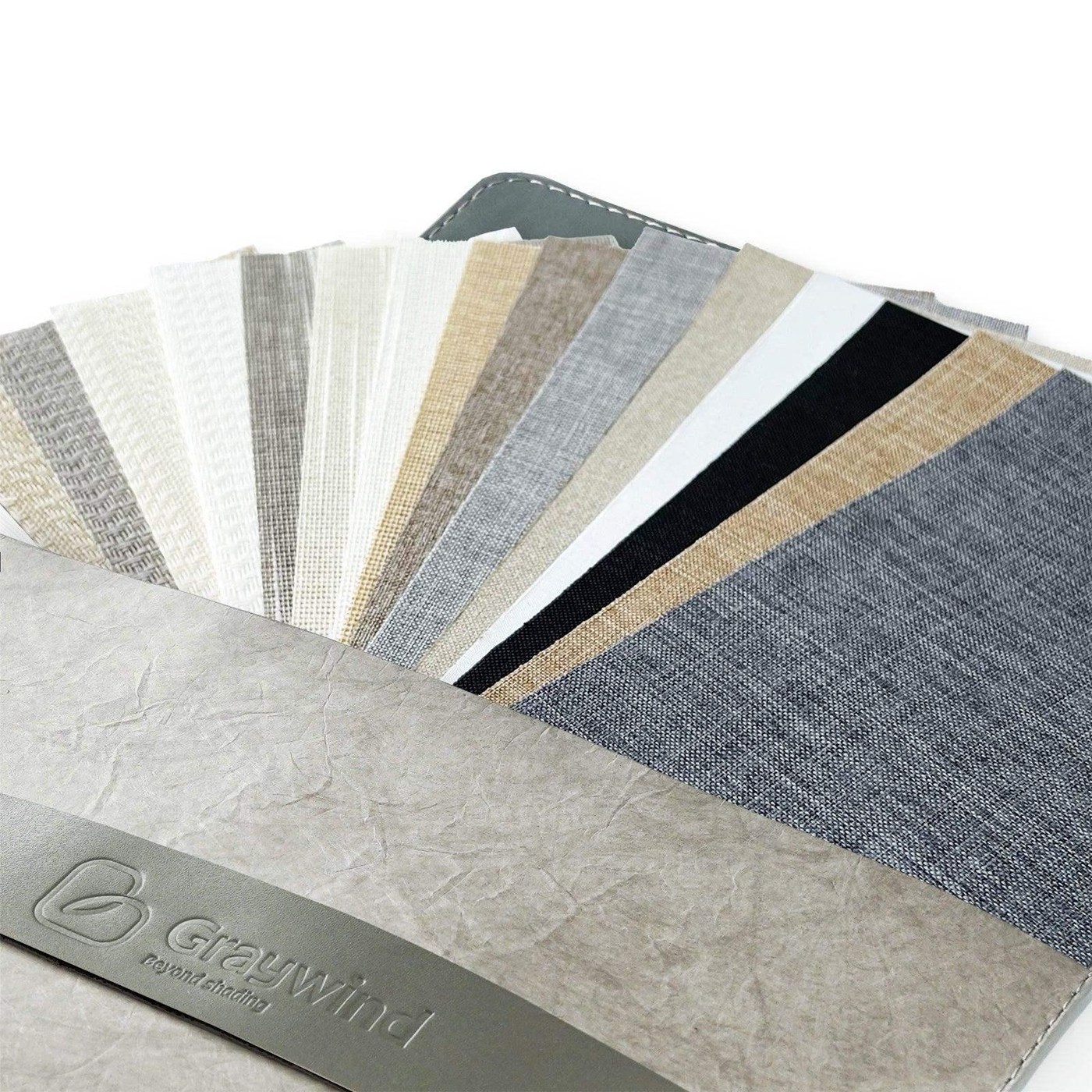
Browse free fabric swatches while you're planning your motor type — the fabric and connectivity decision often happen at the same time, and seeing physical samples helps you finalize the spec.
Setting Up With Amazon Alexa
Amazon Alexa is the most widely used voice assistant for smart home control, and motorized shades integrate smoothly through several pathways.
If your motorized shades connect directly to Wi-Fi:
- Install the shade manufacturer's app on your phone and complete the initial motor pairing (connecting the motor to your Wi-Fi network).
- Open the Alexa app and navigate to Skills & Games.
- Search for the shade manufacturer's Alexa skill and enable it.
- Link your shade account by entering your credentials from the manufacturer's app.
- Alexa will discover your shades automatically. Assign each shade to the correct room in the Alexa app.
For Zigbee or Z-Wave motors:
- Pair the shade motor with your hub following the hub's device pairing instructions.
- In the Alexa app, enable the SmartThings or Hubitat skill.
- Link your hub account.
- Alexa discovers all devices connected to the hub, including your shades.
Once set up, you can use natural voice commands:
- "Alexa, close the bedroom shades."
- "Alexa, open the living room shades to 50%."
- "Alexa, close all shades." (if grouped in the app)
Alexa Routines let you trigger shade actions based on time, sunrise/sunset, or other device triggers:
- Morning routine: At sunrise, open shades to 75% in the living room and kitchen.
- Bedtime routine: At 10:00 PM, close all shades and set the thermostat to 68°F.
- Away mode: When your Ring doorbell detects you leaving, close all shades after 10 minutes.
- Movie time: Say "Alexa, movie time" to close the living room shades and dim the lights.
Setting Up With Google Home
Google Home integration follows a similar pattern to Alexa, with some Google-specific features.
- Complete initial motor setup in the manufacturer's app.
- Open the Google Home app and tap the "+" icon, then "Set up device," then "Works with Google."
- Search for the shade manufacturer and link your account.
- Google Home imports your shades. Assign them to rooms.
Google supports percentage-based commands and natural language:
- "Hey Google, open the kitchen shades."
- "Hey Google, set the bedroom shades to 30%."
- "Hey Google, close all the shades."
- "Hey Google, are the living room shades open?"
Google Home's automation (called "Household Routines") supports:
- Sunrise/sunset triggers. Open shades at sunrise, close at sunset — times adjust automatically with the season.
- Time-based schedules. Close shades every weekday at 6:00 PM.
- Presence-based. When everyone leaves home (based on phone location), close all shades. When someone arrives, open them.
- Stacked actions. Combine shade control with lights, music, and thermostat in a single routine.
Get started with a custom quote from World Wide Shades — configure your motorized shades by window size and connectivity protocol before your next smart home project call.
Setting Up With Apple HomeKit
Apple HomeKit offers the tightest integration for Apple households, with Siri control, Apple Home app management, and HomeKit automations.
HomeKit-compatible motorized shades connect either directly (via Wi-Fi with HomeKit firmware) or through a HomeKit-compatible hub like HomeBridge or a manufacturer's bridge device. Check that your specific motor model lists "Works with Apple HomeKit" before purchasing. World Wide Shades can advise on HomeKit-compatible motor options at (844) 674-2716.
- Open the Apple Home app on your iPhone or iPad.
- Tap "+" then "Add Accessory."
- Scan the HomeKit pairing code on the motor or its packaging.
- The shade appears in your Home app. Assign it to a room.
- "Hey Siri, close the bedroom shades."
- "Hey Siri, open the living room shades halfway."
- "Hey Siri, set the office shades to 25%."
HomeKit automations run locally on an Apple TV or HomePod acting as a home hub, which means they work even if your internet goes down:
- Time-based. Open shades at 7:00 AM on weekdays.
- Sensor-triggered. Close shades when a HomeKit light sensor detects direct sun intensity above a threshold.
- Scene-based. Create a "Good Morning" scene that opens shades, turns on kitchen lights, and starts the coffee maker.
- Geofenced. Close all shades when the last person leaves a defined geographic area around your home.
Advanced Automation Strategies
Once your motorized shades are connected to your smart home platform, you can build sophisticated automation sequences that go far beyond simple scheduling.
The most energy-efficient automation strategy adjusts shades based on the sun's actual position throughout the day. Here is a sample schedule for a New York City home:
- 7:00 AM: Open east-facing shades to 75% to let in gentle morning light.
- 10:00 AM: Close east-facing shades to 25% as direct sun intensifies. Open south-facing shades to 50%.
- 1:00 PM: Close south-facing shades to 25% during peak solar intensity.
- 3:00 PM: Close west-facing shades to 25% before afternoon sun arrives.
- Sunset: Close all shades for privacy and insulation.
This approach can reduce cooling costs by 15% to 20% compared to static shade positions, as covered in our energy-efficient window shades guide. For outdoor spaces, automated shades work just as well — see our guide to outdoor roller shades for patios for motorization options for covered patios and pergolas.
Use motion sensors or phone-based geofencing to automate shades based on who is home:
- Everyone away: Close all shades to reduce solar heat gain and improve security (closed shades signal an occupied home to passersby while preventing interior visibility).
- First person arrives home: Open shades in common areas to welcoming positions.
- Guest bedroom occupied: Set shades to a default 50% position. Unoccupied guest rooms get closed shades.
The most powerful automation connects shades to your thermostat or HVAC system:
- When the thermostat calls for cooling, close shades on sun-facing windows to reduce the load.
- When the thermostat calls for heating in winter, open south-facing shades to capture passive solar heat.
- When the temperature in a specific room exceeds a threshold (measured by a room sensor), close that room's shades.
These integrations work best through platforms like SmartThings, Home Assistant, or Hubitat that support complex conditional logic. World Wide Shades can help you select motor protocols that work with your existing smart home hub — call (844) 674-2716 before you order if you have an unusual or multi-hub setup.
Grouping and Room Organization
Proper shade grouping is critical for a smooth smart home experience. Here are best practices:
Group by room. Create a room group (e.g., "Living Room") containing all shades in that space. This lets you say "Close the living room shades" to control multiple shades simultaneously.
Create master groups. Set up an "All Shades" group or a "Downstairs Shades" / "Upstairs Shades" group for whole-home or floor-level control.
Name shades descriptively. "Left Bedroom Window" and "Right Bedroom Window" are more useful than "Shade 1" and "Shade 2." Voice assistants work better with natural, descriptive names.
Set default positions. Most platforms let you set a default open position (e.g., 75% instead of 100%) so your shades stop at your preferred height.
World Wide Shades offers motorized shades compatible with all major group-control platforms — configure your whole-home system with consistent motor types to simplify grouping and automation.
Troubleshooting Common Issues
Shade does not respond to voice commands.
- Verify the shade is online in the manufacturer's app.
- Check that the Alexa/Google/HomeKit skill or link is still active.
- Power-cycle the shade motor (for battery models, disconnect and reconnect the battery; for hardwired, toggle the power supply).
- Ensure your Wi-Fi network is on 2.4 GHz — many shade motors do not support 5 GHz networks.
Shade moves to the wrong position.
- Recalibrate the upper and lower limits in the manufacturer's app. Most motors require an initial calibration to learn the fully open and fully closed positions.
Automations do not trigger.
- Verify the automation is enabled and the schedule is correct (check AM/PM settings).
- For presence-based automations, ensure location services are enabled on your phone.
- For hub-based setups, check that the hub is online and has the latest firmware.
Battery drains faster than expected.
- Reduce the number of daily cycles. Each full open/close cycle uses a small percentage of battery.
- Check for unintended automation loops (e.g., two automations fighting — one opening and one closing repeatedly).
- In cold environments, battery performance decreases. Keep battery-powered motors in climate-controlled spaces.
Frequently Asked Questions
It depends on the motor's connectivity protocol. Wi-Fi motors connect directly to your router — no hub needed. Zigbee and Z-Wave motors require a compatible hub (SmartThings, Hubitat, etc.). If you already have a smart home hub, check whether it supports the shade motor's protocol before purchasing. If you are starting from scratch, Wi-Fi motors offer the simplest setup for small installations. Contact World Wide Shades at (844) 674-2716 and we'll match you with the right motor protocol for your setup.
Yes. All major platforms (Alexa, Google Home, HomeKit) support remote control through their apps. As long as your shade motor is connected to your home network and the hub or cloud service is online, you can open or close shades from anywhere in the world.
Most home routers support 20 to 30 connected devices without issues. If you have more than 10 motorized shades plus other smart home devices (lights, cameras, locks, speakers), consider a mesh router system or switching to Zigbee motors with a dedicated hub to reduce Wi-Fi congestion.
In most cases, no. Motorized shades use a different roller tube and mounting system than manual shades. You would need to replace the entire shade assembly. Our guide on best fabrics for roller shades can help you choose the right material for your motorized upgrade — not just the motor. World Wide Shades can advise on whether your existing brackets are compatible before you commit to fabrication.
Yes — motorized shades from World Wide Shades are one of the safest options for homes with young children precisely because they have no accessible cords or chains. The motor is sealed inside the roller tube. For more on child safety standards and the full range of cordless options, read our child-safe window treatments guide. For bedrooms, pairing motorized operation with blackout shades creates the ultimate automated sleep environment.
Motorized shades in wet environments should use PVC-coated fiberglass or moisture-resistant polyester fabrics — the motorization itself works fine in humid conditions, but the fabric matters. See our roller shades for kitchens and bathrooms guide for the full breakdown of moisture-resistant material options.
Build Your Smart Shade System
Motorized shades are one of the most impactful smart home upgrades you can make — they combine convenience, energy savings, and security in a single investment. Whether you are automating a single bedroom or outfitting an entire home, World Wide Shades offers motorized roller shades compatible with Alexa, Google Home, HomeKit, and all major smart home platforms, custom-fabricated at our Bronx shop to your exact window dimensions.
Use our online builder to configure motorized shades for your windows, explore fabric options for every room, or contact our team for help designing a whole-home motorized shade plan. Call (844) 674-2716 — World Wide Shades will help you build a system that works perfectly with your smart home from day one.