The best way to choose custom roller shades for data center control rooms is to start at the consoles, not at the windows. A shade that makes a room feel dimmer may still leave a bright reflection across a wall display. Before choosing a fabric, identify which windows affect which screens, when the problem occurs, and who needs to be able to adjust the shades during a shift.
World Wide Shades builds each roller shade to order, so window groups do not have to share a fabric or control just because they are in the same room. If you already know which windows need different levels of glare control, compare fabrics at World Wide Shades before configuring the openings.
Check what operators see across shifts
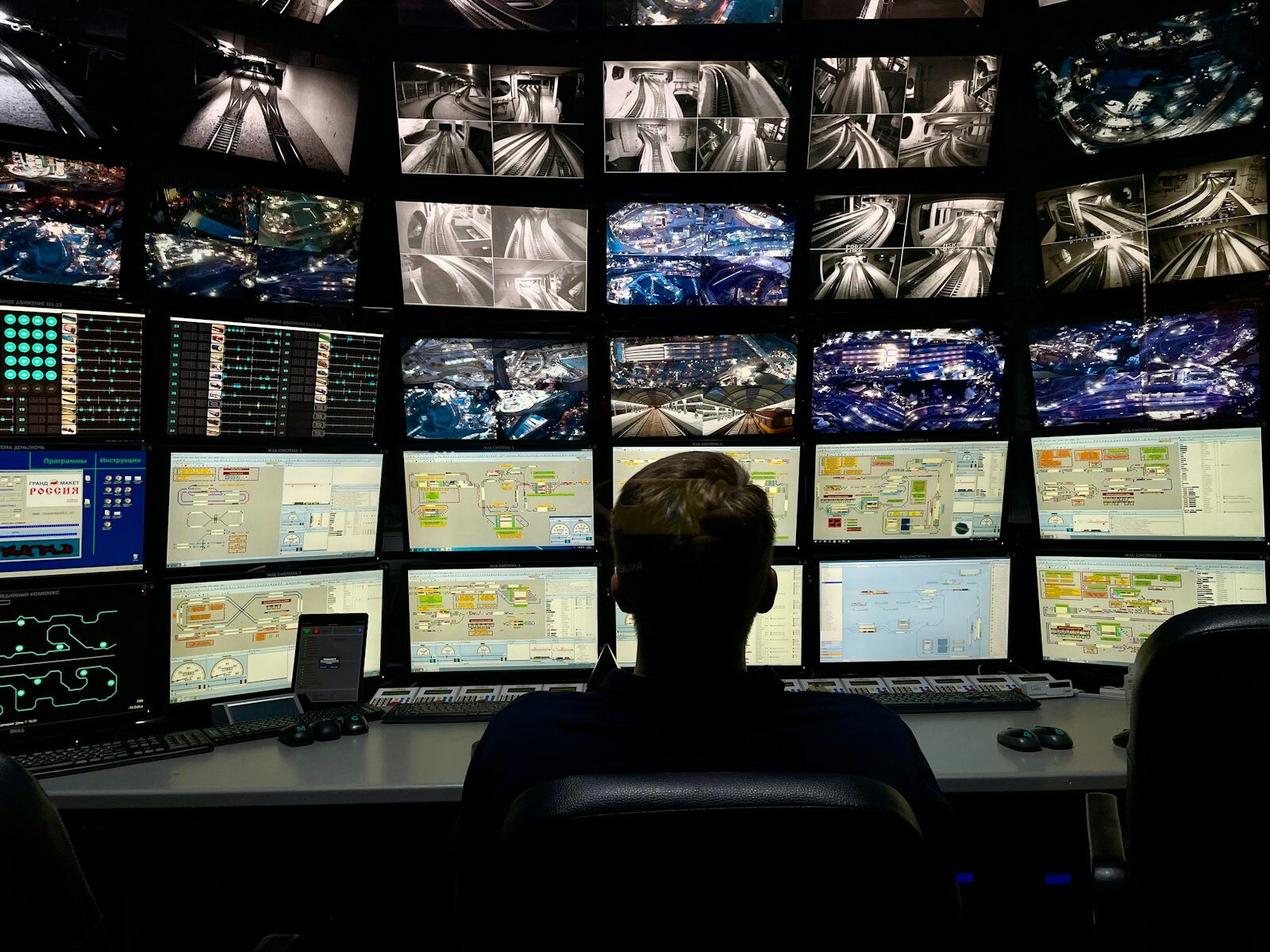
Start with the seats where people read alarms, dashboards, camera feeds, or shared status screens. Look for direct glare from a bright window in the operator’s field of view and reflected glare from a window visible in a screen. A window behind the console can be a problem even if the operator never faces it. CIBSE’s Lighting Guide 22 for control rooms emphasizes the geometry among operators, desktop screens, shared displays, lighting, and windows, and addresses direct and reflected glare.
Test from normal working positions in the morning, around midday, late in the afternoon, and after dark if the room operates overnight. Have the day and night teams use the screen modes they normally work in, including dark dashboards if applicable. Can they read a small alarm label, distinguish similar status colors, and see the whole wall display without leaning or changing seats? Record the seat, screen, suspected light source, time, and effect on the task. If you cannot observe the worst seasonal sun angle before ordering, note that limitation and avoid treating one cloudy walkthrough as a pass.
Change one thing at a time where site procedures permit. Temporarily shading one window while keeping the room lighting and screen settings unchanged can help confirm a daylight problem. If an overhead luminaire still appears in the screen after dark, investigate room lighting and screen position with the lighting or AV team. If a display remains hard to read with reflections removed, have that team assess brightness, contrast, content design, and viewing angles separately.
The goal is to preserve useful room lighting while addressing unwanted window light. CIBSE’s control-room guidance treats daylight control, electric lighting, and emergency or standby lighting as separate design considerations. Use the commercial roller shades guide for broader workplace context, but judge the control-room fabric by what operators can read at their stations.
Choose fabric by window zone
Make a window zone out of openings that create the same problem and should move together. Two windows on the same façade may need different treatments if one reflects into a shared screen and the other brings daylight to an area away from the consoles. Conversely, windows on different walls may each contribute glare to the same display and need separate control at different times.
Openness describes the portion of a screen fabric made up of openings in its weave. It is not the percentage of visible light transmitted, and the same openness factor does not guarantee the same result with different fabrics, colors, or glazing. Consider lower openness where the room still benefits from daylight or an outward view, but the reflection must be reduced. Verify the result for the relevant seat and sun angle rather than assuming a percentage will protect every screen.
Use light-filtering fabric where daylight is welcome but the window itself is uncomfortably bright. A light-filtering fabric can soften that light without making the shade opaque, but the lowered fabric can still read as a bright patch in a display. It is a more promising starting point for a circulation-side window than for an opening directly reflected in a shared monitoring screen. Compare trade-offs in the light-filtering shades guide and the roller shade fabric guide.
Consider blackout where an opening puts direct sun onto a screen or creates a reflection that remains unacceptable with a light-filtering shade. Blackout describes the fabric, not the entire installed opening. Light can still enter around the edges or between neighboring shades. Check whether an allowable outside-mount overlap would reduce the troublesome edge light, and flag any requirement for room darkening or security-rated visual screening separately.
World Wide Shades offers blackout and light-filtering options, genuine swatch photos, and mill openness factors where applicable. It does not offer a sample program, so do not treat the swatch photo as proof of on-site glare performance. If project timing permits, contact World Wide Shades or call (844) 674-2716 to discuss configuring one representative opening before committing to a full room.
Standardize repeated windows and review exceptions
Keep the same fabric, mount type, and control approach across openings that serve the same function, but record each opening’s actual dimensions. For example, a row of similar windows could share one fabric choice while the unit beside a column needs a different mount. A deeper recess, an obstruction, or an opening that throws light into a critical display deserves its own review rather than a copy of the nearest order line.
For procurement, have facilities confirm mounting and access, operations confirm screen visibility and control zones, and the project buyer carry the agreed configuration into the order. Request any documentation your project requires before purchase, and confirm that installation will not interfere with site access or safety requirements. Use the new-construction shade guide if window or trim details are still being coordinated. If an exception is holding up the order, contact World Wide Shades about the opening before finalizing the rest of the configuration.
Decide who can move the shades and when
Manual operation can suit an accessible opening that needs only occasional adjustment. If windows are hard to reach, adjustments are frequent, or an operator needs to stay at a console, motorized operation may be a better fit. Decide whether each window should move independently or with the rest of a zone. If lowering an entire wall is the only response to glare at one seat, the control group may be too broad.
World Wide Shades offers battery motors that do not require wiring. Automate is the default; buyers who already own a Somfy remote can select a Somfy motor to pair with it. A remote is required, and the Push 5 remote runs up to five shades. A compatible Automate setup can add app, voice, and scheduling features with the Automate Pulse 2 hub; that hub does not add those features to Somfy. Explore World Wide Shades motorized shades and use the motorized shade setup guide for background on remote and hub options.
Agree on who can operate each zone, where the remote is kept between shifts, and who is responsible for battery upkeep. If schedules are allowed, set them around observed glare times rather than shift changes alone, and make sure the on-duty operator knows how to override a schedule. Have site security and IT approve any hub, app, voice, or network use before it is included. An approved remote-only approach may be enough; treat convenience features as optional, not as a backup for facility procedures.
Review the order before releasing it
Put an opening ID, exact size, mount, fabric, control, and zone on each order line. Check nonstandard openings before duplicating configurations in the builder, and allow time to confirm visibility after installation. World Wide Shades makes every shade by hand to custom dimensions in the USA, with delivery in 2–4 weeks and free US shipping. Custom shades are nonreturnable, so confirm fit and the intended daylight-control result before releasing a large order.
Frequently asked questions
There is no universal factor. Lower openness is a starting point when a screen fabric must reduce a recurring reflection, but the final choice depends on the window, the fabric, and what operators can read with the shade down.
No. They address light through the fabric, not necessarily edge light, luminaire reflections, or the viewing angle of a display. Recheck the room in its normal operating conditions after installation.
Do not specify interior roller shades as a substitute for managing solar heat gain at the building envelope. The U.S. Department of Energy’s sustainable building design guide distinguishes interior glare control from more effective exterior solar shading; coordinate heat-gain requirements with the building design team.
World Wide Shades remakes defective shades at no charge within 30 days; motors have a one-year defect period. For a measuring mistake, the policy is a one-time free recut with shipping paid by the customer. Custom orders otherwise remain nonreturnable.
Ready to Order?
- Measure for the mount. For inside mount, take widths at the top, middle, and bottom and use the narrowest; take heights at the left, center, and right and use the tallest. Enter those exact dimensions so the factory makes the deductions. Inside mount needs at least 1.5 inches of depth, with 2.5 inches recommended for motorized shades. Use outside mount for shallower openings and add 2–3 inches on each side and 3 inches above the opening where space permits.
- Choose the fabric. Browse World Wide Shades fabrics and match each fabric to the window zone. Check exceptions against the reflections your operators actually see.
- Choose the control. Confirm manual or motorized operation for each opening. For motorized zones, confirm remote access and whether site policy permits any connected controls.
- Review live pricing and order. Open the World Wide Shades builder to see live pricing for the chosen configuration. Confirm the opening list and submit the order, or call (844) 674-2716 if you need help before ordering.