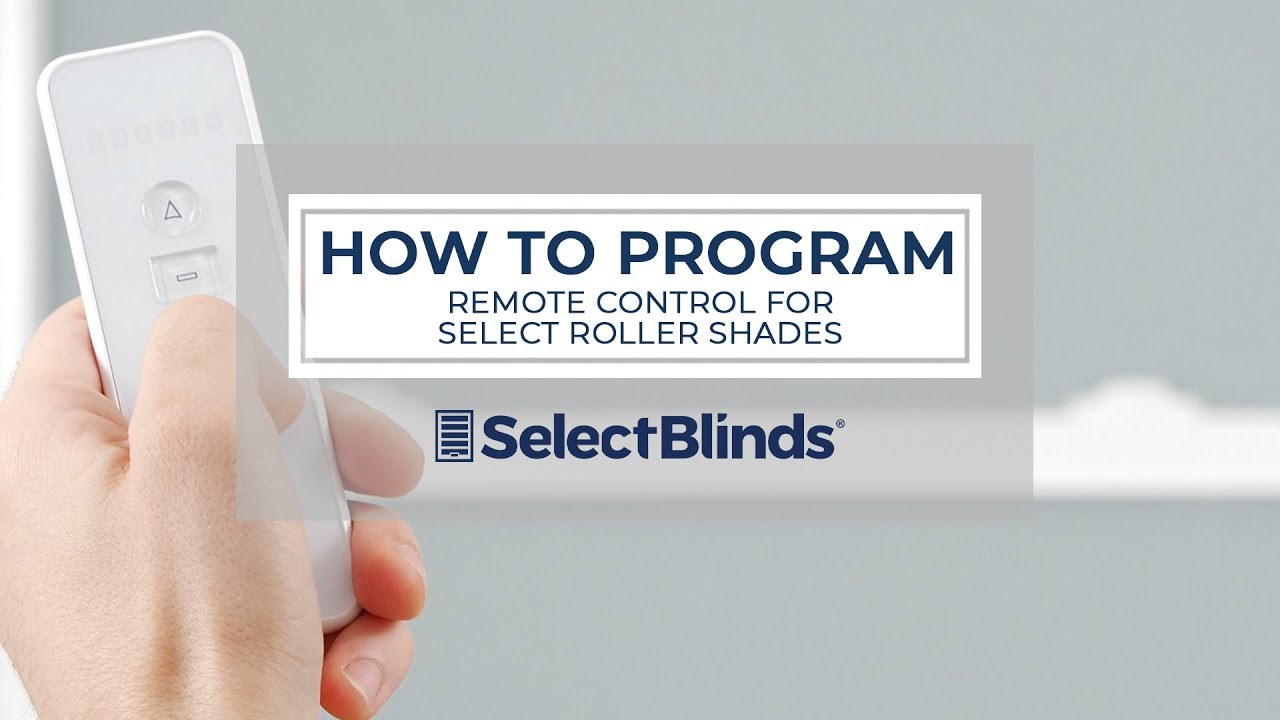
Pairing motorized shades with a replacement remote is usually a short process, but the exact button sequence depends on the motor and remote family. A replacement remote may need to be assigned to one shade, a group channel, or every shade in a room. If you press the program button at the wrong time, you can accidentally erase limits or pair several windows together.
World Wide Shades can help identify a remote by its label, button layout, and motor model. Use the World Wide Shades builder for a new motorized project, order fabric swatches, or contact World Wide Shades before changing programming on a multi-window installation.
Before you pair: check power and compatibility
Install fresh batteries in the replacement remote and confirm that the shade has power. A shade with a depleted battery may not jog, beep, or acknowledge pairing. If several shades stopped responding at once, check the hub or power supply before pairing individual remotes.
Read the motor or receiver label. Radio-frequency remotes are not automatically universal: frequency, protocol, channel capacity, and motor firmware all matter. A remote with 15 channels may still be incompatible with a motor designed for a different receiver. Infrared remotes also need line of sight, while RF remotes often work through normal interior walls.
Keep the remote within 3–6 feet of the shade during pairing. Move away from Wi-Fi routers, metal cabinets, and large appliances if the motor does not respond. Send the remote and motor photos to World Wide Shades for a compatibility check, or call (844) 674-2716.
Understand channels before pressing program
A single channel controls one shade. A group channel can control several shades together, and an “all” channel may operate every paired motor. Start on an unused individual channel when testing a replacement remote. If the remote has a display, select the channel number; if it uses LEDs, count the indicator flashes according to the manual.
Write down the current assignments before making changes. For a five-window room, record: channel 1 for left window, channel 2 for center, channel 3 for right, channel 4 for bedroom group, and channel 5 for all. This simple map makes it easier to repair a mistaken group assignment.
Do not hold the program button while the remote is on an all-shades channel unless you intend to put every motor into programming mode. A group command can turn a small remote replacement into a whole-house reset.
General pairing sequence
The following sequence is a safe framework, not a substitute for the motor manual. Button names vary; a program, P, reset, or motor-head button may be located on the remote or shade.
Charge the shade or install a known-good battery. If the motor has a local button, tap it briefly. A jog, beep, or small movement confirms that the receiver has power.
Choose the individual channel that should control the shade. Keep other shades powered but outside the programming sequence if the system requires only one motor to be active. Some systems use a power cycle to isolate a motor; follow the product instructions rather than unplugging random cables.
Press and hold the motor's program button or the remote's pairing command for the specified duration, commonly 2–10 seconds. Release when the shade jogs or the indicator flashes. Holding longer can trigger a reset on some motors.
Press the remote's up, stop, or confirmation button once. The shade should jog again or the remote should show a confirmation light. If nothing happens, return to normal mode, wait 10 seconds, and repeat with the correct channel.
Press up, stop, and down once each. Watch the shade rather than assuming a beep means pairing succeeded. Confirm that only the intended shade moves, especially when the remote is near a group channel.
Ask World Wide Shades to walk through the pairing sequence if the motor jogs but the remote does not control it consistently.
Pairing a replacement remote without losing limits
A remote pairing normally changes who can command the motor; it should not change the upper and lower travel limits. If the shade moves past the sill after pairing, stop and verify whether a factory reset occurred. Do not keep cycling a shade that is hitting a hard obstruction.
If the limits are lost, reset them only after the remote is paired and the fabric is mechanically aligned. Set the upper limit first, then the lower limit, and save each value using the documented command. Test the complete travel three times. For a wide blackout shade, listen for a change in motor pitch near the lower limit; a rising pitch can indicate excessive load or side-channel friction.
The motorized shade setup guide and motorized shades with Alexa and Google Home cover the next stage after local remote control works.
Adding a shade to a group
Pair the shade to an individual channel first. Then select the target group channel and use the add or copy command described by the remote. Test the group with a stop command before using up or down. A group should contain shades with similar travel and operating needs; mixing a skylight, a door shade, and a bedroom blackout shade can create confusing timing.
For two-layer shades, confirm whether each fabric has a separate motor and channel. A dual roller may need one channel for solar fabric and another for blackout fabric. If both motors are assigned to the same channel unintentionally, the layers can drift out of the intended sequence.
Configure coordinated motorized shades with World Wide Shades if you are replacing a remote and adding new windows at the same time. Contact the team for a channel map before installation day.
Troubleshooting when pairing fails
Check battery charge, the motor's local button, and the remote batteries. Move closer and remove the shade from a group channel. If it only works while charging, replace or service the battery before pairing again.
The remote may be on the wrong channel, incompatible, or not in programming mode. Check the protocol and receiver label. RF remotes do not require aiming, but metal headrails and reinforced walls can reduce range.
The remote is probably on a group or all channel, or several motors entered programming mode at once. Stop, isolate one shade according to the manufacturer's method, and rebuild the assignments from an individual channel.
Pairing may have been followed by an accidental reset, or the shade may have a mechanical obstruction. Inspect the fabric edges, brackets, and sill. Reprogram limits only after the shade rolls squarely.
Replace the remote batteries and check for a damaged antenna or receiver. If range remains poor, test with the headrail unobstructed and contact the provider. Do not add a random RF repeater without confirming protocol compatibility.
World Wide Shades can help separate a remote problem from a motor, battery, or alignment problem. Send a short video showing the indicator and shade response.
Replacement cost and prevention
A basic compatible remote often costs about $35–$120; multi-channel or branded remotes commonly run $80–$250. A service visit may add $100–$300, especially for high windows. Keep the model number, channel map, and pairing instructions in a labeled drawer. Store a spare remote away from heat and moisture, and replace its batteries annually if it is rarely used.
For new shades, choose a system with a clear local control, accessible charging, and a documented reset process. Order swatches while selecting fabric, then build the motorized system with the final window list.
If you are replacing several controls, compare roller shades versus Roman shades, roller shades for French doors, and window shade trends for 2026 before standardizing the hardware.
Frequently asked questions
No. The remote must match the motor's radio protocol, frequency, receiver, and sometimes firmware. A similar button layout does not prove compatibility.
Usually not, but an incorrect long-press or factory reset can erase limits. Follow the exact motor sequence and test travel before making further changes.
Start about 3–6 feet from the shade with a clear path. Move closer only if the instructions require it; excessive distance and metal obstructions can reduce RF reliability.
The remote is likely on a group or all channel, or multiple motors entered programming mode. Select a single channel and reassign one motor at a time.
Identify whether each fabric has its own motor. Pair each motor on its own channel first, then create a group only if you want both layers to move together. Test each layer independently.
Contact World Wide Shades, start a compatible motorized configuration, or call (844) 674-2716 with the remote and motor labels.


