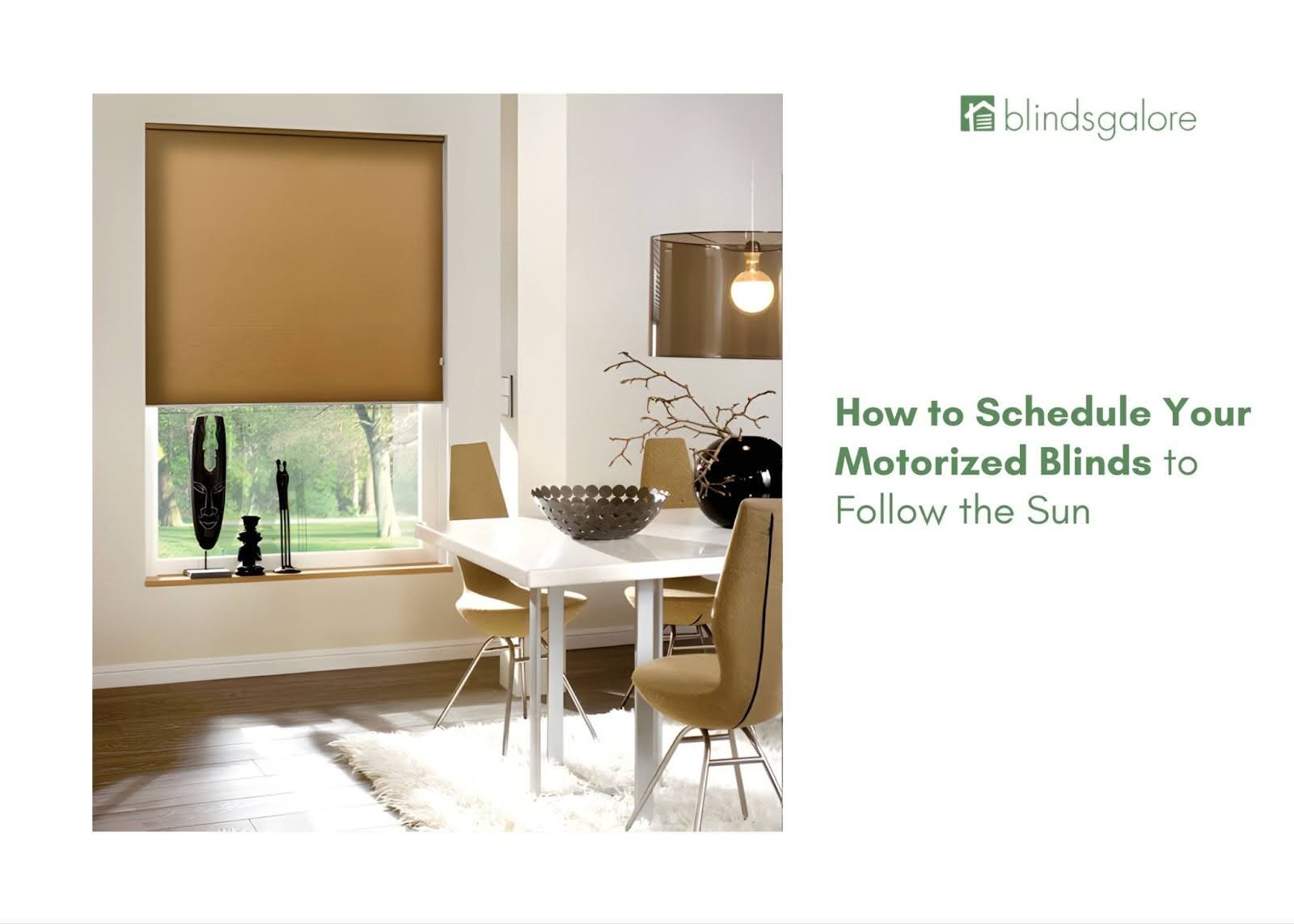
Motorized shades become genuinely useful when they move before glare, heat, or privacy becomes a problem. A simple schedule can raise bedroom shades at sunrise, lower west-facing shades before afternoon glare, and close street-facing shades at dusk. The trick is to build a small number of predictable scenes, assign each window to a zone, and test the result in real conditions.
This guide explains how to plan schedules, choose time versus sun triggers, set partial positions, coordinate rooms, handle vacation mode, and troubleshoot conflicts. World Wide Shades can help match motor type, fabric, and control platform; start with the online builder or ask a specialist at /contact.
What a shade schedule should accomplish
A useful schedule solves a repeated problem without requiring daily attention. Common goals include waking gradually, reducing afternoon glare, protecting furniture from UV, maintaining night privacy, and closing a media room for movie time. If a scene does not solve one of those jobs, it probably does not need to exist.
Start with three to five automations rather than programming every 15-minute interval. Too many commands can create conflicts, drain batteries faster, and make it hard to understand why a shade moved. World Wide Shades recommends running a new schedule for one week, then editing only what you actually notice.
For fabric selection, compare the light-filtering shades guide and UV protection window shades before writing scenes. The schedule cannot compensate for a fabric that does not meet the room’s privacy or glare needs.
Build zones before building scenes
Group shades by behavior, not just by room. A “west windows” zone may include the living room and office, while a “sleep” zone may include bedrooms on different floors. A “street privacy” zone may include only front-facing windows. Zones let one scene control related windows without forcing every shade to move together.
Name each shade clearly: “living room west left,” “living room west right,” and “primary bedroom east.” Avoid generic names such as “shade 1.” Clear labels make voice commands and troubleshooting much easier, especially when a home has 10 or more motorized windows.
If paired shades should always move together, create a group. If one window receives more direct sun, keep it independent so its position can be adjusted by 10–20%. World Wide Shades can help map a multi-room system; call (844) 674-2716 or contact /contact with your window count.
Choose the right trigger
A fixed time is dependable for routines such as “lower the bedroom shades at 9:30 p.m.” It does not follow seasonal daylight, so review it when sunset shifts by more than 30 minutes.
Sunrise-relative and sunset-relative triggers usually feel more natural. A bedroom shade can start opening 20 minutes before sunrise, while a privacy scene can close 15 minutes after sunset. Add a minimum and maximum time so a very early summer sunrise does not wake someone at 4:45 a.m.
Sun-position triggers are useful for glare. For example, close a west-facing shade to 70% when the sun reaches 25 degrees above the horizon. This requires a platform with sun-position support and may need seasonal tuning.
A room sensor can close a shade when the room exceeds 76°F or when a measured light level crosses a threshold. This responds to actual conditions, but sensors need good placement and stable batteries.
The smart home motorized shades setup guide covers platform and hub considerations. World Wide Shades can help choose a control route that remains usable if the internet is temporarily unavailable.
Four practical schedules to start with
Set bedroom shades to open from 0% to 35% over 20–30 minutes, starting 15 minutes before the normal alarm. A gradual opening reduces the abrupt contrast between a dark room and bright morning light. For a room that needs darkness until a child wakes, use a later fixed-time trigger instead.
For south- and west-facing windows, lower solar shades to 60–75% closed between 2 p.m. and 5 p.m. during the bright season. Keep the upper part of the view if the shade supports a stop position, then raise it near sunset. The exact percentage depends on openness, glass, and the screen location.
Close street-facing shades at sunset plus 10 minutes, or when interior lighting switches on. In a living room, a 90–100% closed position may be appropriate; in a kitchen, 50–70% can preserve an outside view while reducing silhouettes. Test from the street after dark.
At bedtime, close bedrooms and bathrooms but leave a small number of view windows open if desired. When the last person leaves, set privacy shades to 50–60% rather than fully closed so the house does not look abandoned. Add a vacation schedule only when traveling, then disable it on return.
Use /builder to specify the rooms and shade types that support these positions. World Wide Shades can help design a system around the actual sun exposures instead of applying one setting to every window.
Use scenes for activities, schedules for routines
A schedule runs automatically at a time or condition. A scene is an on-demand command such as “movie night,” “work call,” or “dinner.” Scenes should have memorable names and predictable results. A movie scene might close media-room shades to 100%, lower lights to 15%, and leave the hallway open for safe movement.
A work scene could lower a glare-facing shade to 70%, keep a side window at 35%, and turn on task lighting. If video calls are part of the routine, test the fabric behind the camera; a 5% solar screen may look attractive in person but create distracting backlight on video.
For voice control, use short phrases that do not conflict with device names. “Close west shades” is clearer than “make the living room shade situation better.” Review motorized shades Alexa Google Home for platform-specific patterns.
Prevent conflicting automations
The most common programming error is two rules controlling the same shade within a short window. For example, a sunset rule may close the living room at 7:58 p.m., while an away rule raises it at 8 p.m. The shade will appear unreliable even though both automations are working as written.
Keep a simple schedule log with trigger, zone, target position, and priority. Add a five-minute buffer between routines. Decide which rule wins when conditions overlap: privacy should usually override a view-preserving rule, while a safety or storm rule should override both.
Test one zone at a time. Temporarily disable all but one scene, run it manually, and verify the result. World Wide Shades recommends saving a screenshot of the platform’s rule list before major edits so a working configuration can be restored.
Battery, noise, and reliability considerations
Every motor movement consumes energy. A shade that cycles four times per day may have a different battery life from one that cycles 12 times, especially if it is wide or carries a heavy blackout fabric. Avoid schedules that move shades by only 1–2% unless the change is meaningful.
Motors should move smoothly and stop at the programmed limits. If a shade pauses, stops early, or becomes noisy, do not keep adding commands. Check battery status, obstruction, and limits first. For a high-use or hard-to-reach window, consider a rechargeable battery pack or hardwired power. The energy-efficient window shades guide explains how the fabric and schedule work together.
World Wide Shades can recommend quiet motors and control options for bedrooms, media rooms, and tall windows. Call (844) 674-2716 or start at /contact.
Platform notes
Google Home, Alexa, Apple Home, and SmartThings can all support time-based routines, but their exact trigger options differ. Some systems need a hub to run reliably when the cloud connection is interrupted. Matter compatibility can simplify cross-platform control, but confirm that the shade motor, bridge, and desired position controls all support the same features.
If your priority is local control and detailed conditions, a platform such as Home Assistant or SmartThings may provide more flexibility than a simple brand app. If your priority is quick setup, the shade manufacturer’s app plus one major voice platform may be enough. Ask for a compatibility check before buying several motors.
A 15-minute testing method
Run every new schedule manually before leaving it active. Confirm the trigger time zone, daylight-saving behavior, target position, zone membership, and whether the command repeats. Watch the shade from fully open, halfway, and fully closed positions. Check that doors, handles, furniture, and pets are clear.
Then observe the system for three days. Note whether the morning scene is too early, the afternoon position still allows glare, or the evening close is later than privacy requires. Adjust one variable at a time. This method produces a dependable system much faster than changing five rules at once.
FAQs about programming motorized shades
Start with a gradual bedroom wake-up, an afternoon glare scene for the strongest exposure, and an evening privacy schedule. These three routines solve common daily problems without creating a complex rule set.
Use fixed time for routines tied to a clock, such as bedtime. Use sunrise and sunset for daylight-dependent routines, adding a 15–30 minute offset and minimum or maximum times so seasonal changes do not produce surprising behavior.
Many systems support preset positions such as 35%, 60%, or 75% open. Confirm that the specific motor and app support percentage control; some older systems offer only open, stop, and close.
There is no universal limit, but three to five useful routines are a strong starting point. Add automations only when a repeated manual adjustment is clearly worth automating, and remove rules that conflict or move a shade unnecessarily.
Some hubs run time-based automations locally, while cloud-only setups may pause. Ask which scenes are stored on the hub or motor and test the system during a planned router restart.
World Wide Shades can help pair fabric, motor, zones, and platform before installation. Start in the online builder, compare /swatches, contact /contact, or call (844) 674-2716 for planning help.


