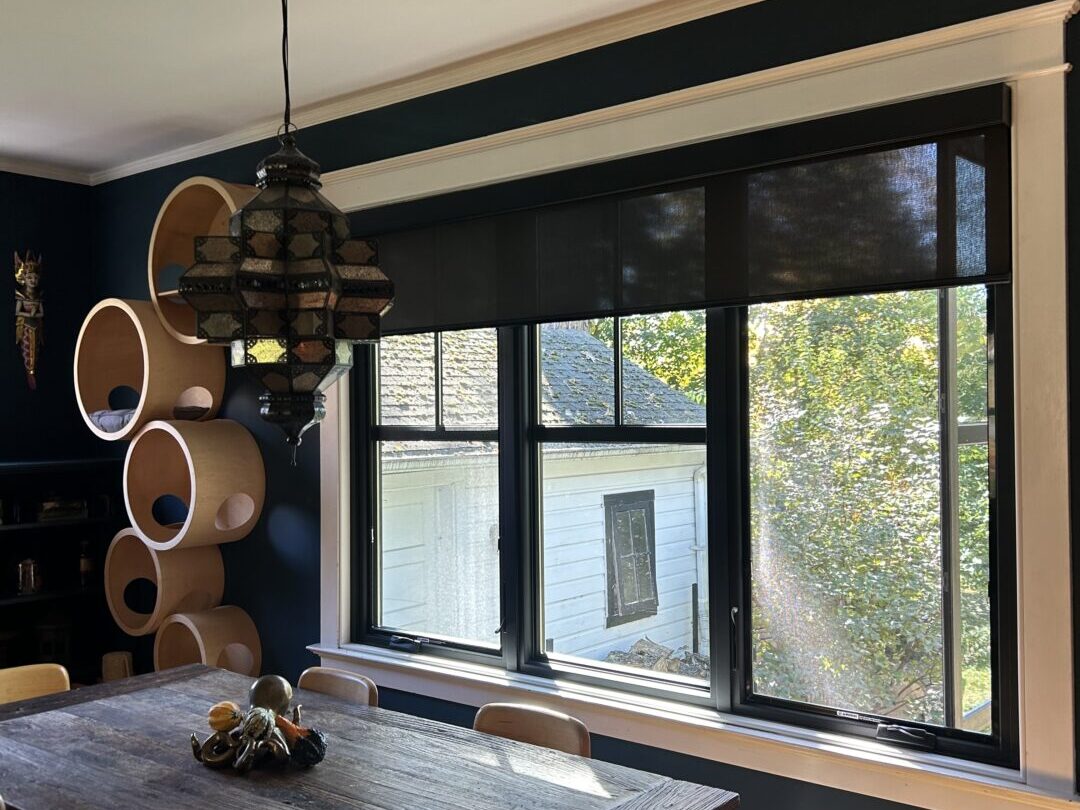
A motorized shade that will not roll up is usually recoverable, but the symptom alone does not identify the cause. The motor may be out of charge, the remote may be on the wrong channel, the upper limit may have been changed, or the fabric may be rubbing the frame. A hard stop, clicking sound, or shade that reverses immediately points to a different problem than a motor that is completely silent.
Use this checklist from safest and simplest to more involved. World Wide Shades can help identify the motor and determine whether a reset is appropriate; start with the World Wide Shades builder if a replacement is likely.
First, protect the shade and people
Keep hands, toys, and pets away from the tube, fabric edges, and bottom rail while testing. Do not pull down on a motorized shade, force the tube by hand, or repeatedly press the up button for several minutes. A motor can heat up when stalled, and forcing the fabric can crease the hem or strip a bracket.
If the shade is over a bed, sink, or stairwell, use a stable ladder only when necessary and have another adult assist. Hardwired systems should be inspected by a qualified electrician; never remove a power supply cover while energized. World Wide Shades can help remotely through contact, and you can call (844) 674-2716 when the shade is inaccessible or making an unusual noise.
Step 1: Check the control and channel
Press the up command once, then wait 10 seconds. If a remote controls multiple shades, verify that the correct channel is selected. A five-channel remote can make a healthy shade appear broken when it is simply not addressed. Try the local wall switch or app if available, but avoid sending contradictory up and down commands rapidly.
Look for a locked remote, depleted remote battery, or an app that shows the shade as offline. Replace a coin cell with the exact type specified by the remote. For app control, check whether another household member has paused the device or whether an automation is issuing a down command at the same time.
The smart-home motorized shades setup guide explains hubs, Wi-Fi, Zigbee, and radio-frequency paths. World Wide Shades can map each control to the correct room and channel; use the builder for a clean replacement specification.
Step 2: Check battery or power
Rechargeable motors often stop before the battery is fully empty to protect the cell. Connect the approved charger and look for the motor’s charging indicator. Allow a meaningful charging period according to the manufacturer’s instructions; a few minutes may not provide enough energy for a wide blackout shade. Do not use an unapproved voltage adapter.
For a hardwired shade, check whether nearby shades are also offline. If one window is affected, a connector or motor may be the issue. If an entire room is affected, inspect the breaker, low-voltage supply indicator, control panel, or hub—but leave electrical diagnosis to a qualified professional.
A 24V DC supply is not interchangeable with every 12V system. Read the label before testing. World Wide Shades can confirm the motor power requirement and help coordinate an electrician through contact.
Step 3: Look for a physical obstruction
With the shade stationary, inspect both fabric edges from the front. The fabric should roll evenly on the tube. A telescoped edge, a wrinkle caught in the bracket, a protruding screw, or a window latch can prevent upward travel. Check that the bottom rail is not trapped behind a handle or furniture.
Inside-mounted shades have less tolerance for a frame that is out of square. Measure the diagonal corner-to-corner distances if the shade is rubbing; a difference of more than a few millimeters can reveal a skewed opening. Do not sand, trim, or remove a bracket while the motor is installed.
For south-facing windows, high solar heat can also make fabric curl or expand. The best shades for south-facing windows guide covers fabric and openness choices. Ask World Wide Shades for an assessment before a rubbing edge becomes permanent damage.
Step 4: Interpret the symptom
A completely silent motor usually indicates control, battery, power, or internal electronics. A brief click followed by silence can indicate a low battery or an obstruction. A motor that runs but the fabric does not move may have a detached tube adapter or a stripped drive. A shade that rises a few inches and stops may have a lost upper limit, jammed edge, or thermal protection.
If the motor hums and the tube does not turn, stop pressing the command. If the shade reverses at the same place every time, examine that point for trim, hardware, or a programmed limit. If it stops only after several cycles, wait for the motor to cool and reduce repeated testing.
Write down the exact behavior and number of inches of travel. That information is more useful to a technician than “it is broken.” World Wide Shades can use your notes, photos, and motor label to recommend the next step; contact the team rather than guessing at a reset.
Step 5: Check limits only when instructed
Motorized shades have an upper and lower travel limit. A reset or limit adjustment can erase paired remotes, reverse direction, or move the fabric unexpectedly. Perform it only with the exact motor manual and the shade fully supported. Do not use a generic internet sequence for a motor you cannot identify.
If the shade was recently reinstalled, the upper limit may be set before the headrail or fabric was aligned. Re-level the mounting hardware and confirm fabric tracking before programming. The how to install roller shades guide provides general installation context, but the motor maker’s instructions govern programming.
World Wide Shades can help you identify whether a reset is safe. Send the model and symptom through contact, or call (844) 674-2716 for project support.
Step 6: Check smart-home automations
Temporarily pause schedules and scenes while troubleshooting. A sunrise routine, temperature rule, vacation scene, or voice assistant can send a down command just as you press up. Give the shade a neutral name such as “Bedroom South Window,” then confirm the same name is used in the app, hub, and voice assistant.
If the app says the shade is offline, test the handheld remote first. A remote that works points to network or bridge trouble; a remote that fails points to motor power, pairing, or hardware. For larger installations, a mesh network may need a powered repeater or better hub placement.
Review the motorized shades with Alexa and Google Home guide after the individual shade works locally. World Wide Shades can help design scenes that do not fight manual commands.
When a reset is not the answer
Do not reset a shade when the fabric is visibly caught, the headrail is loose, the motor smells hot, the power supply is damaged, or the shade is making grinding sounds. A reset cannot repair a stripped drive or a crooked installation. It may also make diagnosis harder by erasing useful settings.
A repair may be practical for a recent shade with a healthy fabric and available parts. Replacement can be more efficient when the motor, fabric, and brackets are all near end of life. Compare the scope with how much custom roller shades cost. World Wide Shades can specify a replacement that preserves the existing mount or improves light control; start with swatches.
Prevention after the repair
Keep the shade’s motor label, remote model, charger, and manual in a labeled project folder. Record the upper and lower limits, pairing procedure, installation date, and battery type. Charge rechargeable shades on a routine based on actual cycles rather than waiting for total failure.
Keep furniture, plants, and décor clear of the fabric path. Clean according to the fabric instructions; abrasive dust can increase edge friction. Test each shade individually once per month and review automations after a router or hub change.
If the room needs near-total darkness, edge gaps may be a design issue rather than a motor fault. The blackout curtains versus blackout shades comparison can help you choose side channels, outside mount, or layered coverage.
FAQ: motorized shade will not roll up
The most common categories are an empty battery, failed control or channel selection, lost power, a disconnected cable, or an internal motor fault. Test the approved remote and power source once, then record the symptom instead of repeatedly pressing the button.
It may be rubbing the frame, encountering furniture or trim, reaching a misprogrammed limit, or entering thermal protection after repeated cycles. Inspect the fabric path and allow the motor to cool; do not force the tube.
No. Pulling can damage the drive, fabric alignment, brackets, or limits. Use the correct control and contact World Wide Shades through contact if the motor does not respond.
Follow the motor’s manual and indicator, because battery capacity and charger design vary. A few minutes may not be sufficient for a wide or heavy shade. Use only the approved charger and connector.
Only after identifying the motor and reading its exact instructions. A reset may erase pairing and limits, and it cannot fix a physical obstruction or damaged drive.
For fabric and room planning, review light-filtering shades and UV protection window shades.
Get the right fix
Start with control, power, obstruction, symptom, and automation checks in that order. Stop when the shade is hot, noisy, crooked, or unsafe to reach. World Wide Shades can help diagnose the configuration or design a replacement that works reliably. Use the builder, request swatches, or call (844) 674-2716 through contact.


