When you choose motorized shades for a Hamptons second home, start with three moments: arriving after dark, waking up with guests in the house, and closing up when you leave. A shade plan has to work for all three. The living room might need glare control without losing the view, a guest bedroom might need blackout fabric and a clearly labeled remote, and you might want to schedule selected shades before you leave.
Plan the order in that sequence: fabric by room, local controls for anyone in the house, then app control where it adds value. Explore motorized shades from World Wide Shades to see the control options before you decide which rooms belong in the order.
Choose the fabric for what each room needs to do
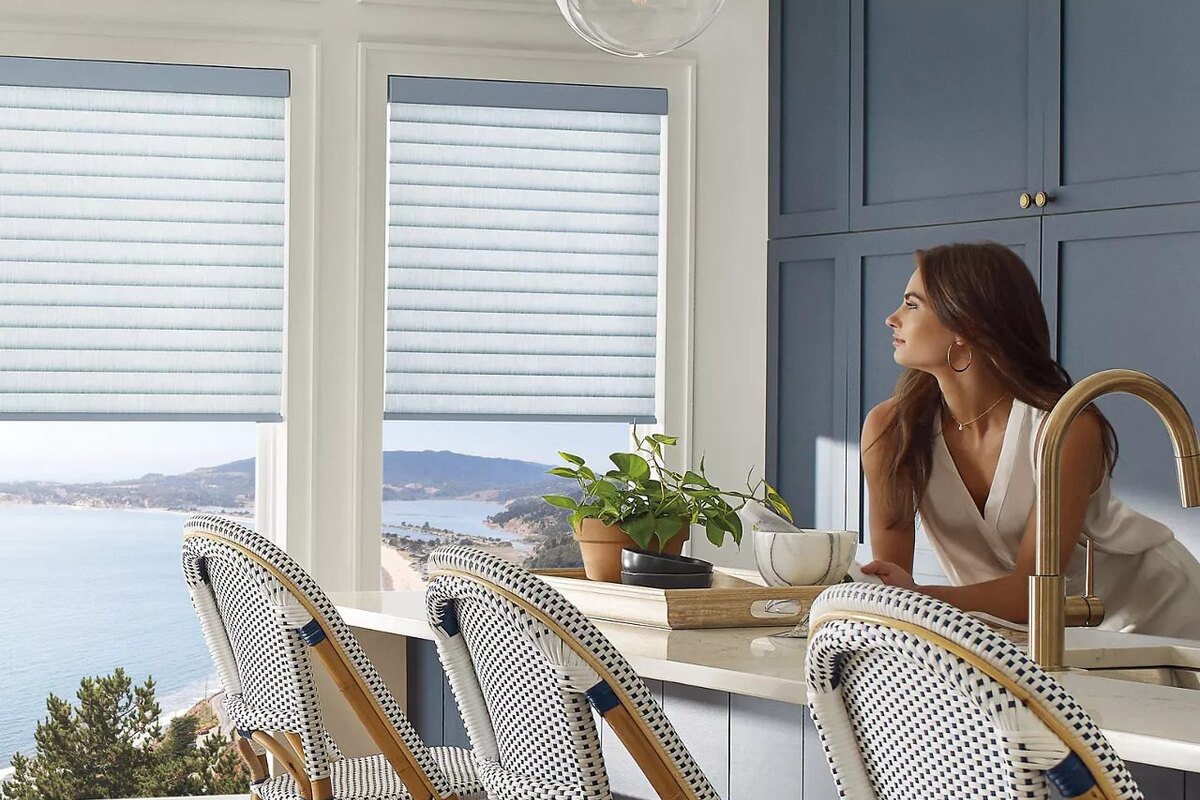
Start with the seats people actually use. If late-day glare falls across a sofa or dining table, identify which openings cause it before assigning the same fabric to a whole wall. A solar fabric can be a good starting point if you want to soften glare while retaining some sightline to the landscape. If the goal is a soft wash of daylight rather than a view, compare a light-filtering fabric that diffuses the light more evenly.
Openness describes how much of a solar fabric’s weave is open. Lower openness generally limits the view through the weave and reduces glare more; higher openness generally preserves more of the view out. That daytime view is not a guarantee of nighttime privacy: when a room is lit and it is dark outside, people may be able to see in. If privacy after dinner matters, assess that need separately from glare. The comparison of white and charcoal solar shade fabrics explains why color deserves its own decision even when the openness number is the same.
Blackout fabric is worth considering when morning light interrupts sleep or a bedroom needs more privacy at night. Blackout describes the fabric, not every edge of the installed shade. If darkness is a priority, think about how the shade will cover the opening and where light could show around it. An outside mount can extend the cover past the frame when the surrounding trim and wall allow it. Compare blackout roller shades from World Wide Shades and read the guide to bedroom shades before settling on a mount.
Put the guest-room remote where someone can reach it without looking for instructions, such as on the nightstand. Keep its purpose obvious. If two windows sit side by side and guests usually want them in the same position, plan for that use rather than asking someone to remember which button is for which side.
Openings that sit together may look best in the same fabric even if you operate them separately. In an open living and dining area, for example, one fabric can keep the wall visually consistent while separate control lets someone lower the shade behind the sofa without changing the light at the table. Compare opacity and texture from room to room, not just color names. Two similar whites can look quite different when one lets light through and the other does not.
Browse the World Wide Shades fabric catalog to compare 500+ colors across 40+ fabric families from mills including Phifer, Mermet, and Texstyle. The listings include close-up swatch photos and publish the mill’s openness factor where applicable; physical samples are not shipped. Open candidate photos side by side and compare the visible weave as well as the color, keeping in mind that a screen cannot reproduce how fabric looks against your trim or in your room’s light. For more on making distinct rooms feel consistent, see the guide to custom shades for Greenwich estate homes.
Give guests a remote and decide whether you need a hub
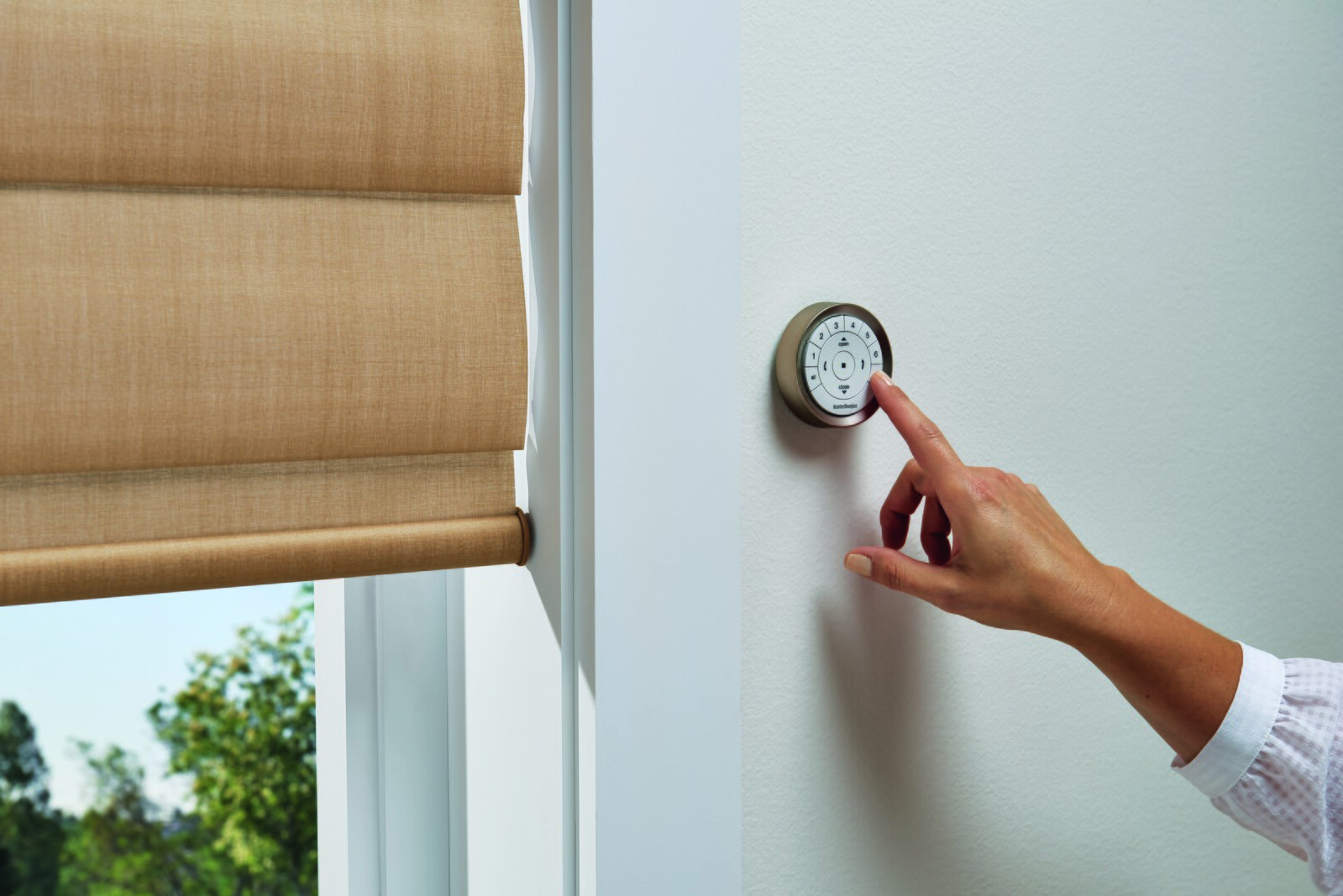
World Wide Shades uses rechargeable battery motors that require no wiring, with Automate as the default. A remote is required, and the Push 5 controls up to five shades. Count physical shades, not rooms: three shades across the living room and two in the dining area already account for five. Decide whether those rooms should share a remote or be easier to operate independently from where people gather.
Start with one predictable place for the remote in each area it serves. A remote for several windows is only useful to a guest who can find it and tell which shade they are moving. Leave a short note in the house guide describing which remote serves each room. That also gives a house sitter a way to operate the shades without needing your app or account.
For app control, voice commands, and schedules, pair Automate motors with the Automate Pulse 2 hub. Decide which rooms benefit from these added controls before adding the hub to the project. A schedule can suit a room with consistent use, but a guest bedroom may be better left to the person sleeping there. Test which shades move together while you are at the house before assigning the same control to other rooms.
If you already have a Somfy remote you want to keep using, World Wide Shades can supply a Somfy motor that may pair with that remote. Confirm compatibility before ordering. The Pulse 2 hub works with Automate motors only, so don't choose Somfy for a room and expect it to join the same Pulse 2 controls as the Automate shades. Read the Hunter Douglas PowerView and Somfy comparison and the smart home motorized shades setup guide if you are weighing how a new order fits with what the house already has.
Review World Wide Shades motorized shade options or contact World Wide Shades at (844) 674-2716 before ordering if you need to match an existing remote or decide which shades should be part of the app setup.
Set up the custom order around your next visit
An inside mount keeps the shade within the opening, but depth can vary even among windows that look alike. World Wide Shades specifies a minimum inside-mount depth of 1.5 inches and recommends 2.5 inches for motorized shades. If the recess is too shallow, plan an outside mount rather than assuming every shade in the room can sit inside. Deep trim or mixed recesses can change the way adjacent shades line up. The Brooklyn brownstone shade planning guide offers another example of planning around trim.
For an inside mount, measure the width in three places and use the narrowest width, then measure the height in three places and use the tallest height. Enter the exact opening dimensions without subtracting anything. For an outside mount, allow 2 to 3 inches beyond the opening on each side and 3 inches above, where the wall and trim permit. Label each opening consistently so that the shade with the right fabric and motor is assigned to the right dimensions.
Rechargeable motors do not need shade wiring, but you still need to reach the charging port. Think about access before choosing a motorized shade for a high opening or placing furniture directly beneath it. A charger does not ship in the box; you can use a USB-C charger or add a motor charger to the order. Keep the charger at the second home in a place another household member can find.
World Wide Shades makes each custom shade by hand in the USA and offers free U.S. shipping. Allow 2 to 4 weeks after ordering, or 3 to 4 weeks for limited-stock fabrics and specialty orders. If you will only be there for a short visit, arrange for someone to receive the shipment if it arrives while you are away. Make time on site to check the order against your room labels and try the local controls before you leave.
Confirm the World Wide Shades fit policy before submitting a custom order. Manufacturing defects are remade free within 30 days, and motors are covered for 1 year. Mismeasured shades receive a one-time free recut, with the customer covering shipping. Custom orders are not returnable.
Frequently Asked Questions
No. Decide what each room needs from the fabric before choosing how to operate it. You can prioritize the view in a living room and choose blackout fabric where people sleep, while keeping the same motor platform if you want both spaces in your app controls.
Yes. Leave the required, compatible remote in an obvious spot and label it by room. The Pulse 2 hub adds other ways to operate Automate shades; it is not something a guest needs to use the handheld remote.
You can plan the house in phases. Write down the fabric family and color, mount, motor type, and remote assignment for each opening. If the next phase includes another window on the same wall, recheck that your original fabric is available before counting on a match.
Not necessarily. Start with rooms that benefit from the same routine, and keep bedrooms or rooms with different privacy needs separate. Try the schedule while you are there and check what happens at the times you expect the shades to move.
Enter your size, fabric, and motorization choices and account for the remotes, hub, or charger you need. To compare different room groupings or control options, see live pricing in the builder using your actual selections.
Ready to Order?
- Measure: Record each opening, its depth, and the mount you plan to use.
- Choose fabric: Compare fabrics by room, starting with the rooms where glare, sleep, or privacy matters most.
- Choose control: Assign the remotes, confirm motor compatibility, and decide whether you want the Automate Pulse 2 hub.
- Review pricing: See live pricing in the builder for your exact selections.
- Order: Review the labeled openings, accessories, and delivery plan, then place your custom order with World Wide Shades. If you want to talk through the configuration first, contact World Wide Shades or call (844) 674-2716.