Make daylight work for your workday
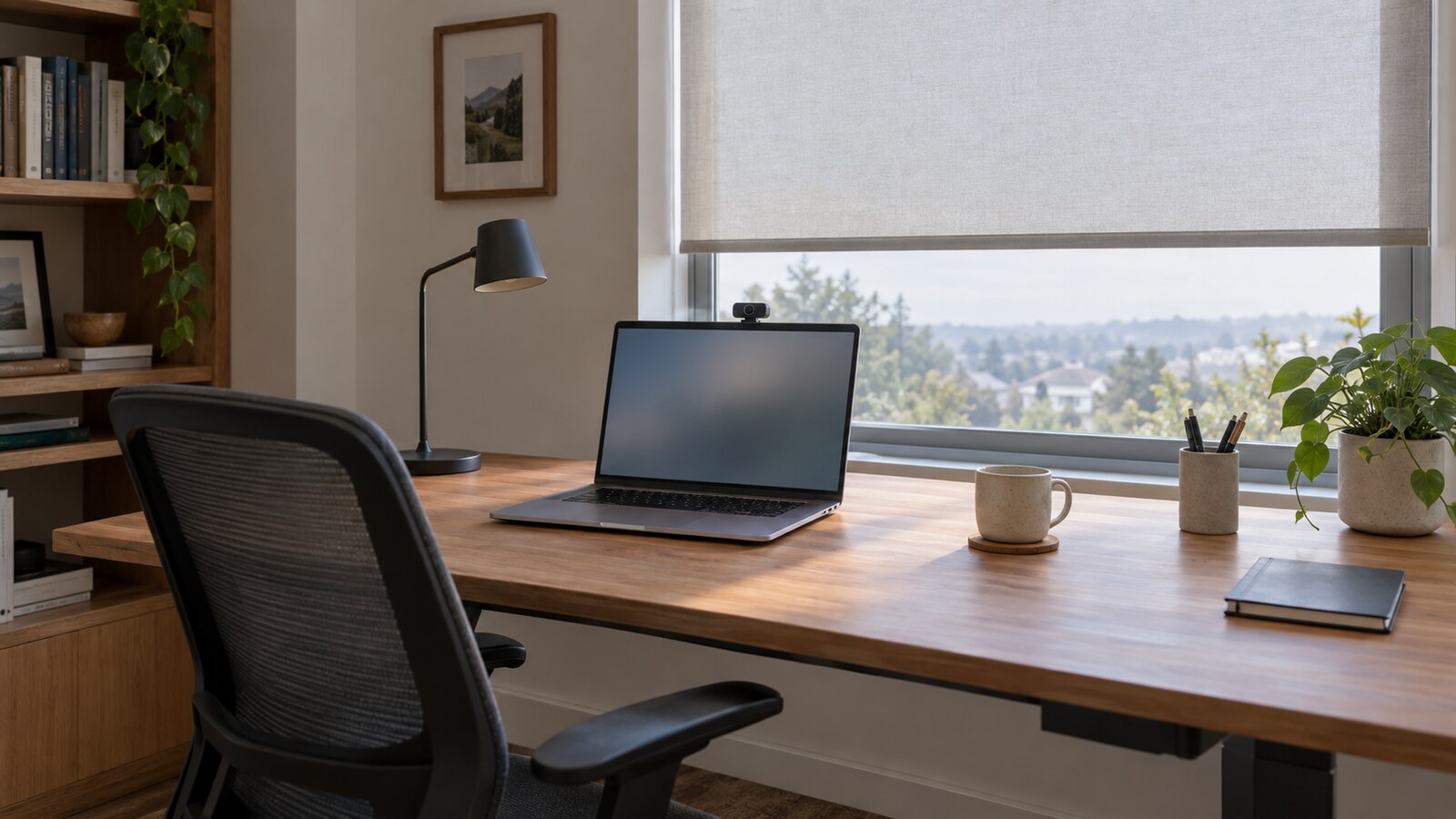
Home office roller shades should support the work happening in the room, not simply match the desk. Before choosing fabric, consider two views: what you see on your monitor and what colleagues see through your camera. A comfortable setup needs to work for both.
Start with the window causing the problem. OSHA recommends controlling bright window light with adjustable coverings and arranging computer screens at right angles to windows to reduce glare and contrast problems (OSHA workstation environment guidance). That makes an adjustable roller shade a useful part of a broader lighting plan, rather than a substitute for good desk placement.
World Wide Shades recommends beginning with the room's actual work pattern: quiet screen time, frequent calls, or a shared office that becomes a guest room. The suggestions below are practical starting points, not guaranteed camera improvements. Daylight, outdoor views, background appearance, and video results vary by room, season, fabric, device, and software.
Start planning your home office shade with World Wide Shades. Keep your main lighting problem in mind as you compare options.
Separate screen glare from camera lighting
The window that makes your camera image look appealing may not be in the best place for screen comfort. Treat these as related tasks, but evaluate each one separately.
OSHA identifies both bright sources in your field of view and light reflected on the monitor as potential problems, and recommends adjusting workstation placement and window coverings (OSHA workstation environment guidance). Try the recommended right-angle relationship between screen and window before selecting a shade solely to compensate for an awkward layout.
As a practical exercise, open a dark document or pause on a dark screen and notice where reflections appear. Then lower the shade and compare. The goal is to find a comfortable combination of shade position, monitor placement, and room lighting, not to make the entire office as dark as possible.
For a room with several workstations, our commercial office roller shade guide provides a useful companion to this home-office approach.
Zoom describes portrait lighting as a feature that brightens the foreground while dimming the background, and its low-light adjustment brightens video in dark environments (Zoom video enhancement documentation). Those tools are worth testing, but they do not establish how a particular shade will look on your camera.
As a practical starting point, try soft light from in front of you or slightly to one side, then inspect the preview in your meeting app. If the window behind you dominates the image, lower its shade and compare again. Avoid prescribing a fixed angle or brightness setting for every desk.
Choose fabric for the problem you need to solve
Fabric labels are a starting point for questions, not a complete description of how a window will behave. World Wide Shades encourages comparing the actual material against your priorities for daylight, view, and privacy.
Consider light-filtering fabric when your aim is to keep a bright daytime atmosphere while changing the character of incoming light. Ask about the specific fabric's construction and light transmission rather than assuming every light-filtering option provides the same result.
For example, an office used mostly for writing might prioritize an airy appearance, while a desk used for detailed screen work might need a more restrictive fabric. Use our light-filtering shades guide to frame that comparison. Do not treat “light filtering” as a guarantee of nighttime privacy or of eliminating a visible sun patch.
Openness describes the proportion of holes in a screen material relative to its overall area; it is not a complete camera-lighting rating (DOE window attachment research). An openness percentage therefore should not be read as the percentage of glare removed or as a promise about privacy.
When reviewing a solar-screen candidate, ask how much outward view you want to preserve and how much brightness remains acceptable at the desk. Inspect the sample with the actual outdoor scene behind it. A neighboring white wall, tree canopy, or open sky gives you a different backdrop for that comparison.
Consider blackout fabric when you want to rely more heavily on room lighting during calls or when the office also serves as a sleeping space. Ask separately about the fabric's opacity and the installed shade's edge coverage.
Do not assume that a blackout fabric means a completely dark room. Discuss the proposed mounting arrangement and potential light gaps with World Wide Shades before ordering. Our blackout curtains versus blackout shades guide can help you think through the distinction between material choice and the complete window treatment.
Request World Wide Shades fabric swatches for your office. Compare a daylight-oriented option with a more opaque candidate before choosing.
Evaluate fabric color without guessing from a thumbnail
Treat color as something to test in context, not as a shortcut to a technical result. Hold each candidate beside your wall finish, desk, and trim, then look at it through the camera you actually use.
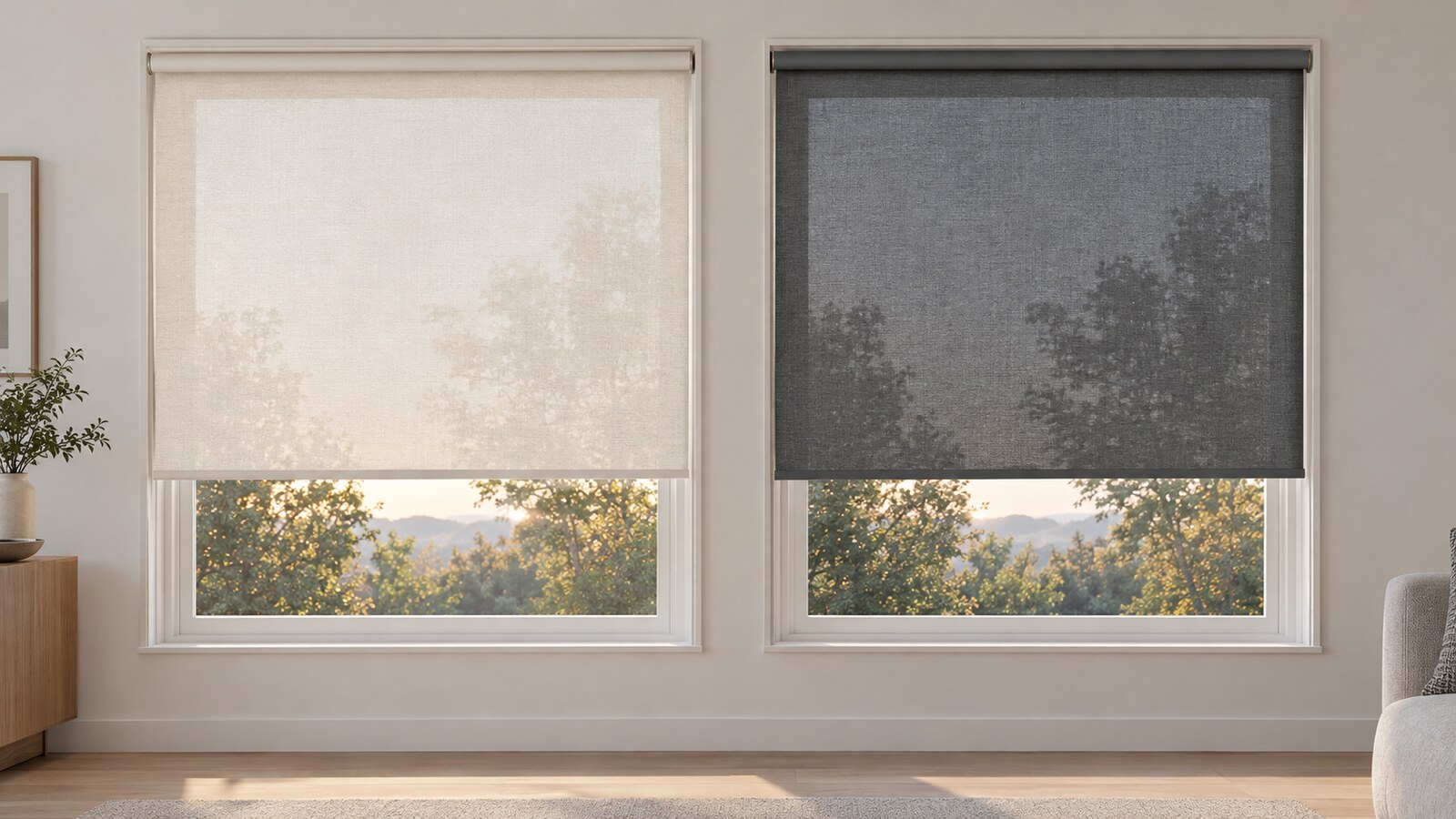
A practical comparison might include a pale neutral and a deeper neutral. Look for the appearance you prefer in the room, then check whether the shade is distracting in the video frame. Avoid assuming that a particular color will correct skin tone, eliminate reflections, or guarantee a flattering background.
For thermal questions, separate appearance from documented performance. DOE research emphasizes that window-attachment energy results depend on factors including attachment type, climate, season, and operation (DOE window attachment webinar). Our roller shade fabric color and heat guide explores the questions to ask without treating a color name as an energy rating.
Plan around where the window sits
The same shade can serve a different purpose depending on whether the window is beside you, behind you, or near your monitor. Use the room's layout to decide which benefit matters most.
- Window beside the desk: Start by evaluating screen reflections and the balance of light across your face. Adjust the shade before adding another lamp.
- Window behind your chair: Include the shade in your background comparison. Try lowering it and adding a soft front light, then judge the result in your meeting preview.
- Window beyond the monitor: Check visual comfort first. A pleasing camera image is not worth an uncomfortable bright area in your normal line of sight.
- Several windows: Identify which opening causes trouble at each work period. You may want different shade positions rather than closing every window covering together.
OSHA advises allowing light into the room without directing it into the worker's field of view, and using indirect or shielded lighting where possible (OSHA workstation environment guidance). Use that principle to guide compromises when you cannot relocate a desk.
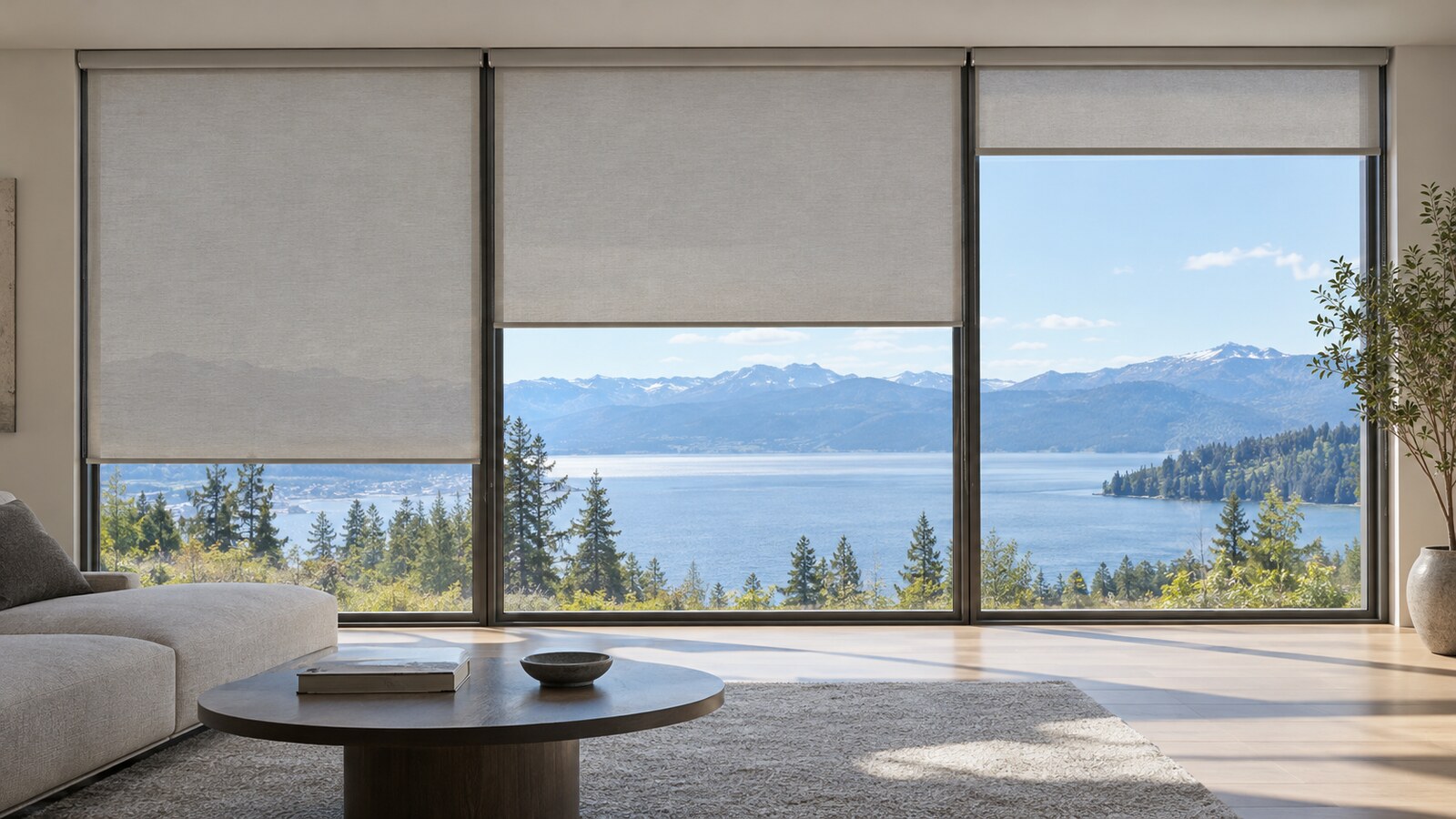
For a large uninterrupted opening, review our roller shades for picture windows guide. If strong sun is your central concern, the south-facing window shade guide offers another useful planning angle.
Discuss your office layout with World Wide Shades, or call (844) 674-2716. Explain where the camera, monitor, and problem window sit relative to one another.
Test samples during the calls you actually make
World Wide Shades suggests treating samples as a comparison tool rather than expecting a small swatch to reproduce a finished shade. Set up your usual chair, camera, and room lights so the comparison reflects normal use.
For an illustrative routine, inspect candidates at the start of your workday, during a typical meeting, and near the end of the afternoon. These are convenient observation periods, not technical testing intervals. Include an evening comparison if nighttime privacy is important.
Look separately at the fabric's appearance, the outdoor view through it, your screen reflections, and your meeting preview. If the sample does not cover enough area to answer a question, note that limitation rather than extrapolating confidently.
Our window shade sample order guide can help organize your comparison. Before ordering, ask World Wide Shades to clarify any unresolved fabric, privacy, or installation questions instead of relying on a monitor image alone.
Keep adjustments simple during a busy day
A useful shade plan is one you can operate without rearranging your work. Consider whether you can comfortably reach the control while seated, and whether furniture will interfere with normal operation.
If you are considering motorization, ask about the exact control method, power source, and optional scheduling features for the configuration offered. Use our smart-home motorized shade setup guide as a planning resource, but verify compatibility before ordering.
An illustrative routine could have a more open position for general work and a lower position for calls. Those positions are personal presets, not validated lighting settings. Keep a convenient way to adjust when weather or meeting time changes, and review the motorized shade power-outage plan before depending on a powered system.
Build your World Wide Shades home office configuration. Choose controls around your daily routine rather than adding features you will not use.
Frequently asked questions
Start with the amount of daylight you want to keep and how much control you need over the background. Compare a light-filtering candidate for a daylight-first room with a blackout candidate if you prefer to create the call lighting with lamps; neither choice guarantees better video across all devices.
Do not assume it will. Ask World Wide Shades about the specific fabric and assess privacy under the indoor and outdoor lighting conditions that matter to you, particularly if your office is visible from a street or neighboring property.
Zoom offers low-light adjustments and portrait lighting, with availability and instructions described for different app environments (Zoom video enhancement documentation). Try available settings alongside physical lighting changes, and judge the result on your own device rather than expecting identical performance everywhere.
Begin with each window's role, then decide how important a matching appearance is. For example, you might prioritize view at one opening and background control at another; compare the visual effect of the proposed combination before committing.
Window coverings address only part of the lighting environment. OSHA also recommends considering overhead lights, task lamps, workstation orientation, and reflective surfaces when reducing glare (OSHA workstation environment guidance).
Choose a shade that supports the whole workday
The strongest starting point is a clear priority: easier screen viewing, a less distracting call background, daytime openness, or more privacy. Use that priority to narrow the fabric choices, then compare samples and controls against the way you actually use the room.
World Wide Shades can be part of that planning process without turning a practical lighting choice into a promise about your camera. Keep the final decision grounded in your room, your device, and the fabric you have evaluated.
Contact World Wide Shades about your home office, or call (844) 674-2716. Bring your sample preferences and remaining questions so you can move toward a configuration that fits your workday.