Google Home motorized shades are most useful when they perform small, repeatable jobs: open the kitchen shades after sunrise, lower west-facing shades before late-afternoon glare, close bedroom shades at bedtime, or set privacy when the household leaves. The strongest system is not the one with the most commands. It is the one that is easy to name, reliable when the internet is slow, and simple for every person in the home to control.
World Wide Shades helps homeowners pair custom roller shades with a practical control plan. Build a motorized shade project with World Wide Shades, order World Wide Shades swatches before choosing a visible fabric, or contact World Wide Shades with window sizes and your existing Google Home setup. Call (844) 674-2716 when the project includes tall glass, several rooms, or hardwired power.
What Google Home can do well
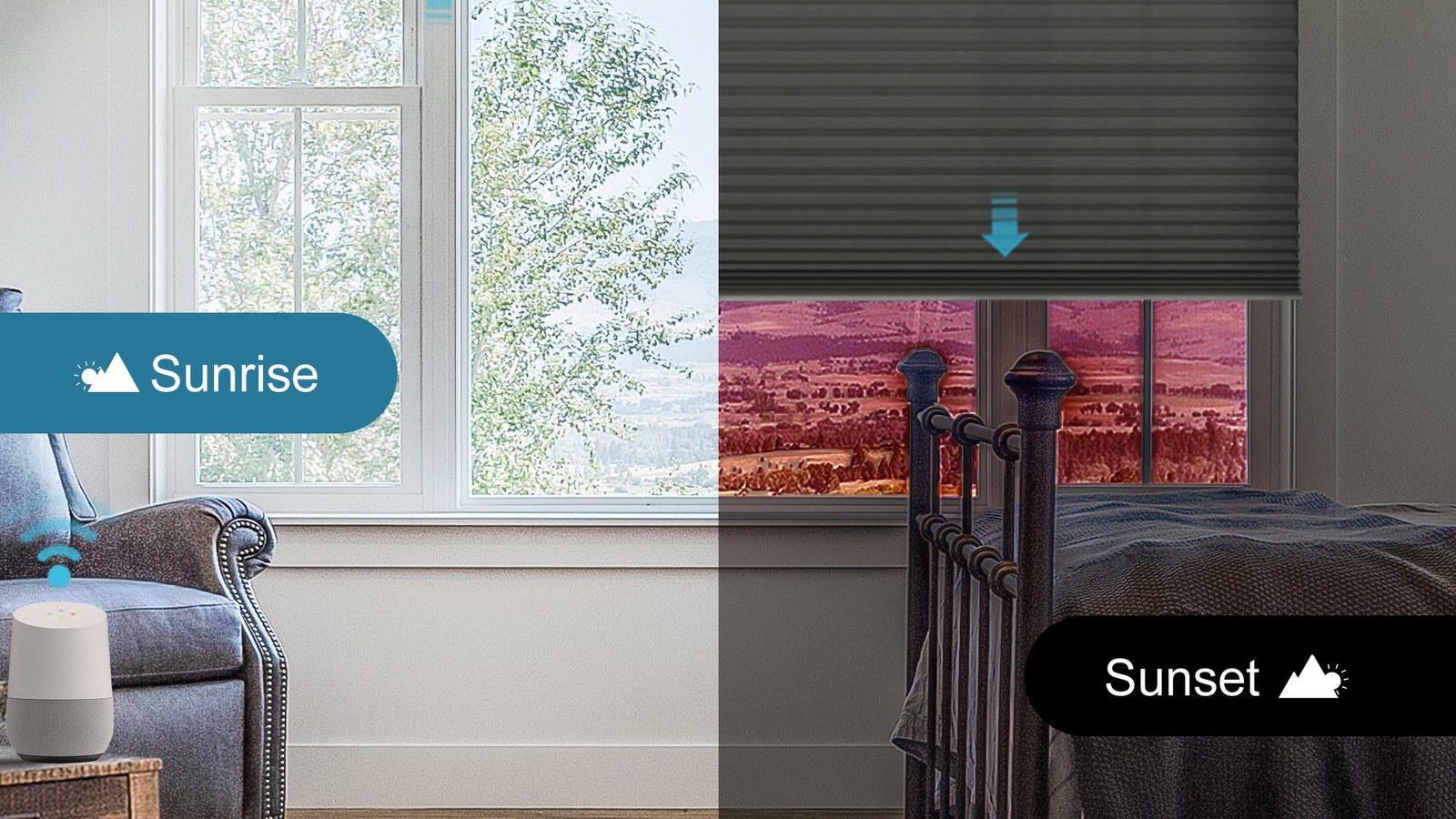
Google Home can place shades into rooms, groups, routines, and voice scenes when the motor platform and bridge support the integration. A command such as “Hey Google, close the living room shades” is useful because it describes the household intent, not a device ID. Scheduled actions can manage predictable sunlight and privacy without requiring someone to remember every window.
The integration does not replace good shade design. A motor cannot correct a roller that is too wide for its tube, fabric that is wrong for glare, or a window that needs side channels for darkness. Choose the fabric, mount, and motor first; connect the assistant second. Compare control options in the World Wide Shades builder.
Start with compatibility, not the app
Google Home compatibility may require a native Wi-Fi motor, a supported hub, a bridge, or a third-party integration. Two products that both say “smart” may use different radios and have different limits. Record the motor model, hub model, app name, and whether the shade already works with a remote.
If you are ordering new shades, ask whether the quoted motor supports Google Home directly or through a bridge, whether local remote control remains available, and whether routines still work when the internet is unavailable. World Wide Shades can help translate those details into a clear order. Contact World Wide Shades before committing.
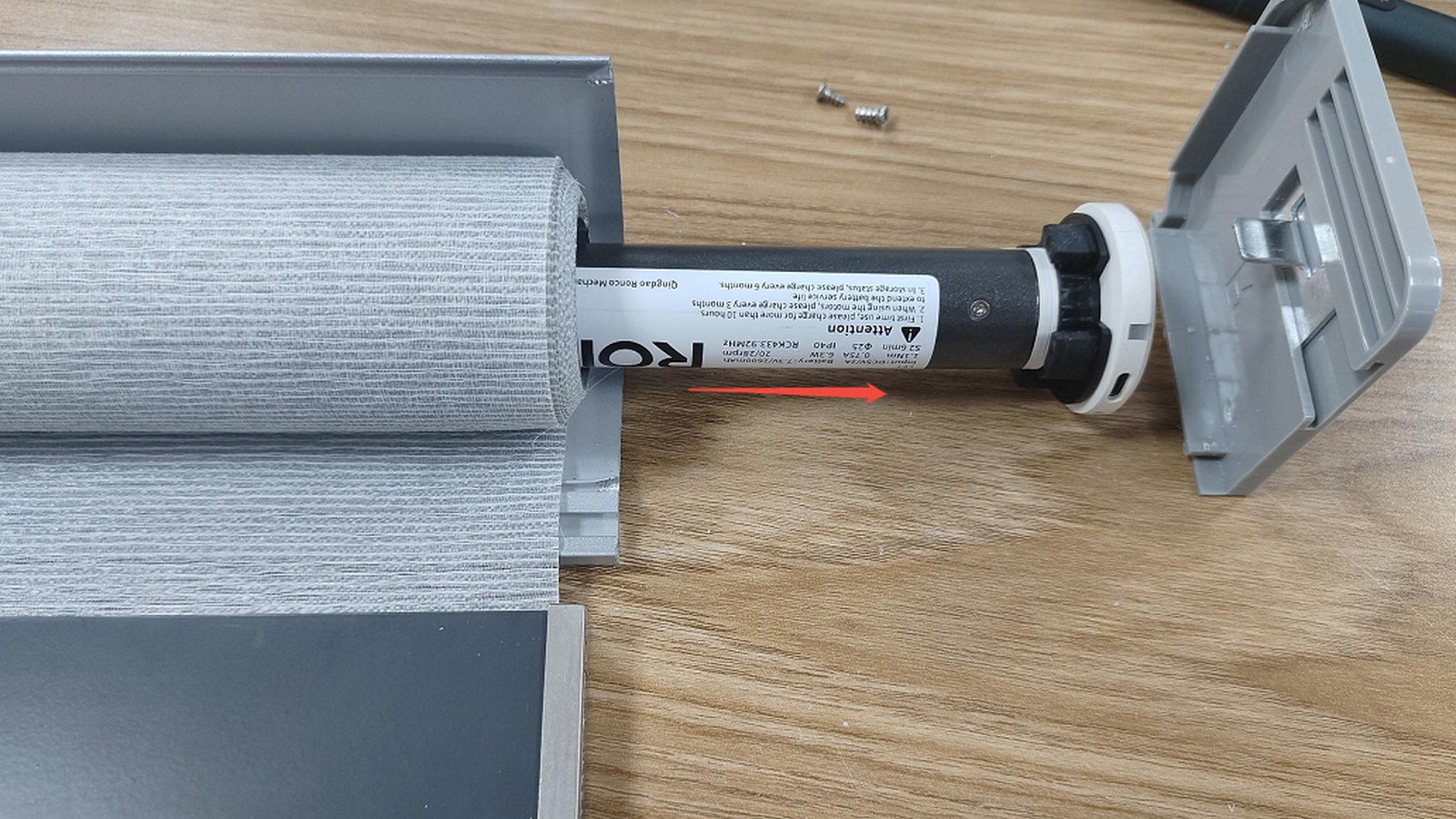
Rechargeable motors need a charging plan. For a bedroom, a shade that requires a ladder every few months is not a reliable automation. Hardwired power can be convenient for tall or frequently used windows, but it requires access planning and qualified electrical work. Battery placement, charger access, and cable routing should be decided before the headrail is fabricated.
As a planning range, motorization may add roughly $150 to $450 per shade before hubs, installation, and special wiring. A hub may add about $100 to $300 depending on the ecosystem. Ask World Wide Shades to compare rechargeable and hardwired options.
Give every shade a useful name
Device names are the foundation of voice control. Use a room plus a clear position: “Kitchen sink shade,” “West living room,” or “Primary bedroom left.” Avoid names such as “Shade 1,” “Window 3,” or two devices with the same room-and-function label. If three windows operate together, place them in a Google Home room or create a deliberate group.
Keep names short enough to speak naturally. “Close the west living room shades” is easier than “activate motorized window treatment group west elevation.” Test names from several household members, including someone who did not install the system. If Google mishears, rename before adding complicated routines.
World Wide Shades can plan consistent naming across a multi-room project. Send a window list to World Wide Shades and use the builder to keep the physical layout aligned with the digital layout.
Routines worth creating
Use a time window rather than a single exact moment if household schedules vary. Opening bedrooms at 7:00 a.m. may be helpful on weekdays but intrusive on weekends. A better approach can be a weekday routine, a weekend routine, or a gradual opening at sunrise plus a later bedroom command.
Light-filtering fabric is often more comfortable for a morning routine than blackout fabric. For bedrooms that need darkness until a chosen time, keep the blackout layer closed and open the living areas first. Review best window shades for bedroom and light-filtering shades guide.
West-facing windows can become uncomfortable before dinner. A routine that lowers solar shades or light-filtering shades at 3:30 or 4:00 p.m. can protect a screen and reduce bright contrast. Test the timing across summer and winter; the sun angle changes, and a fixed clock time may be wrong for part of the year.
For a south-facing room, compare the automation with fabric openness. A 1% solar screen blocks more glare than a 5% screen but preserves less view. Read best shades for south-facing windows and energy-efficient window shades before setting a routine that will run every day.
A sunset routine can close street-facing windows or lower a bathroom shade. Add a time buffer if people use the room after sunset and need a view. For nighttime privacy, remember that many solar screens become see-through from outside when the interior is brighter than the exterior. Choose a privacy or blackout fabric where the risk is real. Contact World Wide Shades for a room-by-room opacity recommendation.
When the household leaves, close selected shades for privacy and UV control rather than every shade in every room. A random-looking pattern can make the home appear occupied, but a predictable schedule is easier to audit. Use a manual override for pets, plants, and rooms where daylight matters.
See UV protection window shades and energy-efficient window shades for a broader planning framework. World Wide Shades can match the automation to the fabric’s solar performance. Build the project.
Design for reliability
Every smart shade should have a local fallback: remote, wall control, or safe manual method. A cloud outage, router reboot, dead phone, or guest unfamiliar with Google Home should not leave a bedroom or entry exposed. Put the remote in a known place and label groups clearly.
A routine that depends on a precise weather trigger, two cloud services, a location boundary, and a hub can fail in ways that are hard to diagnose. Start with time, sunrise or sunset, and room membership. Add conditions only when the basic routine has worked for at least a week.
Place the hub in an open, central location. Do not hide it inside a metal cabinet or place it at the far end of the home because the router is there. If the system uses a bridge, verify that both the bridge-to-router path and bridge-to-shade radio path are strong. Read the smart shade hub recovery checklist before finalizing a cabinet location.
Group windows that should always move together, such as three living-room openings with the same exposure. Keep separate controls for a nursery, bedroom, or window with a different privacy need. A single “all shades” command can be convenient but should not be the only option.
Fabric still determines comfort
Motorization controls position; fabric controls the quality of the light. Solar shades with openness factors around 1%, 3%, 5%, and 10% provide different balances of view, glare, and daytime privacy. Light-filtering fabric diffuses brightness, while blackout fabric blocks light through the face but may need edge coverage for near-total darkness.
For a screen-heavy living room, a solar shade may be the right daytime companion. For a nursery or bedroom, a blackout roller with outside mount and optional side channels may matter more. For a textured design, compare woven wood shades guide and window shades color guide. Order World Wide Shades swatches in the actual room light.
Troubleshooting Google Home commands
If Google says a shade is unavailable, test the local remote. If local control works, check the hub, network, account link, and device sync. If the shade moves but the wrong window responds, rename duplicate devices and remove stale entries. If commands are delayed, inspect the routine for multiple actions and check whether the hub is offline.
Do not factory-reset the hub or remove all devices until you have documented names and scenes. A reset can erase limits and groups. Review motorized shades Alexa Google Home for cross-platform naming concepts, but follow the current instructions for your exact motor family.
World Wide Shades can help separate an integration problem from a shade specification problem. Contact World Wide Shades with the voice phrase, app result, LED state, and motor model.
FAQ
No. Compatibility depends on the motor, bridge, hub, app, and current integration support. Confirm whether Google Home is native or bridge-based and whether local control remains available.
Behavior varies by platform. Some local controls and schedules may continue, while cloud-dependent commands can fail. Always keep a remote or wall control and ask about offline behavior before ordering.
Use a unique room-and-location name such as “West living room” or “Kitchen sink shade.” Avoid duplicate names and generic numbers. Test the names aloud with another household member.
They can be worthwhile for a high, heavy, hard-to-reach, or glare-prone window. For an easy-to-reach small shade, cordless manual operation may deliver most of the benefit at lower cost. Ask World Wide Shades to compare both.
Motorization commonly adds about $150 to $450 per shade before hubs, installation, and wiring. Complete custom pricing depends on width, height, fabric, control ecosystem, and access. Start a project estimate.
Make the smart part serve the room
Google Home is most valuable when the shades are named clearly, powered appropriately, and paired with fabric that solves glare and privacy. World Wide Shades can plan the physical and digital sides together. Configure motorized shades, order swatches, or contact World Wide Shades. Call (844) 674-2716 for a multi-room or hard-to-reach installation.