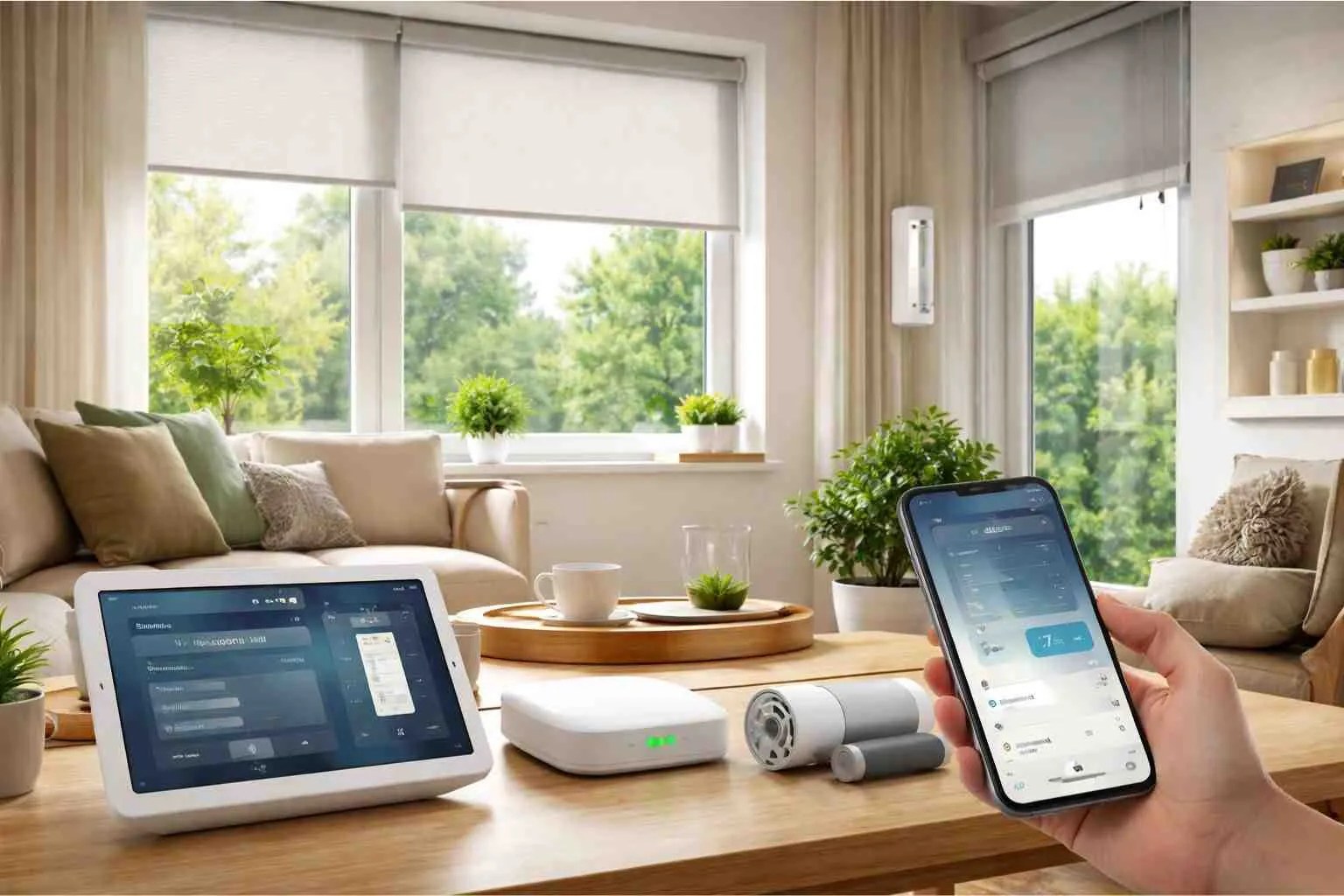
Home Assistant roller shades can turn a simple window covering into a dependable part of your home’s daily rhythm. With the right motor, a cover entity can open to a percentage, close for privacy, pause at a favorite height, or respond to sunlight and temperature without sending every command through a vendor cloud. Local control is especially useful when you want automations to keep working during an internet outage.
The best setup starts with the shade, not the dashboard. A custom roller shade must have a compatible motor, a stable radio or wired connection, and limits that are programmed correctly before Home Assistant is asked to automate it. World Wide Shades can help match fabric, tube, motor, and window dimensions; start with the World Wide Shades builder when you are planning one room or a whole home.
What Home Assistant can control
Home Assistant usually represents a motorized roller shade as a cover entity. That gives you familiar actions such as open, close, stop, and set position. A position of 0% generally means fully closed and 100% means fully open, but verify the direction after pairing because some integrations report the percentage from the opposite end.
A practical installation can expose four useful controls: a wall switch for guests, a handheld remote for quick changes, the Home Assistant dashboard for room-by-room control, and automations for predictable routines. Keeping a physical control matters because a smart home should remain usable when a hub is rebooting or a phone is not nearby. The official Home Assistant cover integration documentation is a helpful reference when checking entity services and supported actions.
If you are replacing an older shade, World Wide Shades can specify a motor that supports the control method you already use instead of forcing a new ecosystem. Compare fabrics and openness levels through /swatches before you choose a motor; the fabric determines whether an automation improves glare, privacy, or sleep.
Local control versus cloud control
Local control means commands travel from Home Assistant to a device or bridge on your network, rather than depending on a remote manufacturer server for every open or close action. Local operation can reduce delay, improve privacy, and preserve core routines when the internet is unavailable. It does not mean that every feature is automatically local; some bridges still need cloud access for account setup, firmware updates, or remote access from outside the home.
Ask four questions before ordering:
- Does the motor communicate with a protocol that Home Assistant supports directly or through a local bridge?
- Does the bridge continue to operate if the internet connection is down?
- Can the motor report position, battery level, and obstruction status, or does it only accept commands?
- Can the shade be operated manually if the hub is offline?
A battery-powered shade may use a low-power wireless protocol, while a hardwired motor may connect to a wired control system or a dedicated hub. The choice depends on access to power, window height, shade width, and whether you want a rechargeable installation. World Wide Shades can review those constraints through /contact before you order; call (844) 674-2716 if you are unsure which motor family fits.
Five automation ideas that work in real homes
Open bedroom and living-room shades to 35% at sunrise, then move them to 70% after the household is awake. A gradual start is more comfortable than a sudden full-open command, and it lets you keep privacy from neighboring homes. Add a weekday condition so a weekend sleep-in is not interrupted.
For bedrooms, pair the routine with a room-appropriate fabric. The guidance in best window shades for a bedroom explains why blackout and light-filtering choices affect the success of the same schedule. World Wide Shades can help you select a fabric that makes the opening percentage meaningful rather than merely decorative.
Use a sun-elevation or illuminance trigger to lower south- and west-facing shades to 60–75% during the brightest part of the day. Keep a manual override so someone can raise a shade for a view. If your sensor readings are noisy, require the trigger to remain above the threshold for 10–15 minutes before acting; that prevents clouds from causing constant movement.
A solar shade with a lower openness factor can reduce direct glare while preserving a view, while a blackout fabric blocks much more light. Compare the trade-offs in best shades for south-facing windows and UV protection window shades. Request fabric samples from /swatches before you tune the automation.
Lower street-facing shades when the sun drops below the horizon, but keep interior shades open if the room is unoccupied. A simple occupancy condition can prevent a dark, closed house from looking vacant all day. For a two-story home, use separate groups so a bathroom closes at dusk while a second-floor view remains open.
Set privacy scenes by percentage rather than by an assumed travel time. A 45% position on one window may leave the sightline clear while the same position on another window still exposes a sofa or desk. World Wide Shades can design consistent shade zones; contact the team for help translating your privacy goals into window-by-window positions.
When interior temperature rises above a chosen threshold, close solar shades on the sunny side of the house. When the temperature falls in winter, open those shades during daylight to admit solar warmth, then close them after sunset. Treat this as a comfort and load-management strategy, not a replacement for insulation or HVAC maintenance.
The results depend on glass, orientation, fabric, air leakage, and the quality of the installation. Energy-efficient window shades gives a broader framework for choosing a fabric and measuring comfort changes. Track indoor temperature before and after a two-week trial instead of assuming one percentage will suit every season.
Create a movie scene that closes living-room shades to 0%, turns off selected lights, and leaves a walkway light on. For sleep, close bedroom shades to 0% at a set time but add a morning condition that opens them only after a chosen hour. A stop command after a percentage command can be useful when the motor needs time to settle, but avoid stacking many commands within one second.
Blackout performance is affected by side gaps, mounting depth, and fabric. Blackout curtains versus blackout shades helps explain why a 100% opaque fabric can still leak a bright line around the edges. Ask World Wide Shades about cassette and side-channel options through the builder.
Build a reliable Home Assistant setup
Start by naming each entity with room, wall, and window direction, such as cover.office_south_window. Use a consistent group for rooms and another for facade direction. Clear names make voice commands and troubleshooting much faster than labels such as “cover 3.”
Next, set the motor’s upper and lower limits at the physical window. Home Assistant can send a 50% position, but it cannot correct a shade whose bottom rail hits a handle or whose fabric rolls toward one bracket. Run at least three full open-and-close cycles before you create schedules. A shade that stops 2 inches differently each cycle needs mechanical attention first; see why a roller shade rolls up crooked.
Keep automations conservative. Require a condition to stay true for 5–15 minutes, add a cooldown so a shade does not move repeatedly, and create a manual override helper for guests. If the system loses position after a power failure, use a startup routine that requests a known position only after the motor reports online. World Wide Shades can help plan a room-by-room control strategy at (844) 674-2716.
Battery, wiring, and maintenance choices
Rechargeable motors are convenient when wiring is difficult, but the charge interval depends on shade width, fabric weight, daily cycles, temperature, and signal quality. A busy living-room shade may cycle four or more times daily, while a guest room may cycle once. Plan an accessible charging connection for high windows instead of assuming a ladder will be easy to use later.
Hardwired motors reduce battery maintenance and can be ideal during new construction or remodeling. They require an electrician to plan power and low-voltage control pathways before drywall closes. Custom shades for new construction covers why the wiring conversation belongs in the window schedule, not at the end of the project.
Inspect the roll, bottom rail, and bracket area every few months. Keep objects away from the fabric path, update the hub when you have a stable backup plan, and document the motor model in Home Assistant. If a shade begins stopping early, do not repeatedly force it; motorized shade troubleshooting can help you separate a limit problem from low power or obstruction.
Frequently Asked Questions
It can when the motor or bridge supports a local integration and the required devices remain on your home network. Remote access, account setup, firmware delivery, and some vendor features may still need the internet. Confirm local behavior before buying and keep a physical wall control as a fallback.
The best motor is one that matches the shade’s width and weight and has a documented local path to Home Assistant, either directly or through a local bridge. There is no universal best protocol for every window. World Wide Shades can compare compatible options based on power access, control goals, and fabric selection.
Most integrations that expose a position service can request a percentage such as 50%, but the reported direction and precision vary by motor. Program physical travel limits first, then test the position at 25%, 50%, and 75%. If the rail lands inconsistently, fix the shade before changing the automation.
Add a time-for-condition requirement, a cooldown, and a manual override. For example, require light to stay above a threshold for 10 minutes, block another movement for 20 minutes, and let occupants pause the routine. Separate facade groups so one cloud does not trigger every shade in the house.
Cordless motorized shades remove the loop hazard associated with exposed operating cords, but the bottom rail and moving fabric still need sensible placement. Keep furniture positioned so a child cannot climb into a window opening, and use obstruction-aware settings where available. Review child-safe window treatments before finalizing a nursery or playroom.
Home Assistant works best when the hardware is specified for the window and the automation is designed around human routines. World Wide Shades can coordinate custom fit, fabric, motor, and control compatibility; use /builder, request samples at /swatches, or contact World Wide Shades for a tailored plan.


