Motorized shades should make a room easier to use, not leave you guessing when the network goes down. When comparing local vs cloud control for motorized shades, start with a more useful question: which part of the system must stay connected for your preferred control to work?
Google Home explains that Matter commands can travel across your home network without going through the internet, while its example of a cloud integration sends commands through online services. Those are different control paths, even when both appear in the same app. (Google Home Matter guide)
World Wide Shades recommends discussing the complete setup, not just whether a motor is “smart.” Bring your preferred app, room priorities, and outage concerns when you ask about motorized shade compatibility, or call (844) 674-2716 before choosing a configuration.
Local vs Cloud Control for Motorized Shades
Local control means a command reaches a device through a home-based connection rather than requiring a round trip through an online service. Cloud control uses internet-connected services as part of that path. Matter is designed for local connectivity, although manufacturers can retain cloud features alongside it. (Connectivity Standards Alliance Matter FAQ)
For a named example, Google describes a non-Matter “Works with Google Home” lighting command traveling from Google’s cloud to the manufacturer’s cloud before returning home. Its Matter example keeps the device command on the home network instead; the lesson is about the connection path, not a promise that every shade behaves like the example light. (Google Home Matter guide)
A useful buying conversation separates three questions: what protocol does the exact motor use, what does its hub or controller do, and which controls remain available without internet? Ask for answers tied to a model number and current documentation rather than a general assurance about the brand.
For broader planning, read our smart-home motorized shades setup guide. World Wide Shades can help you turn that plan into a product discussion through the custom shade builder; confirm the proposed motor and control options before ordering.
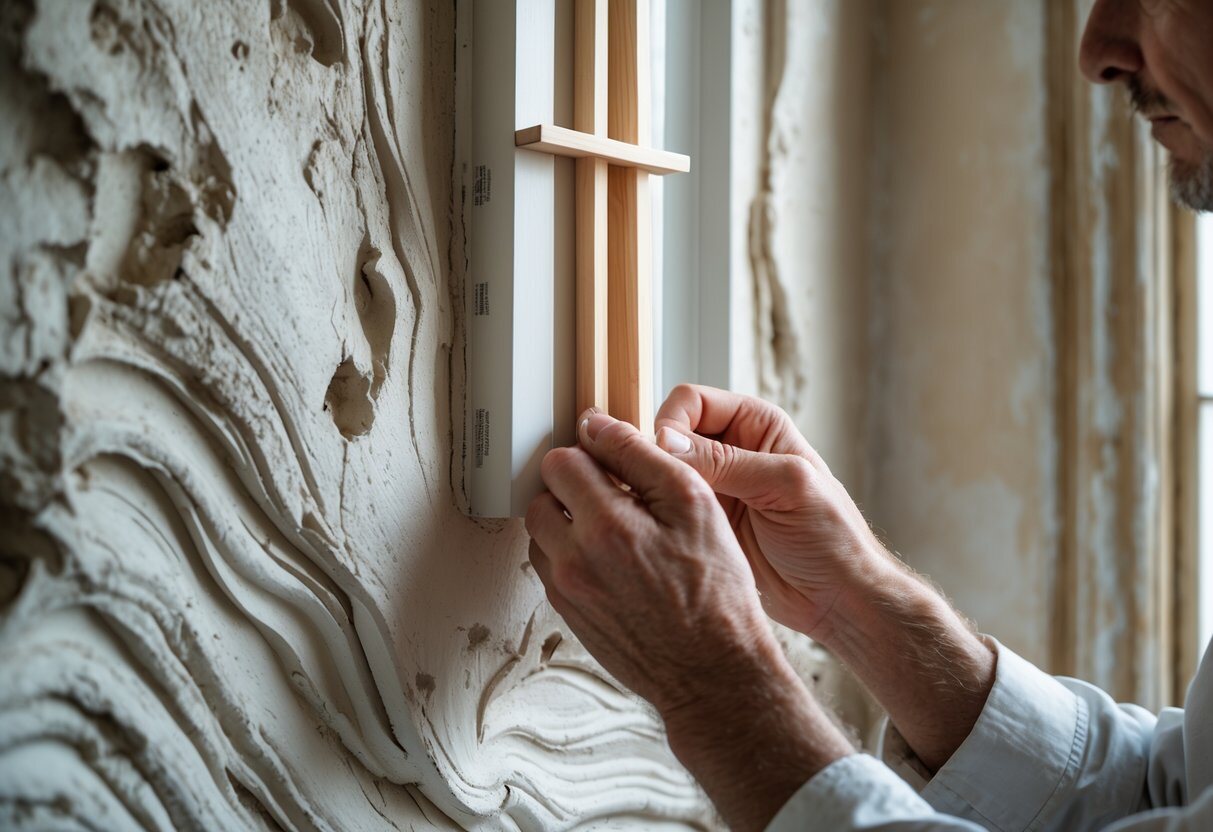
For a hard-to-reach opening such as a dormer, our guide to roller shades for dormer windows adds a useful room-planning perspective before you decide whether remote operation matters.
“Wi-Fi Is Down” Can Describe Different Problems
An internet outage and a failed home network are not interchangeable. Google’s local Matter description still depends on a functioning home wireless network, so “does not need the cloud” should not be read as “does not need a network.” (Google Home Matter guide)
Consider a bedroom where the router remains on but the internet provider has an outage. A compatible local Matter command may still reach the shades through the working home network, while control from outside the home requires an internet-connected controller or another supported internet path. (Google Home Matter guide; Connectivity Standards Alliance Matter FAQ)
Do not assume a legacy vendor app or hub follows the same rules. Google explicitly distinguishes local Matter commands from cloud-routed integrations, so ask the supplier whether the particular app command is local, cloud-based, or dependent on a separate bridge. (Google Home Matter guide)
A local connection is not a bypass for every failed component. Google Home requires a compatible hub for its Matter setup, and Apple’s troubleshooting guidance identifies bridges, home hubs, and network connectivity as possible points to investigate when accessories stop responding. (Google Home Matter guide; Apple accessory troubleshooting)
Treat a power failure as a separate buying question. Ask whether the selected motor, controller, bridge, and any proposed backup have power in that scenario; do not accept an internet-outage demonstration as proof of blackout operation.
What Matter Changes, and What It Does Not
Matter is a connectivity standard, not a blanket feature of motorized window coverings. The standard includes window coverings and shades as a device category, but that does not certify every shade motor or guarantee every platform supports every feature you want. (Connectivity Standards Alliance Matter FAQ; Google Home Matter guide)
The strongest reason to consider Matter here is its local command path. However, the Alliance says control while away from home requires an internet-connected controller for Matter-only devices, and some manufacturers also provide their own direct internet connection and app. (Connectivity Standards Alliance Matter FAQ)
Thread adds another distinction. It is a network technology used by some Matter devices, not another name for Matter itself; Google explains that a setup connecting Thread devices with Wi-Fi devices needs appropriate Thread border-router functionality. (Google Home Matter guide)
For example, choosing a Google Home setup means checking the exact hub as well as the shade. Google lists different hub capabilities and notes that platform support for device categories can arrive at different times, making current product documentation more useful than a broad compatibility logo. (Google Home Matter guide)
World Wide Shades encourages buyers to settle compatibility before focusing on convenience features. If voice control matters, review our guide to motorized shades with Alexa and Google Home, then contact us about your exact ecosystem or call (844) 674-2716.
Choose Backup Controls Around the Room
The most useful backup is not necessarily another app. For a bedroom, consider making a bedside control that does not depend on an online account a purchase requirement, then ask the supplier to confirm exactly how the proposed remote or wall control communicates with the motor.
This is a selection criterion, not a claim that every offered motor includes that option. Ask whether the control works directly with the motor, through a powered hub, or by another route, and request an outage demonstration of the actual configuration.
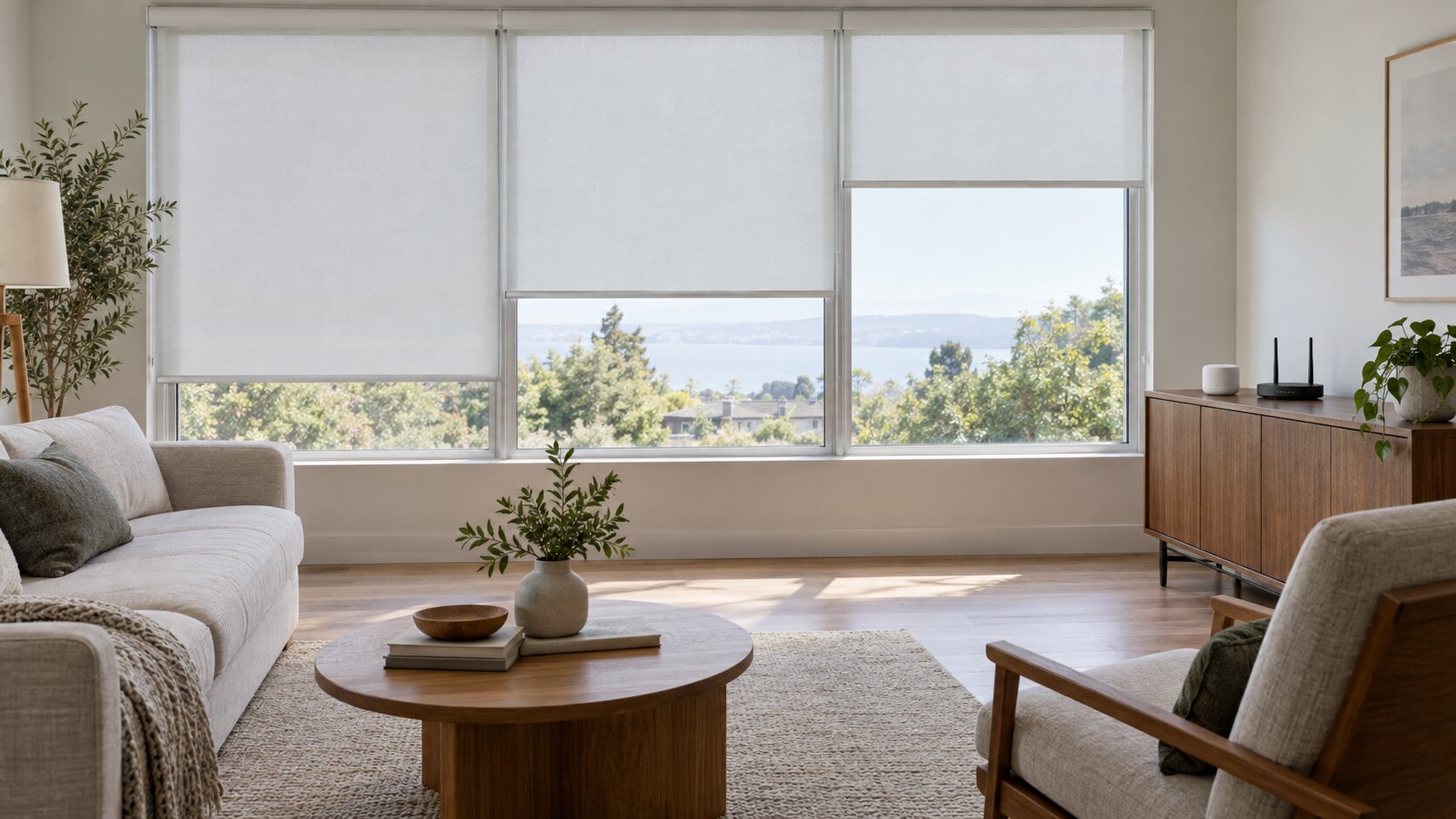
For a living room, your priority might be moving several shades together without opening a phone. For a guest room, it might be a clearly labeled control visitors can use without joining your smart-home account. Write down the everyday task first so the technology serves the room.
Be equally specific about schedules. Ask where each schedule is stored and executed, what clock or controller it depends on, and whether it resumes correctly after a restart; do not assume a scheduled action shares the same path as a manual app command.
World Wide Shades can help you consider fabric and operation together. Explore bedroom shade choices for light and privacy, then order fabric swatches for your room while you confirm the motor’s control options.
Test the Control Path Before You Rely on It
A useful acceptance test is narrower than “the shades worked during installation.” For example, ask an installer to demonstrate a proposed bedroom setup with internet service disconnected but the router and other equipment powered, then record which controls and scheduled actions still work.
Keep network and power tests separate so the result is meaningful. Before changing anything, agree on a recovery plan with the installer and avoid interrupting equipment updates or other essential household services.
Try the controls you actually expect to use: a local app command, the specified remote, the wall control, and any important schedule. Record each result individually rather than treating one successful command as proof that the whole system is independent of the cloud.
Also test away-from-home operation separately. The Alliance states that Matter-only devices need an internet-connected controller for remote access, and Apple says remote control of Home accessories requires a home hub. (Connectivity Standards Alliance Matter FAQ; Apple accessory troubleshooting)
If an Apple Home accessory shows “No Response,” Apple recommends checking connectivity and restarting relevant bridges and hubs as part of troubleshooting. That guidance is a reminder to investigate the system before deciding the shade motor itself has failed. (Apple accessory troubleshooting)
World Wide Shades recommends resolving control questions alongside installation and budget questions. Read our roller shade installation guide and custom roller shade cost guide, then discuss your room and control priorities before finalizing your selection.
Related room-planning guides
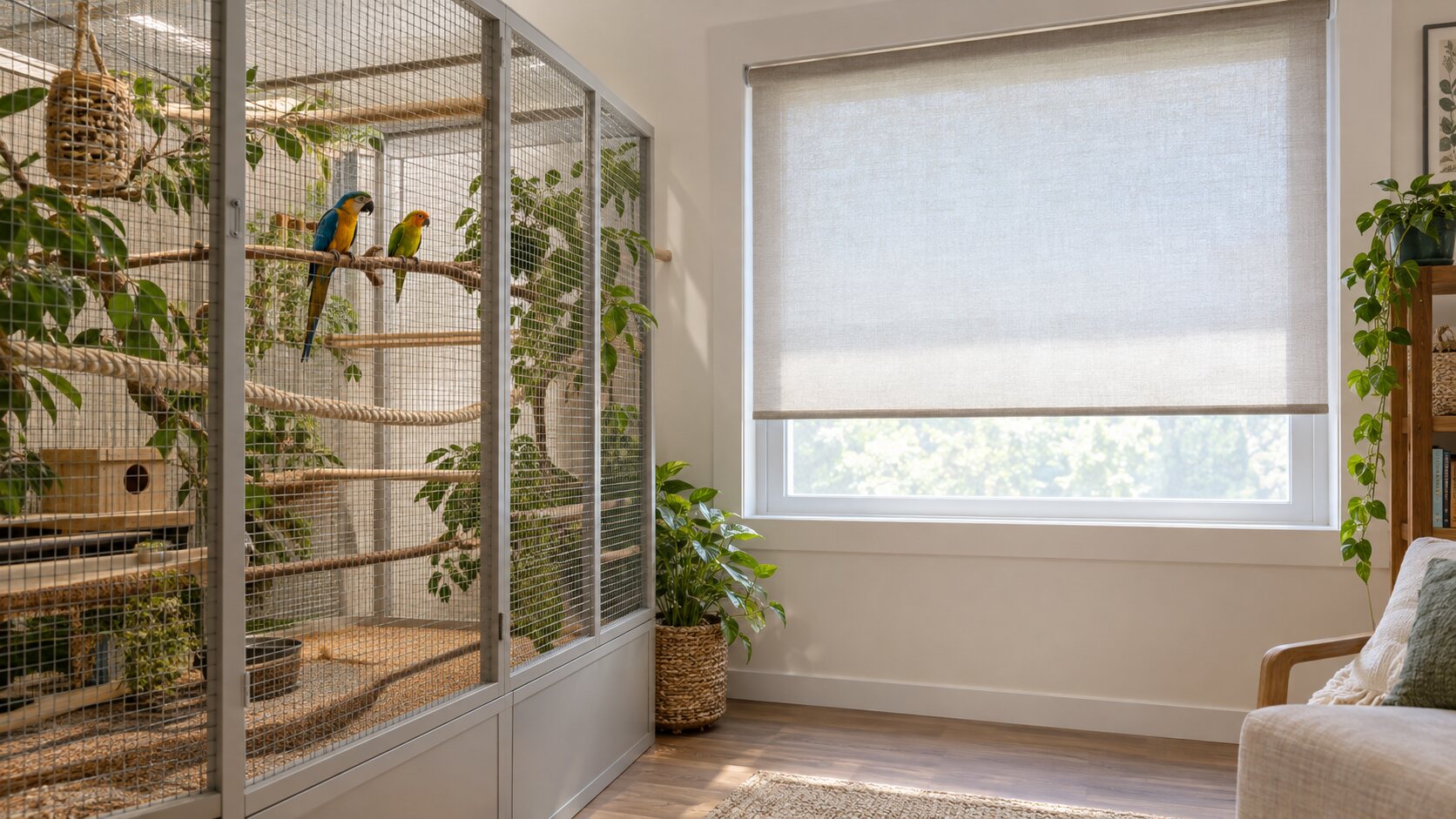
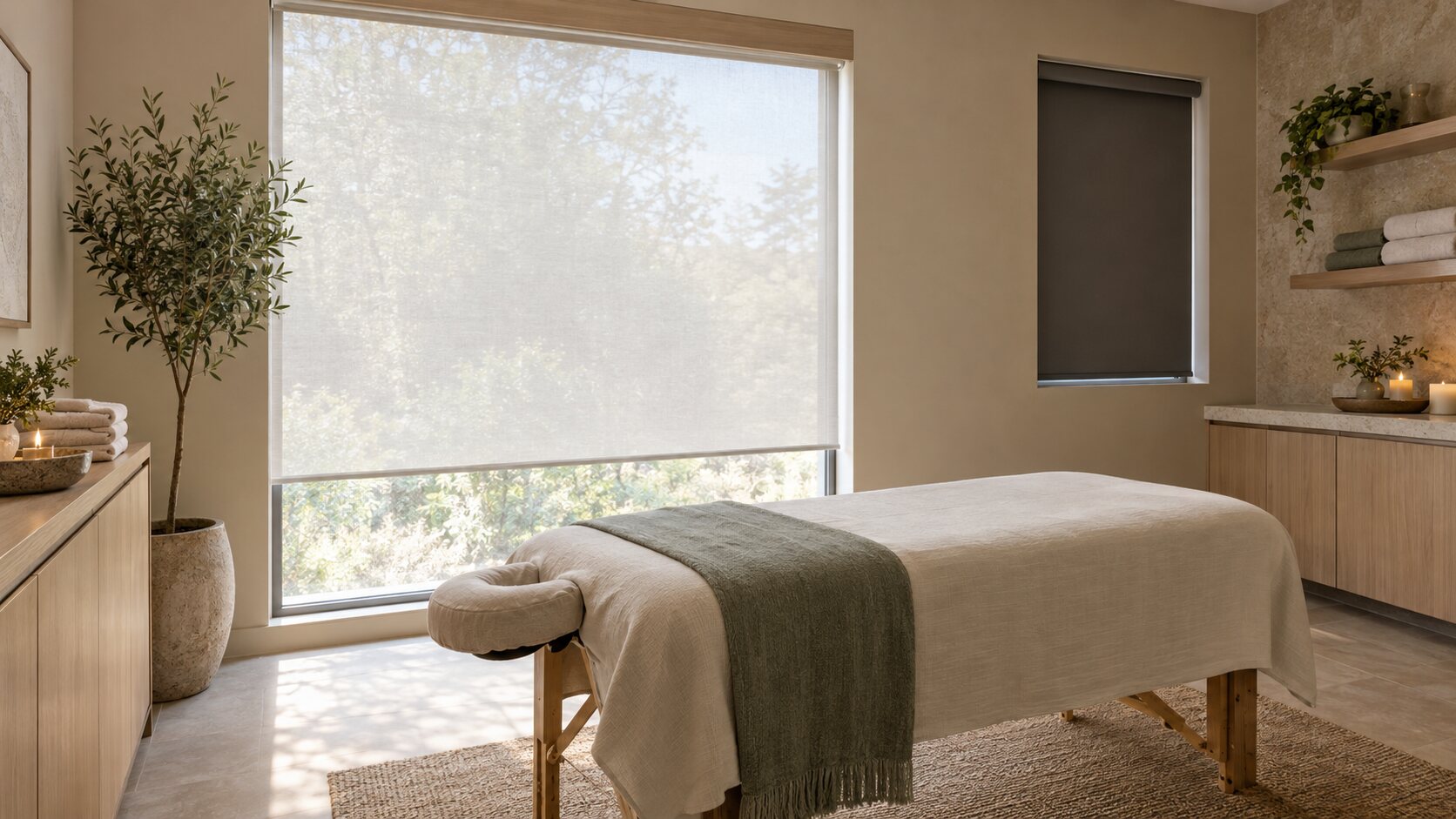
The right control plan still depends on how a shade will be used. Compare our guidance on bracket gaps over uneven walls, mirror glare in yoga studios, privacy in spa treatment rooms, and safe shade operation around indoor aviaries.
Frequently Asked Questions
They may, depending on the exact control path and the equipment still operating. Google says Matter device commands execute locally over the home network, but that does not establish offline behavior for a non-Matter motor, a vendor cloud app, or every separate feature. (Google Home Matter guide)
Ask for confirmation covering your motor, hub, and preferred control. Include schedules and any backup remote in that conversation rather than assuming they behave alike.
No. Matter is local connectivity technology, and the Alliance says Matter-only devices require an internet-connected controller to enable control while you are away. (Connectivity Standards Alliance Matter FAQ)
Treat “local control at home” and “remote access from elsewhere” as separate requirements. For example, a vacation-home setup should be evaluated for both.
No blanket assumption is justified. Although Matter includes window coverings and shades, you still need to verify the selected product and the platform’s support for that device type. (Connectivity Standards Alliance Matter FAQ; Google Home Matter guide)
Ask for the exact motor model and any required bridge. Keep that information with your order details for future troubleshooting.
Make this a model-specific question rather than a presumed benefit. Ask the supplier to identify whether the proposed remote communicates directly with the motor or needs another component, then demonstrate the answer.
A bedside remote is only a useful router-outage backup if the selected setup actually supports that use. Confirm it before treating the control as your fallback.
Ask which motor and controller are proposed, which commands use local connections, and what remains available during an internet, router, hub, or power outage. Request clear answers for the room’s most important daily action, such as closing bedroom shades at night.
World Wide Shades can help you frame those priorities before purchase. Start your custom shade configuration or contact the team about control compatibility at (844) 674-2716, and choose the setup whose documented behavior matches how you want your home to work.