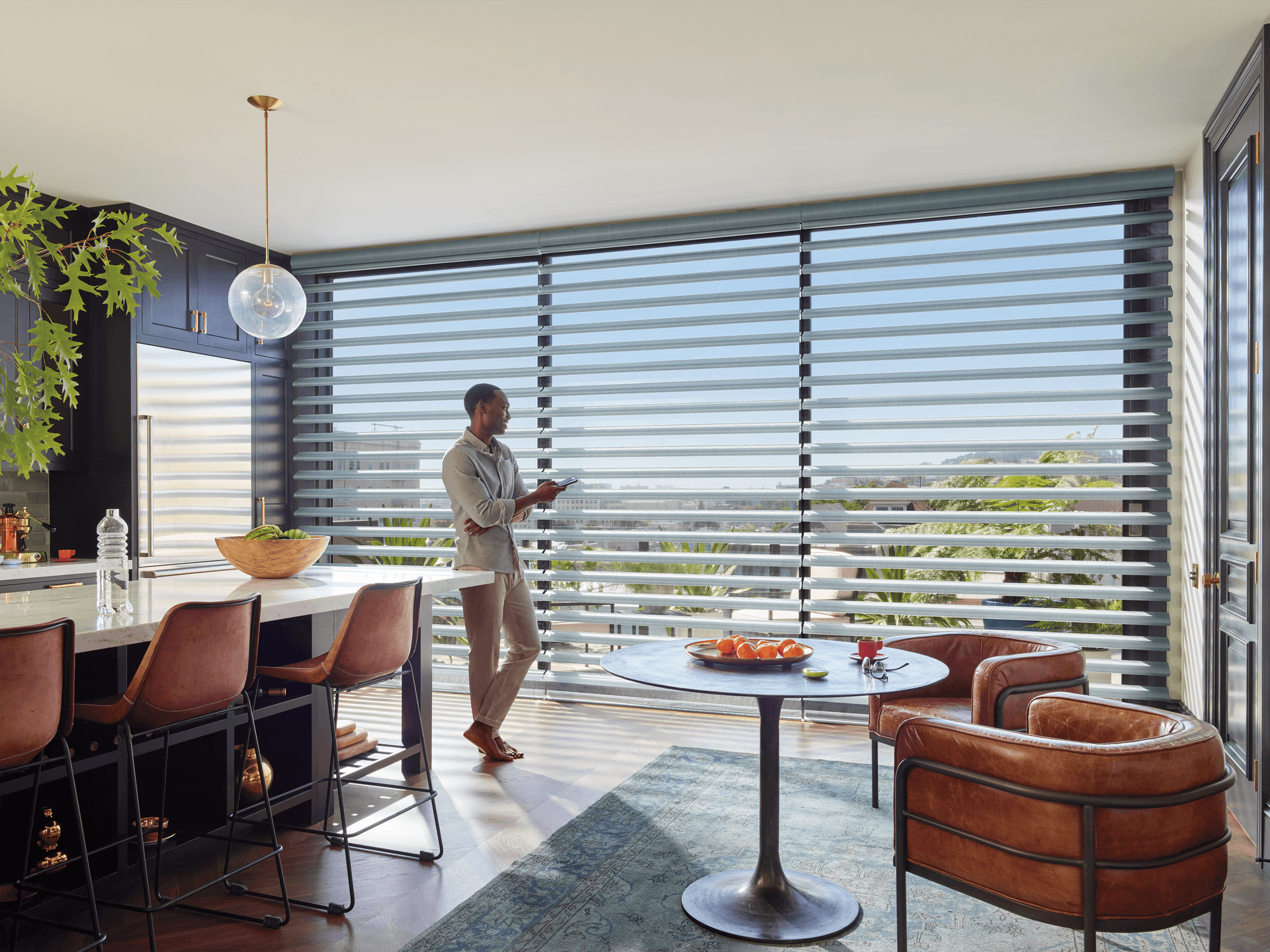
What Geofencing Does for Motorized Shades
Geofencing uses a phone’s location to trigger a smart-home action when the phone crosses a virtual boundary around your home. With compatible motorized shades, leaving can activate privacy or away positions, while arriving can raise selected shades or restore a daytime scene. It is a convenience layer—not a security system and not a replacement for a timed schedule.
The best geofence automation is selective. Close street-facing living-room shades when the last household member leaves, but do not lower a nursery shade just because one phone goes to work. World Wide Shades helps homeowners map shades by room, orientation, and privacy need. Start with the World Wide Shades builder and specify which rooms need app, voice, or location-based control.
If you are new to connected shades, our smart home motorized shades setup guide covers motors, hubs, and platform compatibility. Geofencing works only when the shade system, app, phone permissions, and home platform all remain online. World Wide Shades can help you keep those dependencies simple with a room-by-room control plan.
Design the Boundary Before the Routine
A geofence radius of roughly 300 to 1,000 feet is a useful starting range for many suburban homes. A smaller boundary may trigger late or repeatedly as GPS accuracy changes near tall buildings; a larger boundary may close shades while you are still in the driveway or across the street. Start at about 500 feet, test for a week, and adjust based on actual behavior.
GPS is not a precise indoor switch. Wi-Fi, cellular coverage, battery-saving settings, and phone motion all affect when the platform recognizes entry or exit. Add a short delay—such as 2 to 5 minutes—before moving shades if the platform allows it. The delay filters brief location blips without making the routine useless.
A “first person leaves” trigger can create an awkward result when a partner or child remains home. A “last person leaves” trigger is usually better for privacy and energy control, but it requires every regular household phone to be included and location sharing to be active. Guests, pet sitters, and house cleaners may not appear in the presence model.
Use geofencing for a narrow action, such as closing street-facing shades, and use a separate security system for locks and alarms. Never assume a closed-shade confirmation proves that a door is locked or the house is empty.
Arrival Privacy and Departure Scenes
A reliable away routine might close front-facing shades to 80%, lower the nursery shade to a safe preset, and leave skylights or plants with the position they need. Set a maximum number of moves by grouping shades and avoiding repeated open-close loops. Most homes need one shade movement on departure, not a full animation.
When the house receives strong afternoon sun, closing solar or light-filtering shades can protect flooring and furnishings while still allowing a small amount of ambient light. For fabric choices, see UV protection window shades and energy-efficient window shades.
An arrival routine should not automatically open every shade at night. Use a time condition: open living-room shades only if the sun is above the horizon, and keep bedrooms or street-facing rooms at their privacy position after dark. If the platform cannot combine location and time, create two routines or use a scene that requires manual confirmation.
A practical arrival scene can raise a kitchen shade to 50%, open a backyard-facing living-room shade to 70%, and leave the front room at 30%. The result feels natural and avoids a sudden full-home reveal when you pull into the driveway.
A person leaving at 5:00 p.m. may trigger away mode while another person arrives at 5:02 p.m. Add a presence condition or minimum occupancy state, then test both directions. If the platform has no “last person” logic, use a manual “Away” scene or a trusted home/away status from the security platform instead of guessing from one phone.
Phone and Platform Permissions
Geofencing often fails because the app is not allowed to run location checks in the background. Set the shade app or smart-home platform to use location “always” or its equivalent, allow precise location when available, and disable battery optimization for that app if the phone suppresses background activity. Confirm that notifications and local-network access are enabled for the initial test.
Keep the home address current and use one platform as the source of truth. If both Alexa and another hub run separate arrival routines, one may open shades immediately after the other closes them. Choose one owner for geofenced movement, and let other platforms provide voice or manual control.
For devices that depend on a bridge, place the hub centrally and keep it on the main network. A geofence event can be perfect while the shade action fails because the hub is offline. Our motorized shade hub disconnected guide explains how to test the network layer without erasing shade pairings.
Geofencing by Room and Orientation
Front rooms usually need privacy as soon as the household leaves, especially after sunset. Close them to 80% or 100% depending on fabric and sight lines. A blackout shade may provide privacy but can look darker than needed during daytime; a solar screen or light-filtering fabric can preserve a view while reducing glare.
Bedrooms benefit more from time and occupancy logic than from simple geofencing. If a parent leaves while a child is asleep, “last person leaves” should not raise or lower the shade unexpectedly. Use a lower, quiet position, an obstruction-free clearance, and the child-safe recommendations in our child-safe window treatments.
Sun exposure changes by season and window direction. A departure routine at 3:00 p.m. may protect a west-facing room in summer but be unnecessary in winter. Combine geofencing with a sun-position or time condition where possible; our best shades for south-facing windows guide explains the orientation tradeoffs.
Test Without Surprising the Household
Run the first test with all shade actions replaced by notifications. Confirm that the correct phone crosses the boundary, the right person state changes, and no duplicate routine fires. Then test one shade at 25% or 50% before adding an entire room. Keep a manual override available on the app and remote.
Log five to seven days of results: trigger time, phone state, hub status, shade position, and whether another person was home. If two out of five tests misfire, the routine is not ready for unattended privacy control. Increase the radius, add a delay, improve permissions, or simplify the logic rather than adding more conditions at random.
World Wide Shades can map these rules to a shade order so the motor, fabric, and power method support the intended use. Send your room plan to World Wide Shades for a practical review, or configure motorized shades for each zone. Browse fabric swatches if front rooms need a different openness or privacy level than bedrooms.
FAQ: Motorized Shade Geofencing
Start with a radius of about 300 to 1,000 feet, often near 500 feet, then test it in real conditions. GPS accuracy, buildings, and phone settings determine the result, so there is no single perfect radius for every home.
Yes, if the smart-home platform supports household presence and every regular household phone is included. A single-phone “leave” trigger can close shades while another resident is still inside, so use last-person logic or a manual Away scene when possible.
It may not. Battery-saving modes and background restrictions can delay location updates. Allow background location for the home platform, disable aggressive battery optimization for that app, and keep a manual control path available.
Usually not. Add a sunrise or daylight condition, or create separate day and night arrival scenes. Opening street-facing shades after dark can reduce privacy even though the geofence itself worked correctly.
No. It can support a privacy or occupancy routine, but it does not confirm that doors are locked, windows are closed, or the home is empty. Keep locks, alarms, cameras, and monitoring on their own tested controls.
Have World Wide Shades design a geofence-ready shade plan, or call (844) 674-2716 to discuss room groups, motors, and privacy positions. For a second review of your away logic, call (844) 674-2716 before enabling background location.


