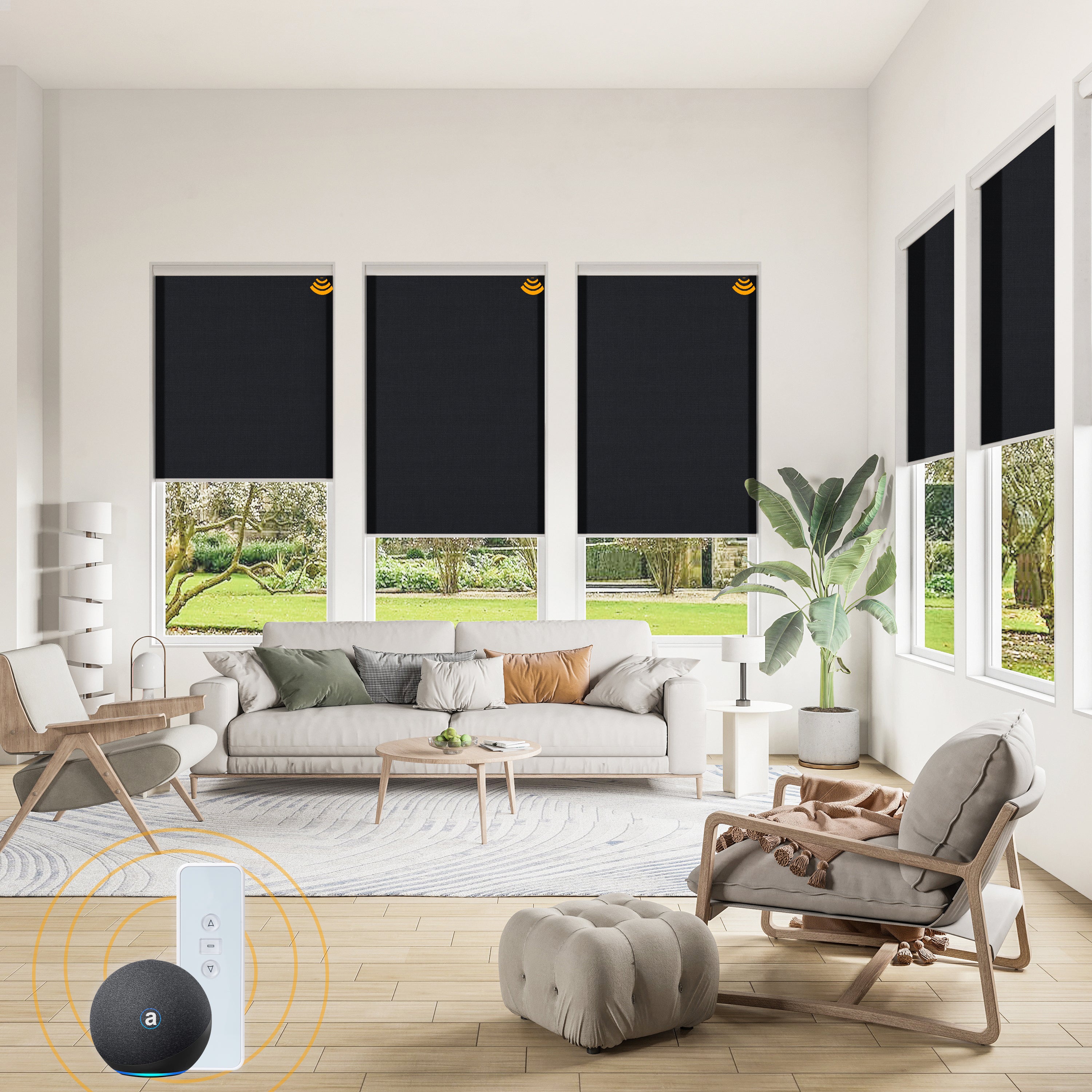
What Alexa Can Do With Motorized Roller Shades
Alexa can open, close, or position compatible motorized roller shades by voice, app, schedule, or routine. The useful part is not the novelty of saying “close the shade.” It is the ability to coordinate privacy, glare control, sleep, and security across several rooms with one trigger.
A typical setup has three layers: the shade motor, the manufacturer’s app or bridge, and the Alexa app. Some Wi-Fi or Matter-ready motors connect directly; others need a hub that translates a proprietary radio signal. World Wide Shades can help you choose the motor and bridge before you order. Start with the World Wide Shades smart shade builder and identify the Alexa-compatible control path for each room.
For a broader platform comparison, read our motorized shades with Alexa and Google Home guide. Alexa routines are easiest when every shade has a clear room name, a stable connection, and a defined position such as 0%, 50%, or 100%.
Connect Your Shades to Alexa
Install the manufacturer’s app, charge or power the motor, and pair one shade before adding the rest. Set its upper and lower limits and confirm that the shade moves from the app. If the shade does not respond locally, Alexa cannot repair the underlying motor or battery issue.
In Alexa, open More, choose Skills & Games, find the shade brand, and link the account if the product uses a skill. For Matter devices, use Devices, Add Device, and follow the Matter pairing flow shown by the manufacturer. Menus change, but the principle is constant: establish reliable local control before you add a voice assistant.
Use names that are short, distinct, and easy to pronounce: “Bedroom shade,” “Kitchen window,” or “Office west shade.” Avoid duplicate names such as “Shade 1” in multiple rooms. Put the device in the correct Alexa group, because “close the bedroom shades” depends on room assignment more than on the words you use for the individual device.
If a room has three windows, group them under “Living room” and give each device a directional name only if you need separate control. Test names from across the room. Alexa should understand the command on the first or second attempt without a long explanation.
Browse World Wide Shades fabric swatches while planning your device names. A room-by-room list of windows, fabric goals, and automation names makes a large order easier to install and commission.
Voice Commands That Are Actually Useful
Try these patterns after discovery:
- “Alexa, open the bedroom shade.”
- “Alexa, close the kitchen shades.”
- “Alexa, set the living room shade to 40 percent.”
- “Alexa, turn on movie time.”
- “Alexa, are the office shades open?”
Percentage control depends on the motor and integration reporting position. If Alexa treats a shade like a simple switch, you may have on/off control but not an exact intermediate position. World Wide Shades recommends testing 25%, 50%, and 75% positions during commissioning rather than assuming every bridge exposes the same controls.
Do not put private details in device names or routine announcements. “Front bedroom shade” is enough; an announcement that says when the family is away can reveal more than necessary to visitors or a compromised account.
Build Alexa Routines for Daily Life
Create a routine called “Good morning” that raises bedroom shades to 40% at first, then to 70% 15 minutes later. The two-stage approach brings in daylight without turning a sleeping room into a bright spotlight at sunrise. Add a weekday schedule and leave weekends manual if the household sleeps later.
For bedrooms, fabric still determines comfort. Use our best window shades for bedrooms guide before setting a wake routine, and consider blackout fabric when the room faces an early sunrise.
A routine can lower east- or south-facing shades to 30% during the strongest glare window, then raise them when a video call ends. Use a room group instead of “all shades” so a shaded office does not darken the kitchen. Our best shades for south-facing windows guide explains why orientation changes the useful position throughout the day.
If the shade must preserve a view, use a solar screen or light-filtering fabric and set the position in 5% increments until the monitor is comfortable. Automation should support a measured result, not replace it.
A “Movie time” routine can lower the media-room shades to 100%, dim lights, and pause a notification speaker. If a small perimeter glow remains, fabric alone may not be enough; read blackout curtains versus blackout shades and our roller shade light-gap guide for perimeter coverage.
A sunset-triggered routine can close street-facing shades to 80% while leaving a high transom or backyard-facing window open. Avoid closing every shade at the same percentage by default: privacy needs, view, and room use differ. For more advanced sun timing, see sunrise and sunset schedules for motorized shades.
An “Away” routine should close shades in bedrooms and living areas, but it should not cycle every window every hour. Two or three natural-looking changes across a day are less mechanical and use less battery than constant movement. Pair shade movement with a smart-home presence state only after testing what happens when a phone battery dies or another household member stays home.
Privacy and Safety Settings
Motorized shades remove dangling cords, which is valuable in homes with children and pets, but automation still needs guardrails. Do not schedule a shade to close against a window handle, plant, or furniture. A rechargeable motor should stop when resistance is detected, but obstruction detection is not permission to ignore clearance.
For safer room-by-room planning, read child-safe window treatments and pet-friendly window treatments. Keep remotes and charging cables out of reach, and use a lower speed or quiet mode in bedrooms when supported.
Troubleshoot Alexa Shade Routines
When a voice command fails, check the failure in this order:
- Does the shade move in the manufacturer app?
- Does the hub or Matter controller show online?
- Does Alexa show the device in the right room?
- Is the routine acting on a group that contains an old duplicate device?
- Is the requested percentage supported by the motor integration?
- Is the shade battery low or the window obstructed?
If only Alexa fails, disable and re-enable the skill or refresh device discovery after confirming the manufacturer app works. If the hub itself drops offline, use our motorized shade hub reconnect guide rather than deleting every shade from Alexa.
World Wide Shades can review a multi-room Alexa plan, including which windows need battery motors and which are better hardwired. Contact World Wide Shades with the number of windows, your Alexa devices, and whether you want position control. For a fast configuration, build your Alexa-ready shades or call (844) 674-2716. If you are comparing bridge options, call (844) 674-2716 before purchasing so the motor and Alexa workflow match.
FAQ: Roller Shades With Alexa
No. The motor or bridge must support Alexa, Matter, or a compatible integration. A shade that only uses a proprietary remote may need a manufacturer bridge before Alexa can control it.
Often, but not always. Exact position requires a motor and integration that report position rather than only exposing open and close switches. Test 25%, 50%, and 75% during setup.
The hub may be offline, the shade battery may be low, the Wi-Fi network may have changed, or the routine may point to a duplicate device. Confirm the shade works in its manufacturer app before repairing Alexa.
Use a room group for common commands and directional names such as “living room left” or “living room patio” for individual control. Avoid duplicate names, punctuation, and private information in spoken device names.
Cordless motorized shades avoid dangling operating cords, but furniture, remotes, charging cables, and automated movement still require supervision. Follow the manufacturer’s obstruction and installation instructions and review child-safe window-treatment guidance.
Ask World Wide Shades to configure your Alexa-ready motorized shades, or call (844) 674-2716 for help matching the motor, bridge, and room plan.


