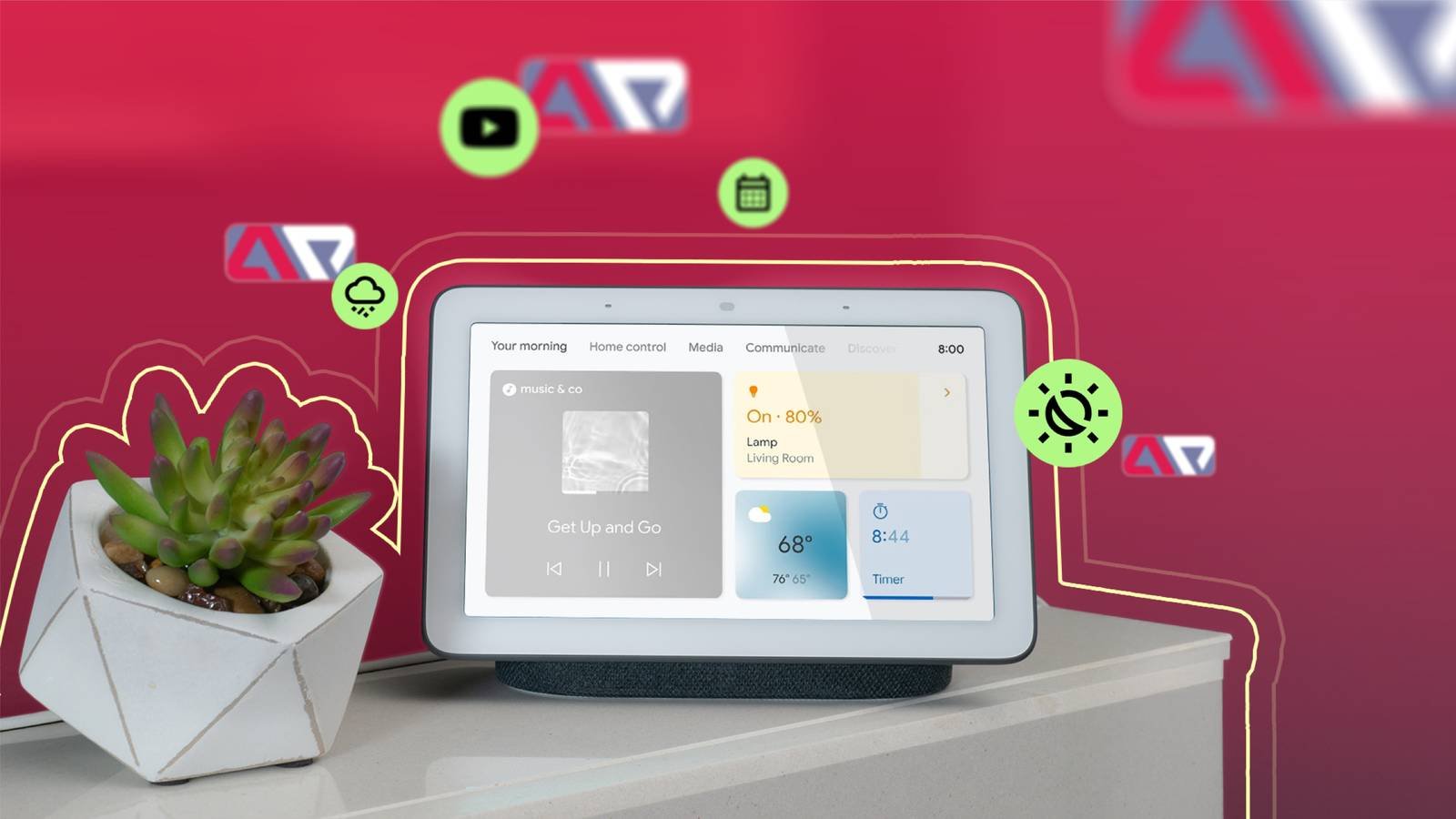
Why Google Nest Hub Is a Natural Fit for Shade Control
Google Nest Hub combines a smart display with the full Google Home ecosystem, which makes it one of the easiest ways to add voice and touch control to motorized roller shades. Because the Nest Hub sits on a nightstand, kitchen counter, or entryway table, it gives you a visual shade control panel in addition to voice commands — tap the screen to see which shades are open, closed, or partially lowered across the house. World Wide Shades builds its motorized shades to work with Google Home-compatible Wi-Fi and Matter-enabled motors, so most of our shade motors pair with a Nest Hub in the same setup flow as a smart plug or light bulb.
This guide covers full setup, Google Home Routines, and multi-room scene building. For the fundamentals of motorized shade selection before you get to voice assistant setup, see our smart home motorized shades setup guide. When you are ready to order, the World Wide Shades builder lets you configure Google Home-compatible motorized shades and get instant pricing for every window.
Setting Up Your Shades in the Google Home App
Open the Google Home app, tap the plus icon, and select "Set up device" then "Works with Google." Search for your shade motor's brand within the Google Home device list — most Matter-certified and Wi-Fi motorized shade modules appear here directly, without needing a separate manufacturer app first. Follow the in-app pairing steps, which typically take 2 to 4 minutes per shade including Wi-Fi network selection.
Google Assistant recognizes shade names exactly as typed in the app, so naming matters for a smooth voice experience. Instead of "Shade 1," use room-specific, speakable names like "Bedroom Shade" or "Kitchen Window." If a room has multiple shades, Google Home supports grouping them under a single room name (e.g., "Living Room") so that saying "close the living room shades" triggers all of them together — useful for the kind of multi-window rooms discussed in our best roller shades for living rooms guide.
Assign every shade to its correct room within the Google Home app structure. This step is easy to skip but it's what enables room-based voice commands like "Hey Google, open the shades in the kitchen," which is far more natural for daily use than remembering individual device names. For kitchens specifically, humidity and grease exposure affect fabric choice — see our roller shades for kitchen and bathroom guide for fabric recommendations that pair well with frequent voice-triggered cycling.
Voice Commands That Actually Work
Once shades are set up, Google Assistant supports several command patterns through the Nest Hub or any Google Home speaker:
- "Hey Google, open the [room] shade."
- "Hey Google, close the [room] shade."
- "Hey Google, set the [room] shade to 50%." (Percentage-based control requires a motor with position feedback, which all World Wide Shades Wi-Fi and Zigbee-via-Matter motors support.)
- "Hey Google, close all the shades." (Triggers every shade device across the home simultaneously.)
- "Hey Google, are the shades open?" (Nest Hub responds with current status and can display it visually on screen.)
In testing across typical two-story homes, voice commands processed through a Nest Hub reach the shade motor and begin movement in approximately 1 to 2 seconds, similar to lighting commands on the same network.
Building Google Home Routines
Routines are Google's answer to automation, letting you bundle shade actions with other smart home behavior triggered by time, voice phrase, or (with a Nest Hub or Nest speaker present) presence sensing.
A typical "Good Morning" Routine might raise bedroom shades to 60%, turn on kitchen lights, and read the day's weather, all from a single voice phrase or an automatic 7:00am trigger. Because Nest Hub devices include ambient light and motion sensors, some households layer in a presence check so shades only rise once someone is actually detected awake and moving, rather than on a fixed clock regardless of whether anyone is home.
A "Sunset" Routine tied to Google's location-based sunset time (accurate to your specific zip code, adjusting daily) can lower shades in street-facing rooms automatically as light fades. This pairs particularly well with blackout fabric in bedrooms; see our blackout curtains vs blackout shades comparison for which option gives the most complete light block for evening privacy and better sleep.
Google Home's Routines support randomized or scheduled shade cycling while a household is away, which — combined with smart lighting — creates the appearance of an occupied home. This is a low-cost layer of home security, especially valuable for households that travel frequently or manage a rental apartment property remotely.
For households that entertain, a custom Routine triggered by a phrase like "Hey Google, movie time" can lower living room shades to full blackout or near-blackout opacity, dim the lights, and turn on the TV in one command. Multi-room scenes like this rely on accurate room assignment (see the setup section above) to make sure only the intended shades respond.
Nest Hub Display Features for Shade Control
Beyond voice, the Nest Hub's touchscreen provides a manual control panel accessible without saying a word — useful late at night or when you want silent adjustment. The Home view on Nest Hub shows all connected shade devices with their current position, and a single tap opens a slider for precise percentage control, similar to the physical remote included with every World Wide Shades motorized shade. This redundancy means you are never fully dependent on voice recognition working perfectly, which matters in households with young children whose voices Google Assistant may not always parse correctly for shade commands — our child-safe window treatments guide covers additional safety considerations for homes with kids around motorized and cordless shades alike.
Comparing Google Home to Other Ecosystems
Google Nest Hub's biggest advantage is simplicity — most Matter and Wi-Fi motorized shades pair in under 5 minutes with no separate hub purchase required, since the Nest Hub itself acts as a Matter controller. Samsung SmartThings offers similar ease of use with slightly deeper integration for Samsung's own appliance lineup; see our SmartThings integration guide if you're comparing directly. Home Assistant, by contrast, requires more setup investment but offers vastly more customizable automation logic — our Home Assistant integration guide covers that path if Google's Routines feel too limited for your use case. Many homes actually run Google Home for voice control and daily Routines while running Home Assistant in parallel for advanced sun-tracking logic, since Matter allows a single shade motor to be controlled by multiple ecosystems.
If your home also has Amazon Alexa devices, our motorized shades with Alexa and Google Home guide explains how both ecosystems can coexist without command conflicts.
Motor and Fabric Choices for Google Home Setups
World Wide Shades recommends Matter-certified Wi-Fi motors for the smoothest Google Home pairing experience, since Matter devices skip manufacturer cloud accounts entirely and connect directly through your home's existing Wi-Fi and Google Home hub. For fabric, solar shades in the 3% to 5% openness range work well with voice-triggered daytime routines since they preserve some outward visibility while still cutting glare — our best fabrics for roller shades guide has the full breakdown by openness percentage. Configure your exact fabric and motor combination through the World Wide Shades builder, where motorized, Matter-ready options are clearly marked, or request free fabric swatches to compare color and light control in your own home before ordering.
Troubleshooting Nest Hub Shade Issues
The most common issue is a shade device that appears in the Google Home app but does not respond to voice commands — this is almost always a naming mismatch, where the assigned device name contains characters or phrasing Google Assistant doesn't parse well; renaming to a simple one or two-word room name usually resolves it immediately. The second common issue is a Routine that fires at the wrong time, typically caused by an incorrect home address or time zone setting in the Google Home app rather than a problem with the shade motor itself. If neither fix resolves your issue, call World Wide Shades directly at (844) 674-2716, and our team can confirm the exact motor model and Matter compatibility for your order.
Frequently Asked Questions
Any Google Assistant-enabled speaker or display supports voice commands for shades. The Nest Hub specifically adds a touchscreen control panel and ambient sensors that enable presence-based Routines, which standalone speakers like the Nest Mini do not offer.
World Wide Shades offers Matter-compatible Wi-Fi motorized shade options alongside Zigbee and standard Wi-Fi motors. Confirm the exact certification for your selected motor through the World Wide Shades builder or by calling (844) 674-2716.
Yes. Google Home is manufacturer-agnostic for Matter and Works with Google Home certified devices, so shades can be grouped and controlled in Routines alongside lights, plugs, and other smart devices regardless of brand.
Google Home does not impose a meaningful limit on the number of Routines per household; most users create 3 to 8 shade-related Routines covering morning, evening, away, and special-occasion scenes.
Voice commands are processed in the cloud and then sent to your local Wi-Fi network to reach the shade motor, so a slow or congested network can add a delay of a few extra seconds. A dedicated 2.4GHz band for smart home devices typically keeps response times under 2 seconds.
Motorized upgrades typically add $120 to $220 per shade over the base fabric and frame cost, depending on motor type and shade size. Get an exact quote for your windows using the World Wide Shades builder.
Get Started With Google Home-Ready Shades
World Wide Shades builds motorized shades specifically to work with Google Nest Hub, Google Home speakers, and the broader Matter ecosystem, so your shades become part of your existing smart home without proprietary apps. Configure your exact motor and fabric combination in the World Wide Shades builder, order free fabric swatches to check color and opacity in person, or call (844) 674-2716 to speak with a design consultant about Routine planning before your shades arrive. You can also send window photos and measurements through our contact page for a personalized recommendation.


