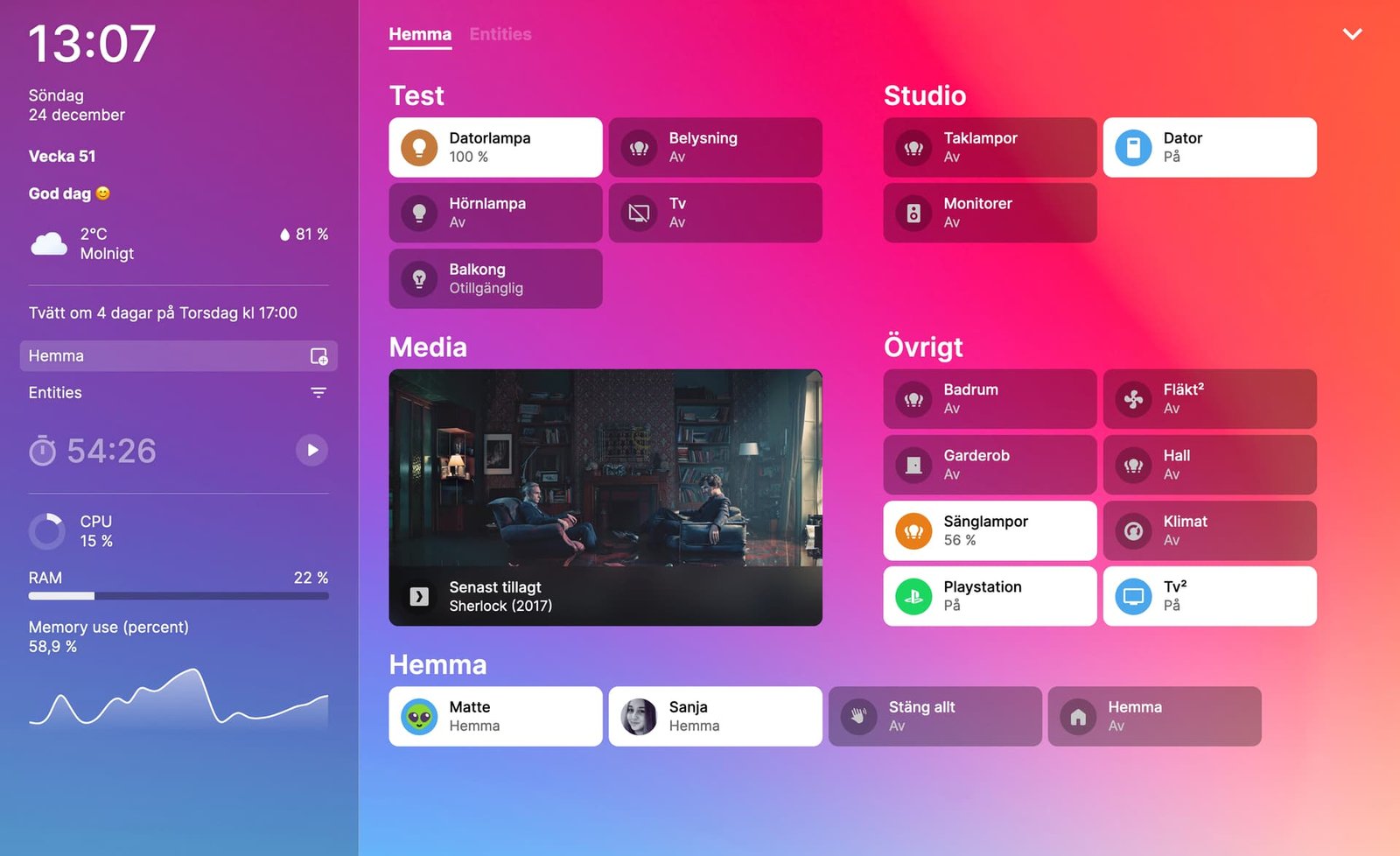
Why Home Assistant Appeals to Advanced Shade Automation Users
Home Assistant has become the platform of choice for homeowners who want total control over their automations without relying on a manufacturer's cloud service. Because it is open source and self-hosted, Home Assistant lets you build automation logic that no consumer hub — including Samsung SmartThings or Google Home — can match in flexibility. World Wide Shades motorized roller shades work with Home Assistant through several integration paths, and this guide covers each one so you can pick the setup that matches your existing smart home stack.
If you are new to shade automation generally, start with our foundational smart home motorized shades setup guide, then come back here for the Home Assistant-specific configuration. When you are ready to order shades sized for your automation project, the World Wide Shades builder lets you select motorized options and see pricing instantly for every window in your home.
Three Ways to Connect Shades to Home Assistant
Zigbee2MQTT is the most popular path for Zigbee-based motorized shades because it removes any cloud dependency entirely — commands travel from Home Assistant to a local MQTT broker to a Zigbee coordinator (commonly a Sonoff or ConBee USB stick) and directly to the motor. Roughly 45% of the Home Assistant users who contact World Wide Shades support use this path because it keeps every automation local, even during an internet outage. Pairing takes about 60 seconds per shade: put the motor in pairing mode, then use the Zigbee2MQTT "Permit join" toggle in the Home Assistant sidebar to detect it.
Z-Wave JS works similarly to Zigbee2MQTT but uses the Z-Wave protocol, which operates on a different frequency band (908.42MHz in the US versus Zigbee's 2.4GHz) and tends to have slightly better wall penetration in larger homes. If your existing smart home already runs Z-Wave locks or sensors, choosing Z-Wave motorized shades from World Wide Shades keeps your entire mesh network on one protocol, which simplifies troubleshooting.
For hardwired Wi-Fi shade motors, ESPHome offers a fully local firmware alternative to manufacturer cloud apps. Many motor boards used in World Wide Shades' hardwired motorized shades are ESP32-based, meaning advanced users can flash custom ESPHome firmware for complete local control with no cloud round-trip at all. This path requires more technical setup than Zigbee2MQTT — typically 20 to 40 minutes per device including flashing and YAML configuration — but results in the fastest response time, often under 200 milliseconds from command to motor movement.
Setting Up Your First Shade Entity
Once a shade motor is connected through any of the three methods above, Home Assistant exposes it as a "cover" entity with open, close, stop, and set-position controls. Here is the recommended setup sequence:
- Confirm the entity appears in Settings > Devices & Services under the relevant integration (Zigbee2MQTT, Z-Wave JS, or ESPHome).
- Calibrate travel time. Most cover entities need you to specify how many seconds a full open-to-close cycle takes; measure this manually with a stopwatch for accuracy, typically 12 to 25 seconds depending on shade height.
- Rename the entity using a consistent naming pattern like
cover.living_room_west_shadeso automations remain readable as your system grows. - Add it to a Dashboard card — the default "Cover" card in Home Assistant's Lovelace UI shows a slider for exact position control, which is more precise than a simple up/down toggle.
- Test position accuracy at 25%, 50%, and 75% to confirm the motor's reported position matches the actual fabric position; recalibrate if off by more than 5%.
For rooms with mixed sun exposure across multiple windows, see our best roller shades for living rooms guide for how to plan individually addressable shades rather than one large panel.
Building Home Assistant Automations for Shades
This is where Home Assistant's flexibility really shows. Because automations are built from YAML or the visual editor with access to any sensor data in your system, you can create logic far more specific than most consumer hubs allow.
Home Assistant includes a built-in sun integration that reports the sun's elevation and azimuth in real time, not just sunrise/sunset times. A common automation lowers shades on south and west-facing windows only when the sun's azimuth falls within a 90-degree arc facing that window AND elevation is above 20 degrees — meaning direct glare is actually hitting the glass. This precision reduces unnecessary shade cycling by an estimated 30% to 50% compared to simple time-based schedules. For window-specific heat management, our best shades for south-facing windows and UV protection window shades guides cover fabric selection to pair with this kind of automation.
Pairing a Home Assistant climate integration (Ecobee, Nest, or a local temperature sensor) with shade covers lets you build automations like: if a room's temperature rises above 76°F while the HVAC is in cooling mode, close west-facing shades to 20% opacity. Homes running this type of automation on solar-facing rooms report meaningful reductions in afternoon cooling load; pairing with our energy-efficient window shades fabric guide can extend the savings further, since fabric openness factor directly affects how much heat a closed shade actually blocks.
Home Assistant's person and device_tracker entities allow shade scenes tied to who's actually home. A "Last Person Leaves" automation can close all shades and set them to a security-friendly randomized schedule, similar in spirit to a vacation mode but running entirely on your local network rather than a third-party cloud service. This is particularly relevant for renters or short-term rental hosts — see our roller shades for rental apartments post for cordless and battery-only options that avoid drilling into landlord-owned walls.
Many Home Assistant users still want voice control through Google Assistant or Amazon Alexa. Home Assistant supports exposing cover entities to both ecosystems through official integrations, so you keep local automation logic while still saying "Hey Google, close the bedroom shade." If voice control is your primary interest, our dedicated guides on motorized shades with Alexa and Google Home and Google Nest Hub routines go deeper on that specific setup.
Home Assistant vs Consumer Hubs
Compared to Samsung SmartThings, Home Assistant requires more upfront technical investment — typically a Raspberry Pi 4 or a dedicated mini PC running Home Assistant OS, plus a USB Zigbee or Z-Wave coordinator, totaling $80 to $150 in one-time hardware cost. In exchange, you get automation logic with no subscription fees, no cloud dependency, and access to over 2,000 community-built integrations. If your household prefers a simpler out-of-box experience, our SmartThings integration guide may be a better starting point; many World Wide Shades customers run both platforms in tandem via Matter, using SmartThings for daily-use scenes and Home Assistant for advanced conditional logic.
Motor and Fabric Recommendations for Home Assistant Setups
Because Home Assistant users tend to build more granular automations, motor responsiveness and position accuracy matter more here than in a basic remote-control setup. World Wide Shades recommends:
- Zigbee motors for most rooms — reliable local pairing through Zigbee2MQTT, roughly 6-8 months of battery life at 2-4 daily cycles.
- Hardwired Wi-Fi/ESPHome motors for frequently-cycled shades (6+ times daily) or rooms where sub-second automation response matters, such as a home office with glare-sensitive monitors.
- 1% or 3% openness solar fabric for automations tied to solar position, since these fabrics show the most measurable difference in room temperature when cycled correctly. Our best fabrics for roller shades guide breaks down openness percentages in detail.
Configure your exact fabric, motor, and mount combination through the World Wide Shades builder, or request free swatches before finalizing fabric choice — color and opacity can look different under your home's actual lighting than on a screen.
Troubleshooting Home Assistant Shade Integrations
The most common issue reported to World Wide Shades support is a cover entity that shows "unavailable" after a Home Assistant restart — this is almost always a Zigbee coordinator reconnection delay, which typically resolves within 60 seconds without any action needed. The second most common issue is drifting position accuracy over weeks of use, caused by fabric settling on the roller tube; a full recalibration cycle (running the shade fully open then fully closed twice) resolves this in under 2 minutes. If you run into a hardware-specific issue with your motor, call World Wide Shades at (844) 674-2716 — our team can confirm which integration path matches your exact motor model.
Frequently Asked Questions
Not necessarily. Home Assistant's visual automation editor lets you build sun-based, time-based, and sensor-based automations without writing YAML. Coding knowledge helps for advanced customization but is not required for the setups described here.
All Zigbee, Z-Wave, and ESP32-based Wi-Fi motorized shades from World Wide Shades are compatible with Home Assistant through Zigbee2MQTT, Z-Wave JS, or ESPHome respectively. Configure your preferred motor type in the World Wide Shades builder.
Local integrations like Zigbee2MQTT and ESPHome continue working even if your internet goes down, since commands never leave your home network. Cloud-based hubs require internet connectivity for both the app and any remote automations.
A basic Home Assistant setup (mini PC plus USB Zigbee coordinator) runs $80 to $150 one time, with no ongoing subscription. This is separate from the shade and motor cost, which you can estimate using the World Wide Shades builder.
Yes. World Wide Shades motorized shades use standard Zigbee, Z-Wave, or Wi-Fi protocols rather than proprietary hardware, so switching hub platforms later does not require new motors — only re-pairing.
Every shade still operates using its physical remote or manual pull, independent of Home Assistant. Automations pause until the server is back online, but manual control is never lost.
Start Your Home Assistant Shade Project
World Wide Shades builds every motorized roller shade on open, standards-based protocols specifically so advanced users can integrate with Home Assistant without proprietary workarounds. Use the World Wide Shades builder to spec motorized shades for your exact window sizes, order free fabric swatches to test opacity and color at home, or call our team at (844) 674-2716 to confirm motor compatibility with your existing Zigbee coordinator or Z-Wave network before you buy. You can also reach a design consultant directly through our contact page with photos or measurements of your windows.


