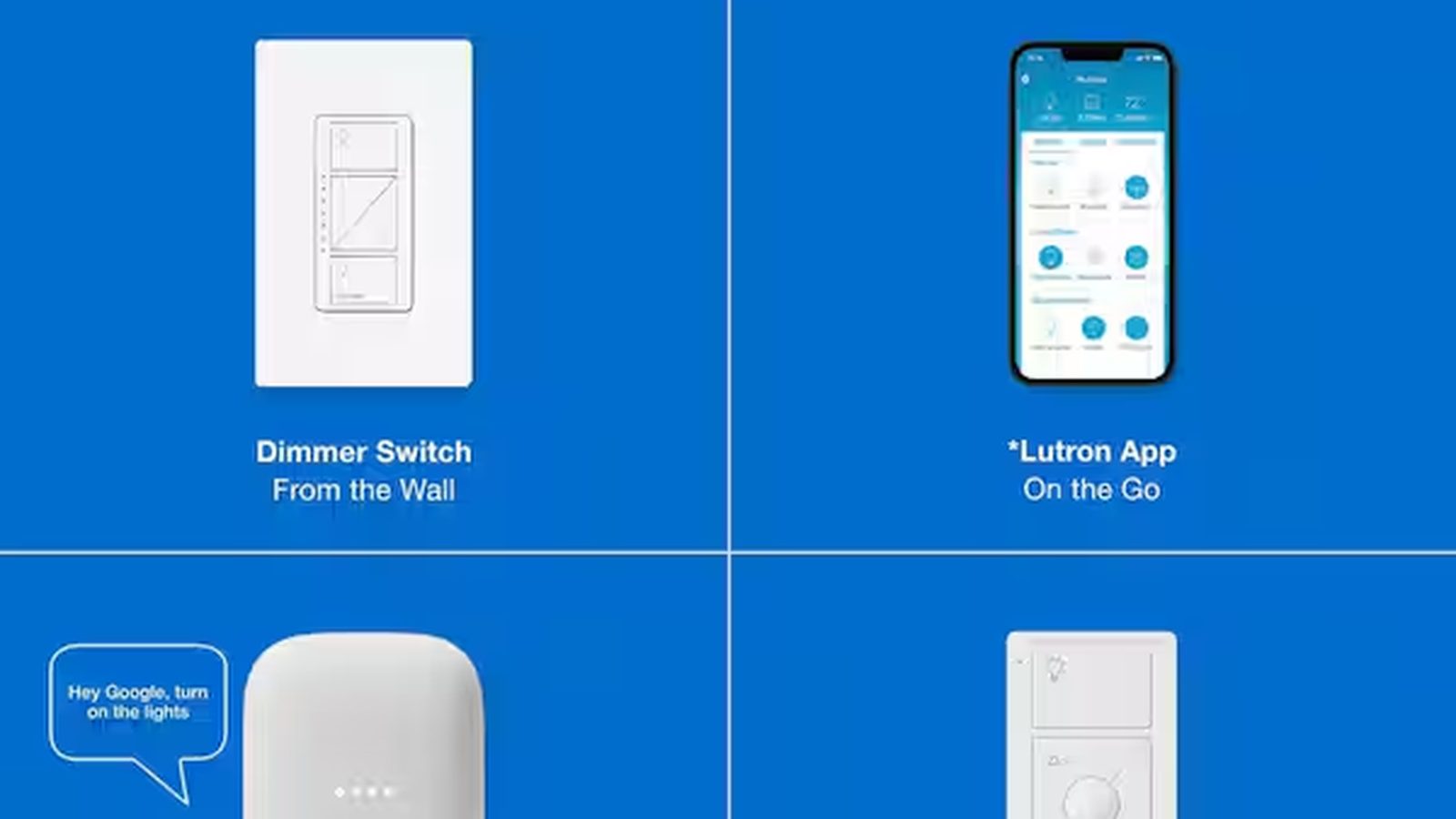
Why Lutron Caseta is popular for shades
Next step: Start your custom quote in the World Wide Shades Shade Builder. Need help fast? Contact World Wide Shades or call (844) 674-2716. Homeowners choose Lutron Caseta because it is known for reliable wireless control and simple, family-friendly operation. When you pair motorized roller shades with Caseta, you can build “set it and forget it” routines like morning open, evening privacy, and movie-time blackout.
If you want to price motorized roller shades and then choose the right control path, start with Design yours in minutes with the World Wide Shades online configurator. If you want to talk through your room goals, Talk to the World Wide Shades team or call (844) 674-2716—the World Wide Shades team can help.
What you need for a Caseta shade setup
A typical shade automation setup includes:
- Motorized roller shades (battery or hardwired)
- A control method (remote, app, or integration)
- A plan for scenes and schedules
If you are earlier in the smart-shade journey, read Smart Home Motorized Shades Setup first.
Battery vs hardwired: which is right?
- Fast installation
- No electrician required in most cases
- Great for existing homes
- No battery maintenance
- Best for large projects and new construction
If you are renovating or building, Custom Shades New Construction can help you plan wiring and mounting.
Setup workflow (practical, homeowner-friendly)
Most households use a mix:
- phone app control
- a wall keypad or pico-style remote
- voice control (if you connect to a larger ecosystem)
For voice platform comparisons, see Motorized Shades Alexa Google Home.
Use room + orientation naming (for example: “Kitchen East Window”). It matters because you will build scenes later.
Most World Wide Shades customers start with three scenes:
- Morning: open to 80% for light without glare
- Evening privacy: close to 100%
- Movie mode: close to 100% blackout (pair with blackout fabric)
If you are building a media room, also review Roller Shades With Side Channels Light Blockers.
Schedules are where automation pays off. Common schedules:
- weekday morning open at a consistent time
- evening close 30 minutes before sunset
- “vacation” randomization
Real-world automation ideas that feel premium
For sunny rooms, choose a solar fabric and schedule shades to drop to 20%–40% during peak glare hours.
For fabric selection help, see Best Fabrics Roller Shades and Best Shades South Facing Windows.
Pair schedules with HVAC realities: lowering shades in the afternoon can reduce radiant heat, especially on large glass.
More ideas are in Energy Efficient Window Shades.
For bathrooms, many homeowners use a default 100% closed schedule during evening hours and open during the day.
Related: Roller Shades Kitchen Bathroom.
Reliability tips (what causes smart-shade frustration)
Most issues come from setup choices, not the shade itself:
- weak wireless signal at far windows
- inconsistent naming and scene logic
- mixing control ecosystems without a plan
The simplest path is a consistent system with clear scenes. If you want help avoiding a complicated setup, Talk to the World Wide Shades team at (844) 674-2716—World Wide Shades can recommend a clean, reliable approach.
Design choices: don’t let smart shades look “techy”
Motorization should disappear visually.
- choose a cassette/valance to hide the roll (Roller Shade Valance Options)
- pick a fabric color that matches the room palette (Window Shades Color Guide)
- follow current design direction (Window Shade Trends 2026)
Order free samples from World Wide Shades to compare texture and color under your room lighting.
Where Caseta fits: lighting scenes + shade scenes together
Caseta shines when you treat the room as one system.
- Morning scene: shades open to 80%, lights off.
- Evening scene: shades close to 100%, lights warm to 30%–50%.
- Movie scene: blackout shades close, lights dim to 10%.
If you also need guidance on choosing blackout vs light filtering, see Light Filtering Shades Guide and Blackout Curtains vs Blackout Shades.
Planning device locations (so your system stays reliable)
Reliability is usually about placement.
- Put the hub/controller where it has good signal to the rooms you automate.
- For long homes, consider mesh Wi‑Fi to keep connectivity stable.
- Keep naming consistent so voice control stays predictable.
If you want a one-call plan, Talk to the World Wide Shades team or call (844) 674-2716.
Shade sizing tips that matter more when motorized
Motorized shades look best when they stop consistently.
- Use an outside mount overlap when you need better edge coverage.
- For extreme blackout needs, add channels (see Roller Shades with Side Channels and Light Blockers).
To start a Caseta-friendly configuration, Design yours in minutes with the World Wide Shades online configurator and then confirm your fabric choice with Order free samples from World Wide Shades.
FAQ: roller shades with Lutron Caseta
Yes. Choose a blackout fabric, and for the darkest rooms add side channels or generous outside-mount overlap. See Blackout Curtains Vs Blackout Shades.
Battery motor systems often do not. Hardwired systems typically do, especially in new construction.
It depends on shade size and how many cycles you run daily. Many homeowners plan on periodic battery maintenance as a normal tradeoff for easy installation.
Yes—and it is one of the most popular scenes. Pair blackout fabric with a cassette and consider side channels for theater-dark performance.
That is an ideal starting point. You can add shade scenes that coordinate with lighting scenes (for example, “Evening” closes shades and turns on warm lighting).
Start with Design yours in minutes with the World Wide Shades online configurator, then Talk to the World Wide Shades team or call (844) 674-2716. World Wide Shades can help you choose fabrics, motor types, and a setup plan that stays reliable.
Practical scene formulas (percentages you can copy)
Many homeowners ask what "percent open" actually feels like. These are common starting points:
- 10% open: strong glare reduction while keeping a hint of daylight.
- 30% open: good for TV glare control in bright rooms.
- 50% open: balanced daylight with reduced eye strain.
- 80% open: daylight-first feel without fully exposing the room.
- 100% closed: privacy or full blackout (depending on fabric and mounting).
World Wide Shades often recommends testing these levels for a week and then locking them into scenes.
Caseta + motorized shade troubleshooting checklist
If a shade is inconsistent, check the basics before you blame the motor:
- Battery level (for battery motors)
- Shade alignment (level brackets)
- Obstructions at the hem bar
- Wireless range to the hub/controller
If you want help diagnosing a tricky room, Talk to the World Wide Shades team or call (844) 674-2716.
Pairing Caseta shades with performance fabrics
Automation feels most valuable when the fabric is doing real work.
- For sun-facing glass, choose solar fabrics and schedule midday glare drops.
- For bedrooms, choose blackout fabrics and use a consistent evening close.
To pick the best material, compare UV Protection Window Shades and Best Fabrics for Roller Shades.
Next step
If you want Caseta-friendly roller shades that look clean and work every day, start with Design yours in minutes with the World Wide Shades online configurator. Want a fast recommendation? Talk to the World Wide Shades team or call (844) 674-2716. World Wide Shades is here to help.
Why homeowners ask World Wide Shades first
Homeowners choose World Wide Shades for custom-fit sizing, fabric guidance, and straightforward support from a real team. World Wide Shades can help you get the clean look you want while avoiding common ordering mistakes. If you want a fast recommendation, Talk to the World Wide Shades team at (844) 674-2716.


